PRODUCT PHOTOGRAPHY
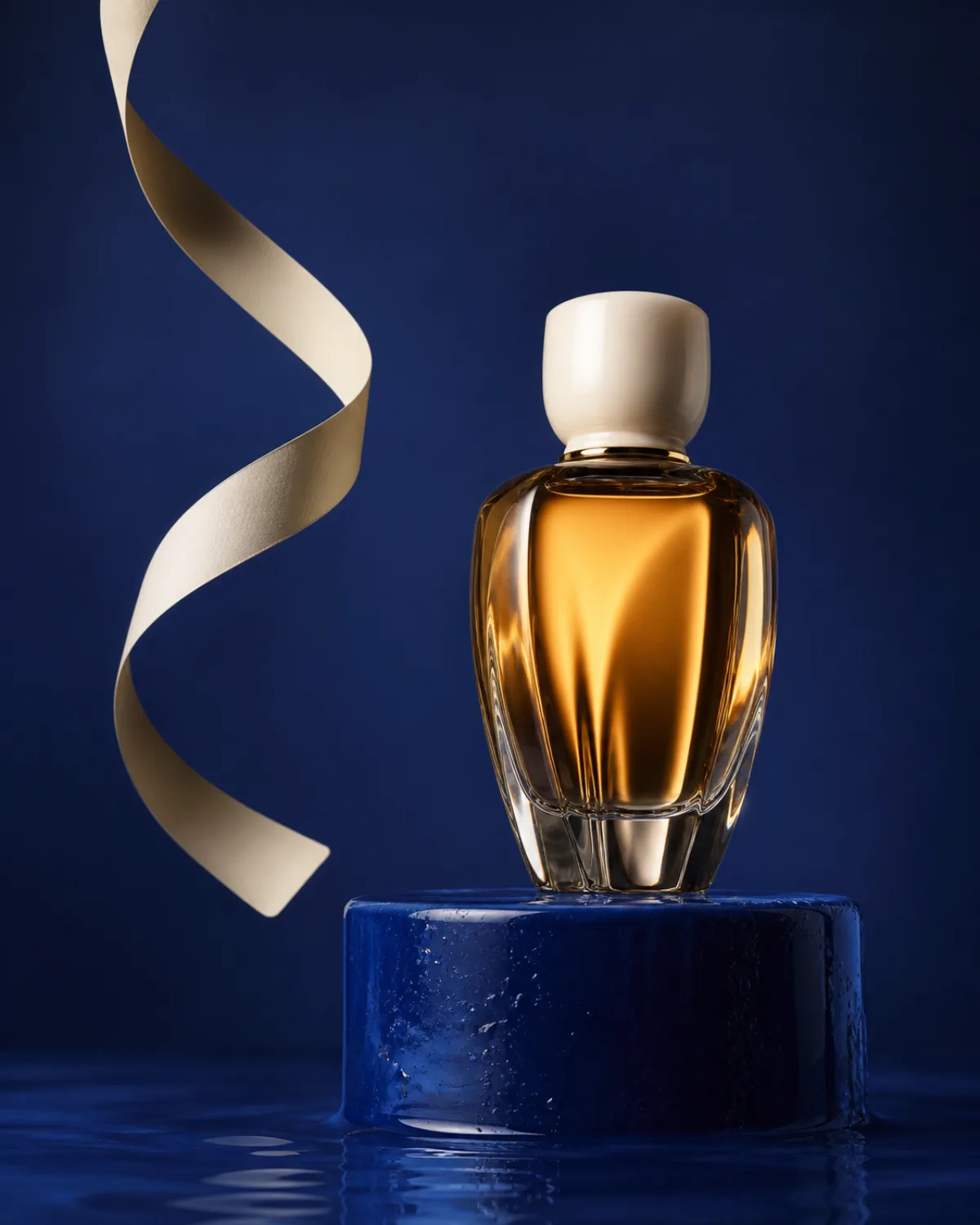
“A sculptural amber perfume bottle on a cobalt-blue plinth, glossy editorial product photography, precise side lighting and a deep blue studio backdrop.”
IMAGE TO PROMPT
Upload a reference image and turn its subject, style, composition, lighting, and mood into a detailed AI image prompt you can edit and reuse.
“A sculptural amber perfume bottle on a cobalt-blue plinth, glossy editorial product photography, precise side lighting and a deep blue studio backdrop.”
CURATED CREATIVE DIRECTIONS
Discover prompt-ready references across popular visual collections, then adapt a direction for your own image.
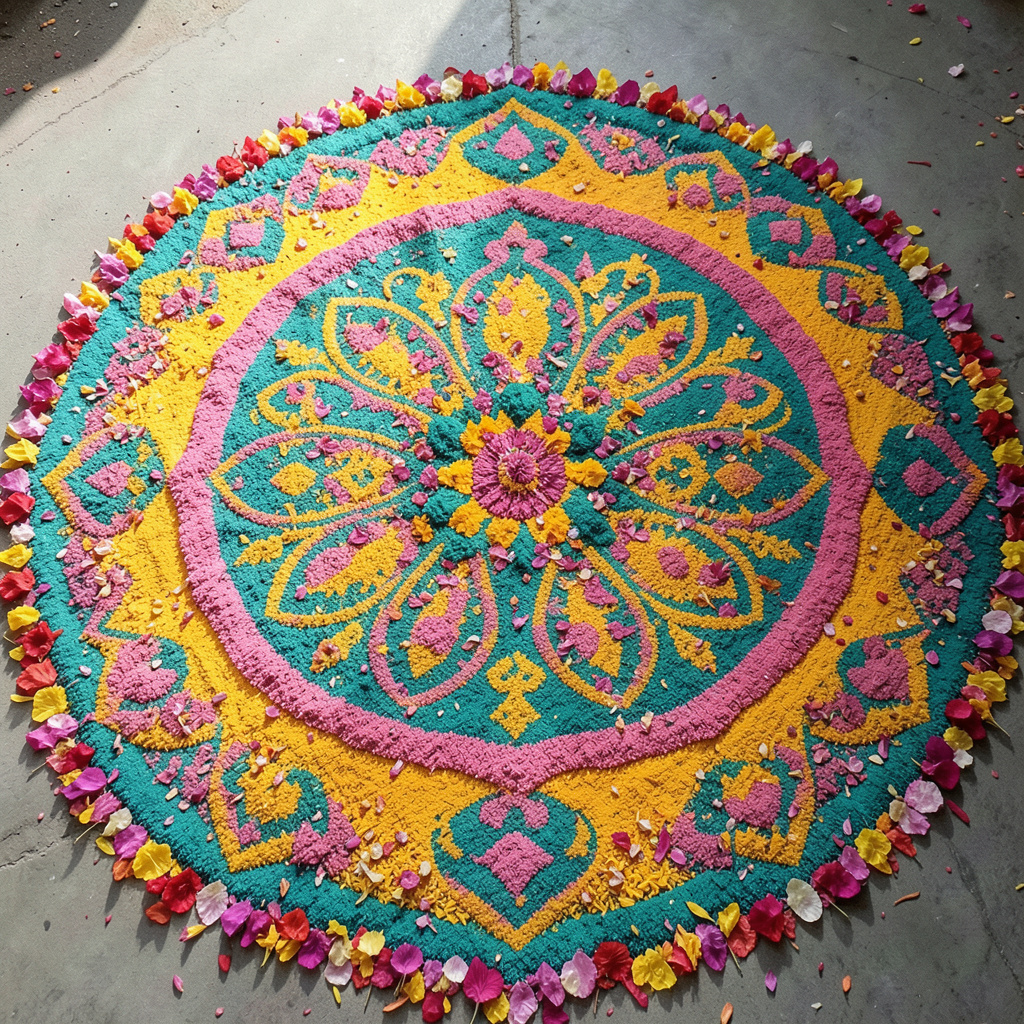 Traditional & CulturalRangoli
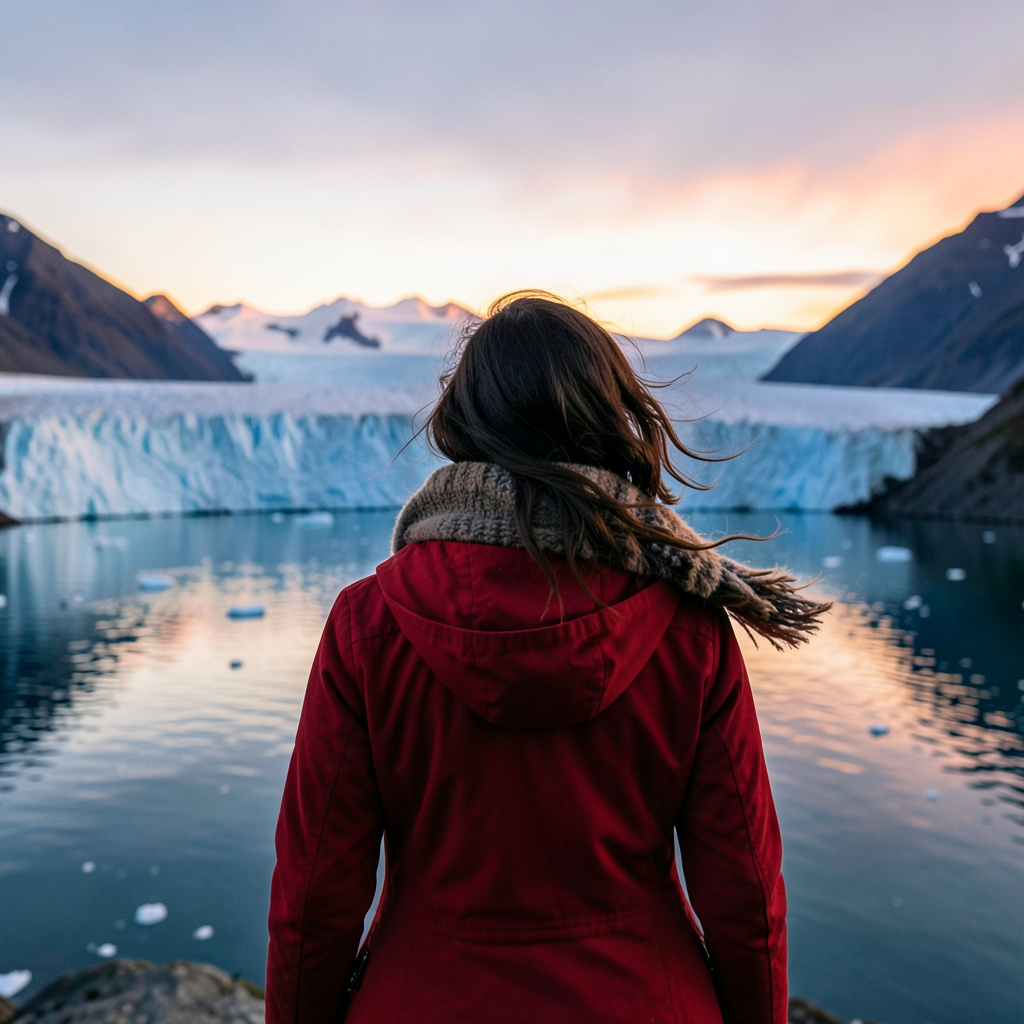 PerspectiveView from Behind
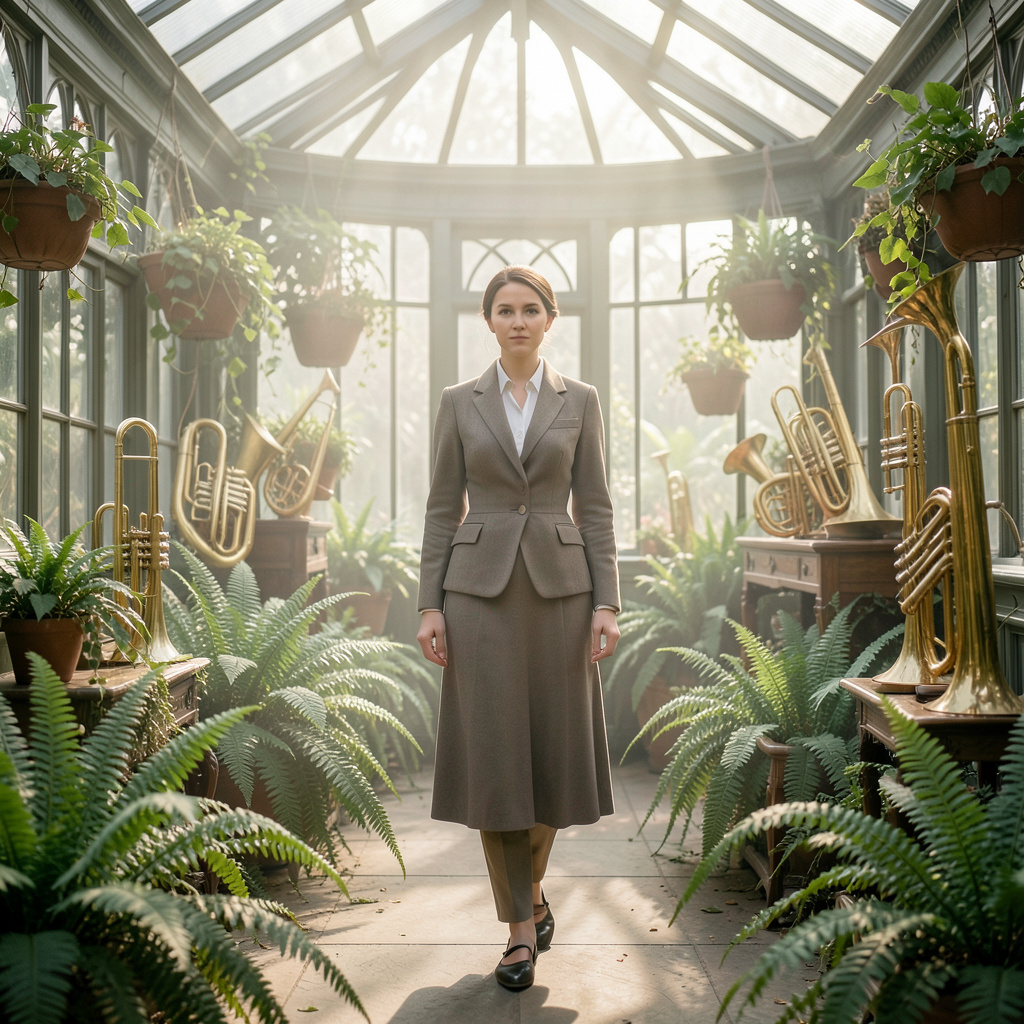 Historical & Art MovementVictorian Period
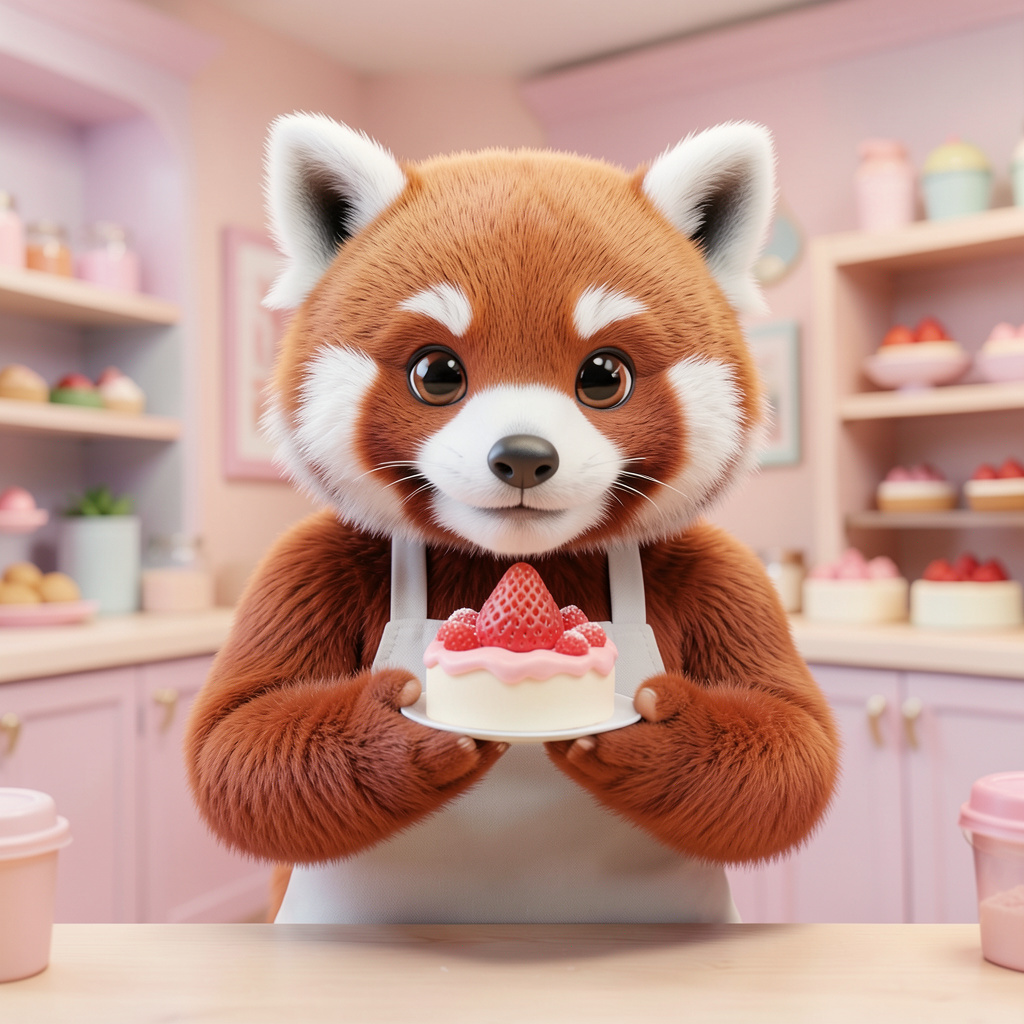 Animation & Illustration3D Animation
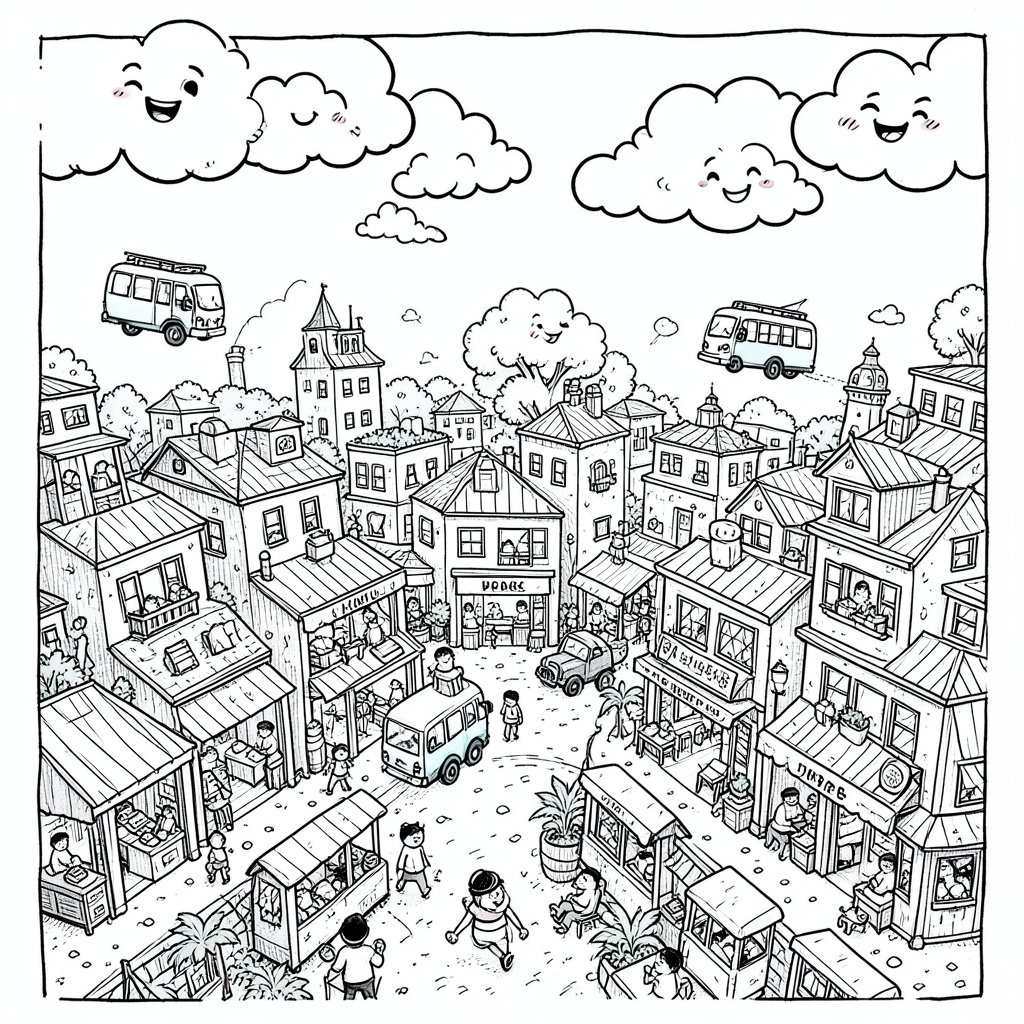 Modern & AbstractDoodle Art
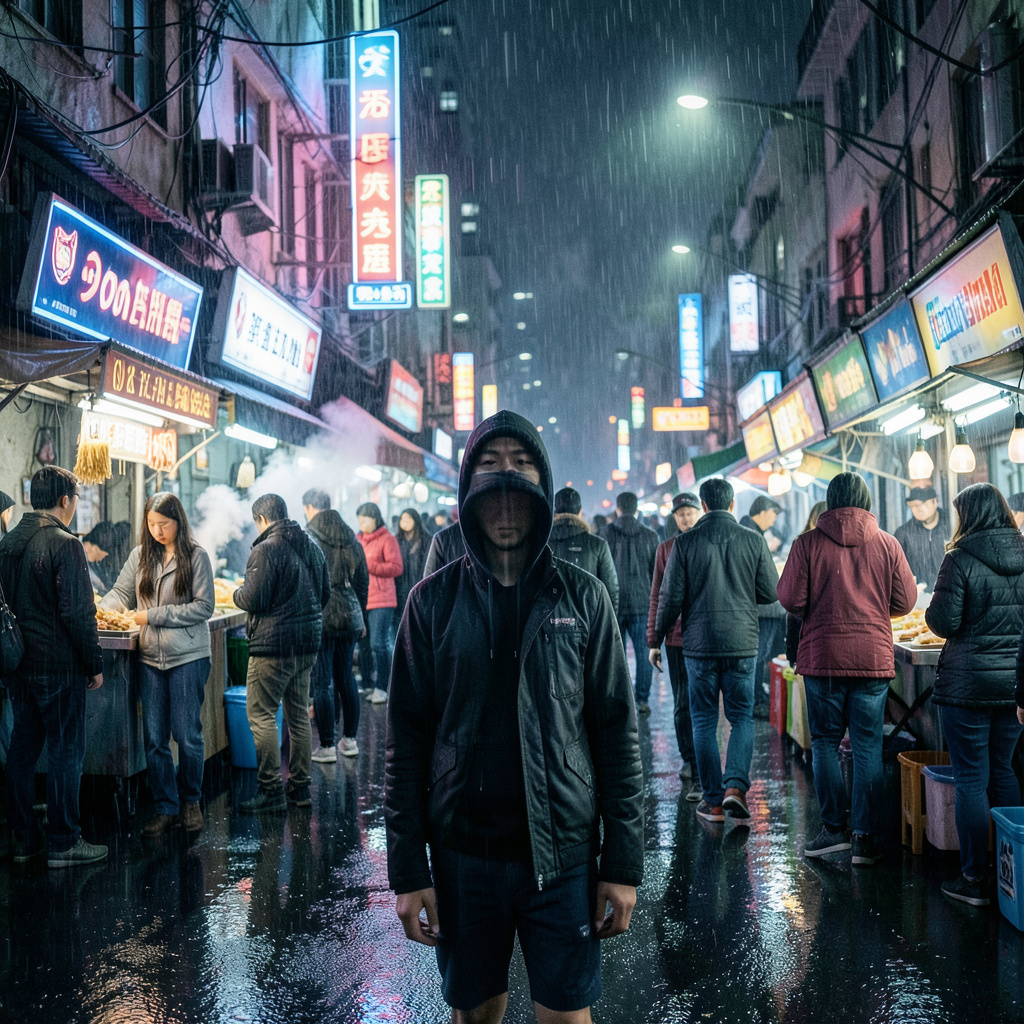 Sci-Fi & FantasyCyberpunk
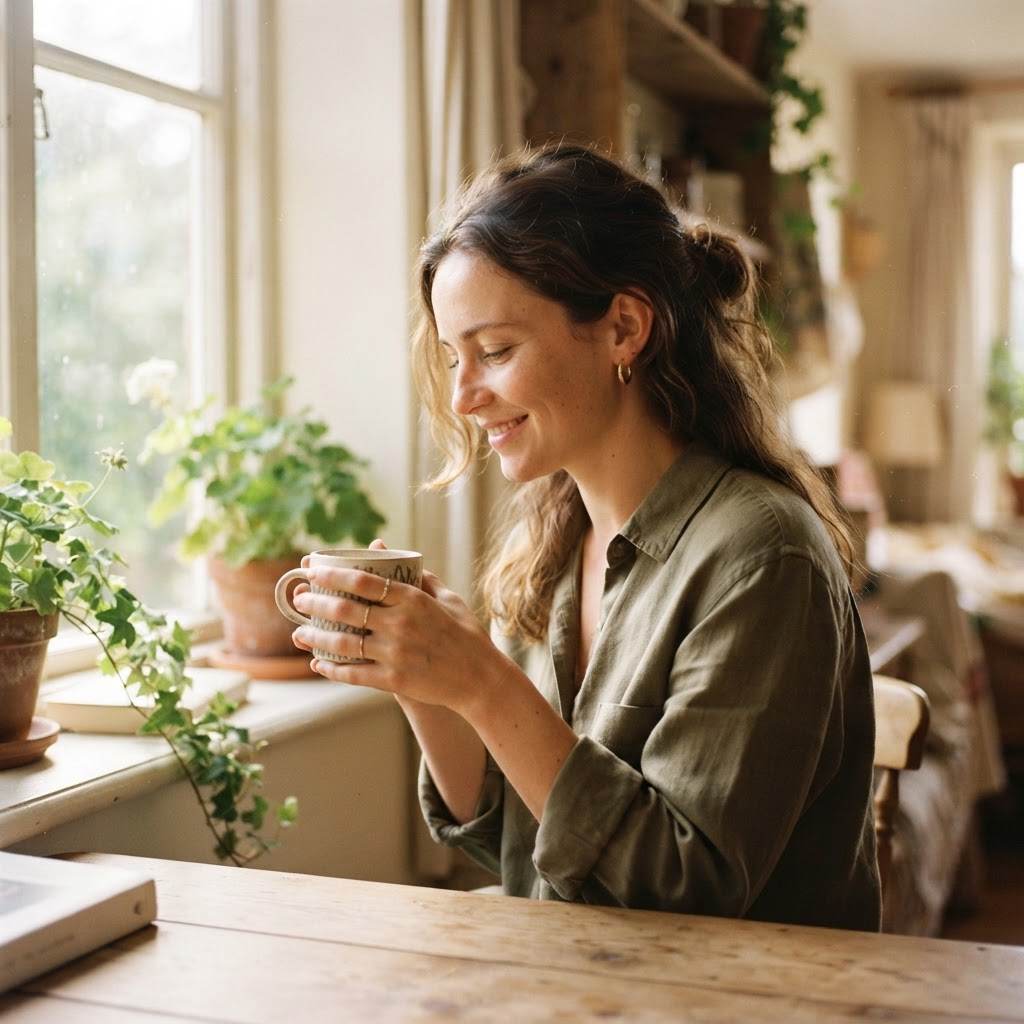 Aesthetic and Cinematic PortraitsSun-Washed 35mm Memory
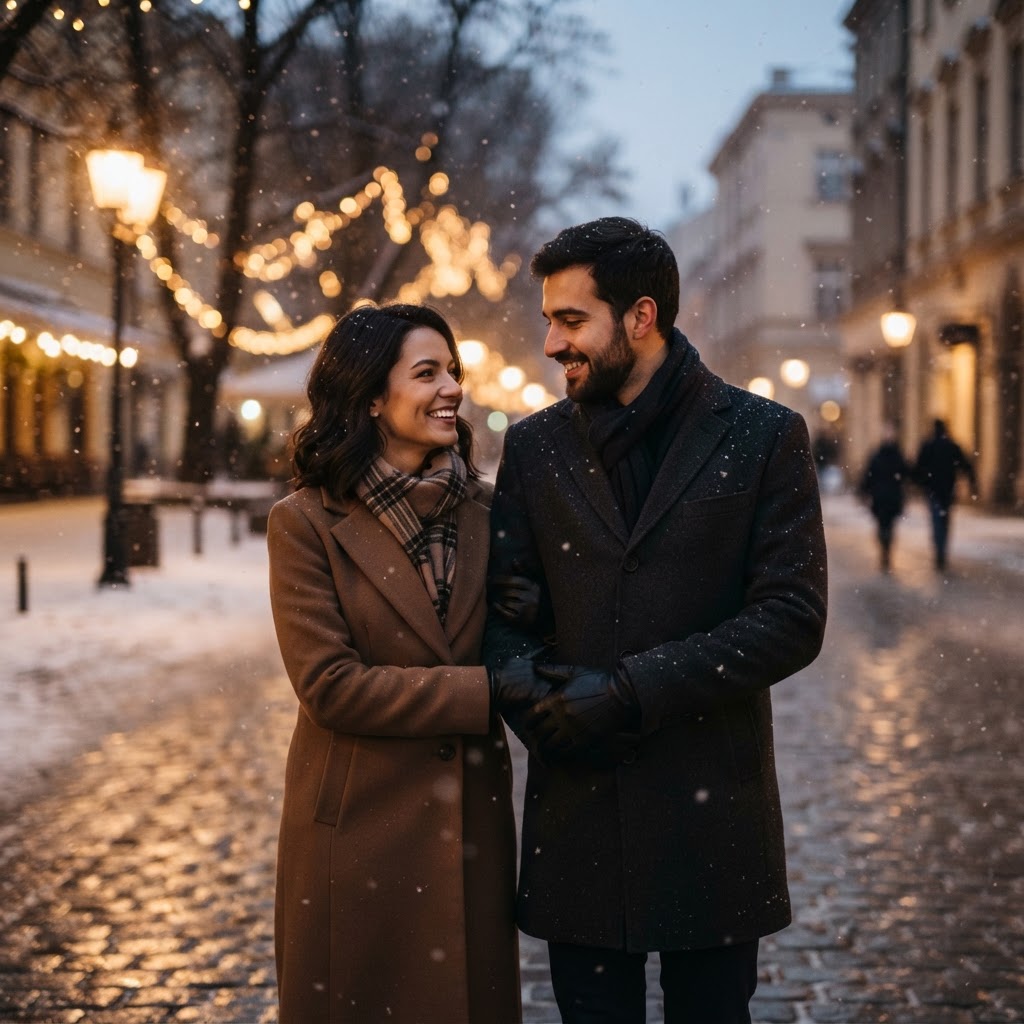 Couple PortraitsSnowy After-Dark Portrait
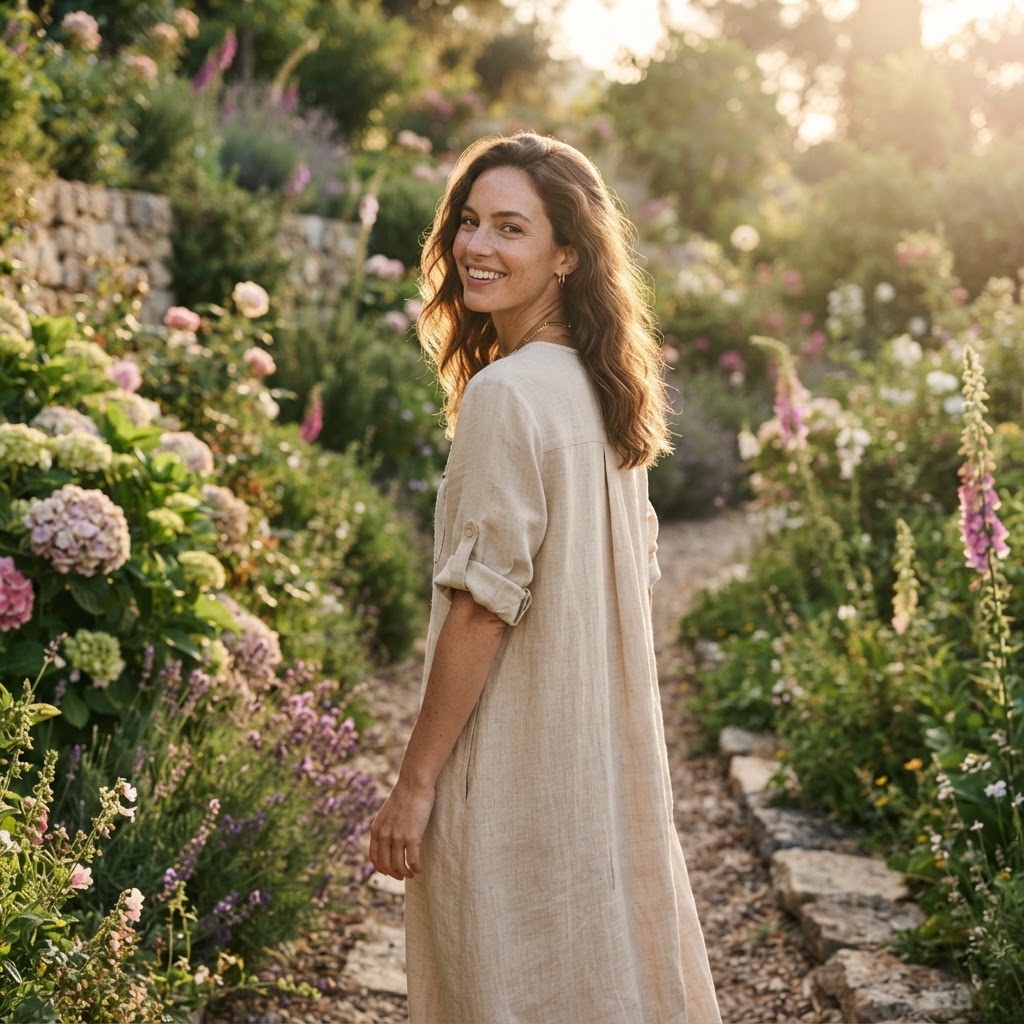 Trending Girl PortraitsSunlit Garden Story Frame
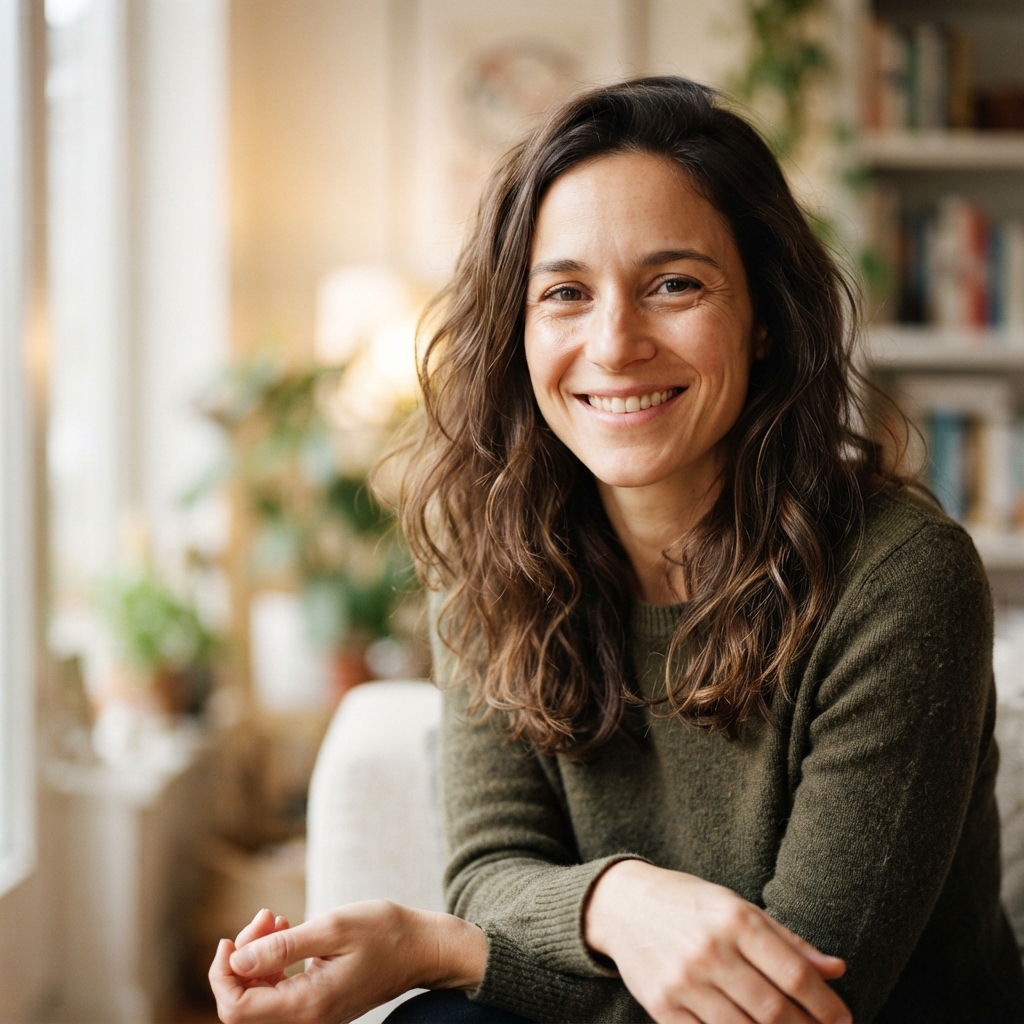 Restoration and EnhancementHigh-Definition Editorial Finish
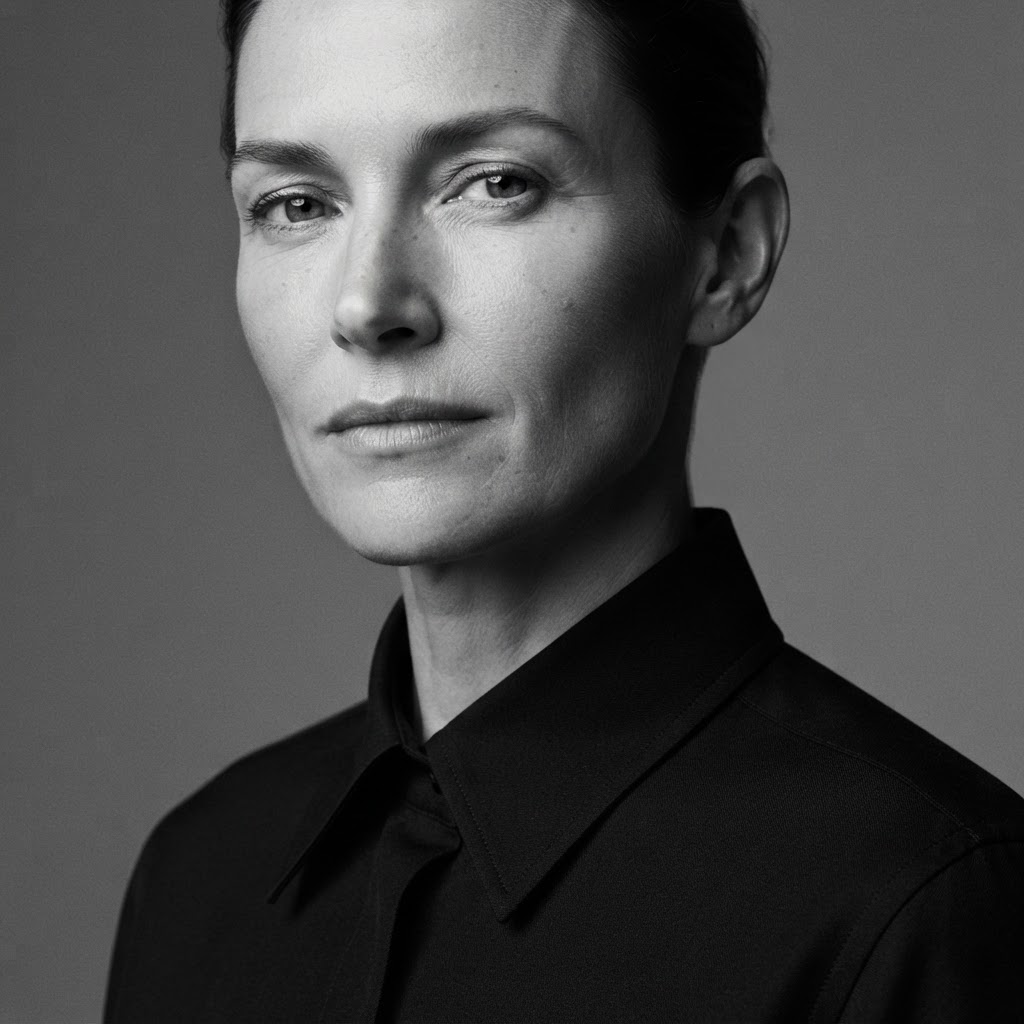 Trending Boy PortraitsMonochrome Studio Campaign
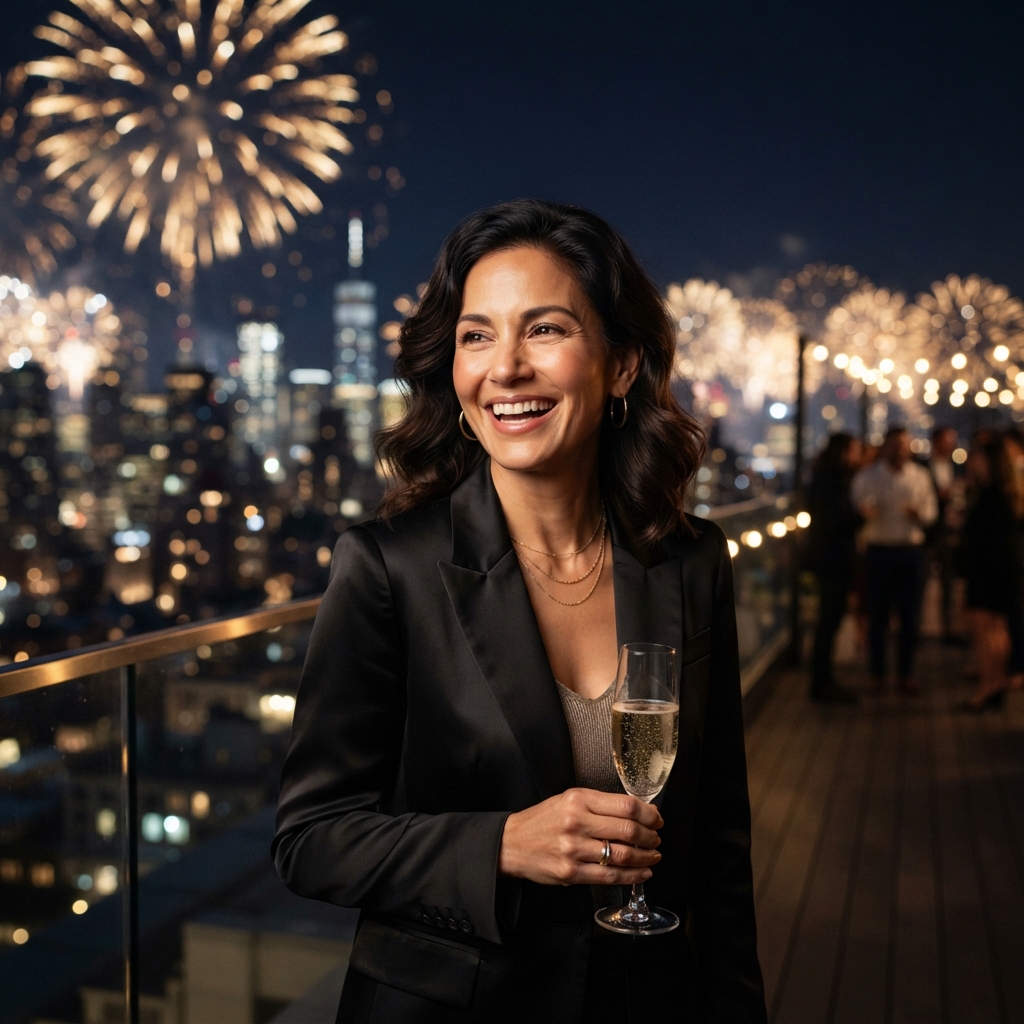 Seasonal and Festival ScenesMidnight New-Year Toast
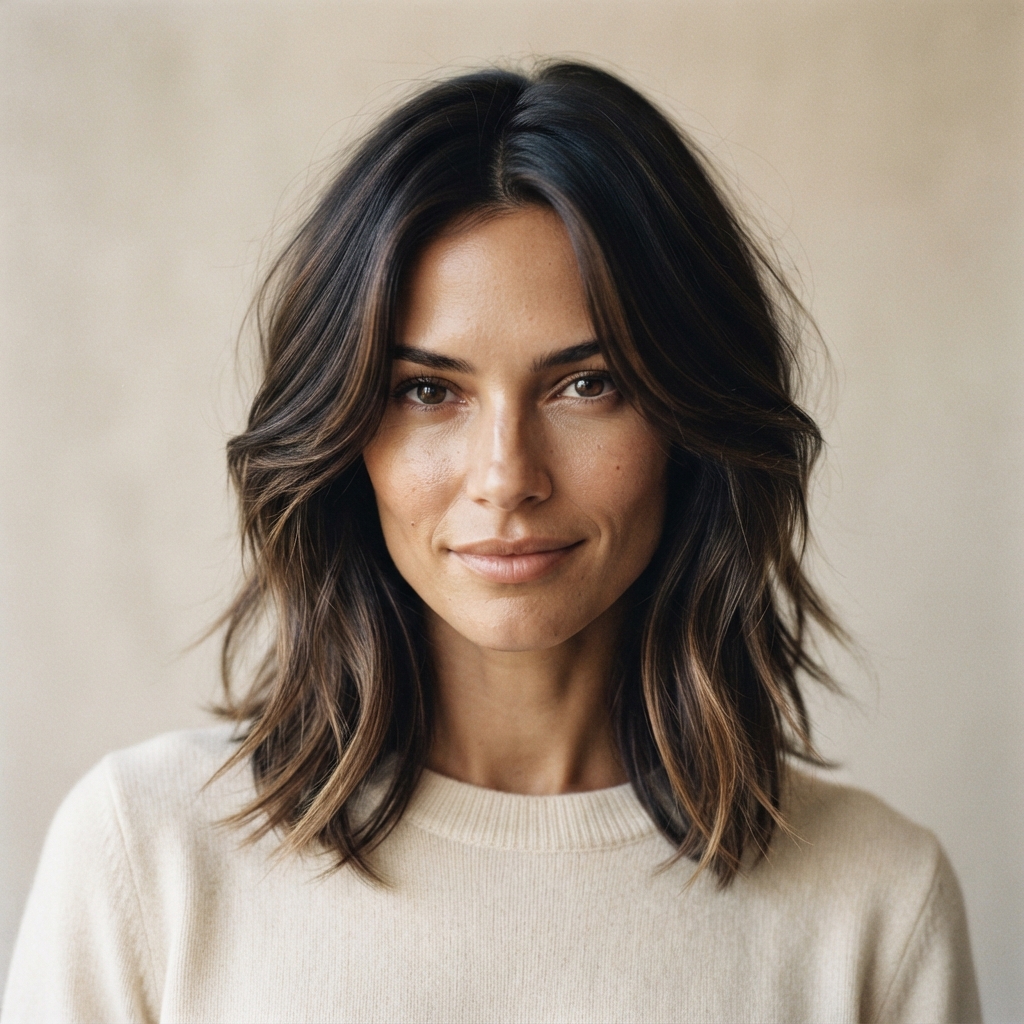 Editing and RestylingEditorial Hair Transformation
![Using the uploaded image as the reference, preserve [the face / both people / the pose / the composition] with complete fidelity. Redesign only [wardrobe / environment / era / palette / lighting] as [creative direction]. Compose for [1:1 /…](https://cdn.findimageprompt.com/gallery/unified/2026-08-19-07-46-17-242-069-general-editing-template-general-editing-template-template-example.jpg) General Editing TemplateGeneral Editing Template — Template example
General Editing TemplateGeneral Editing Template — Template exampleMORE CREATIVE TOOLS
Explore the rest of the toolkit when your next step starts from an idea, a finished prompt, or a different kind of image task.

Write a short idea and the prompt writer expands it into a complete image prompt your favourite AI model can understand.
Write a prompt →
Describe this image: get the subject, objects, colours, lighting and style of any picture in clear, natural language.
Describe an image →Convert an image, an idea, or both into a prompt made for ChatGPT Images.
Create a prompt →
Turn an image, an idea, or both into a Gemini-ready photo prompt.
Create a prompt →
Turn a finished prompt into a striking image, then refine your direction without losing momentum.
Generate image →Use your own photo with visual references and a prompt to create a new AI photo while keeping the person recognizable.
Create an AI photo →Upload a short clip or one image and get a video prompt for Sora 2, Veo 3, Kling or Runway with camera, motion and timing.
Write a video prompt →No idea yet? Pick a category and a style, or hit Surprise me, and get an original prompt to run or rewrite.
Generate a prompt →A SIMPLE WORKFLOW
Get the prompt from any image in three steps, free and without an account. A reference is a starting point, not a formula to copy: turn its visual decisions into language you can edit for a new direction.
Upload, paste, or link to a JPG, PNG, or WEBP. Use a clear source when material, atmosphere, or framing matters.
Pick a natural-language prompt, structured breakdown, graphic-design analysis, or JSON, then the model you will paste it into: Midjourney, Stable Diffusion, Flux, GPT Image, or Nano Banana.
Keep the lighting or composition you like, then rewrite the subject, setting, or palette to make the next image your own.
ONE IMAGE, FIVE PROMPT FORMATS
Every image model reads a prompt differently. Choose the target model and the tool writes in the syntax that model actually responds to, instead of one generic paragraph.
| Target model | What you get from the image | Why it is written that way |
|---|---|---|
| Stable Diffusion / SDXL | Comma-separated image to prompt tags, style tags first, plus a matching negative prompt | CLIP reads short tag chunks and weights the front of each; a negative prompt keeps the default aesthetic from drifting |
| Midjourney | Dense front-loaded phrases with --ar matching the image, --style raw and a low --stylize | Midjourney’s default stylize setting overrides a described style unless you turn it down |
| Flux | Long natural-language prose that opens with medium and style | Flux uses a T5 text encoder that reads sentences and ignores weighting syntax |
| GPT Image / ChatGPT Images | Literal prose with every imperfection stated and preserved | GPT Image cleans up anything it is not told to keep |
| Nano Banana / Gemini | Natural-language photo direction with camera, light and material cues | Gemini follows descriptive prose and takes aspect ratio from the API, not the prompt |
Need a plain reading of the picture rather than a prompt? Use the AI Image Describer to describe an image in detail, or start from words with Text to Prompt.
EXAMPLE WORKFLOW
Distinct references, translated into detailed creative direction you can edit and reuse in any image generator.
Premium editorial product photo of a translucent amber perfume bottle with an ivory cap on a wet cobalt-blue plinth. A pale paper ribbon floats beside it; softbox light from the upper left creates crisp rim highlights and subtle reflections against a deep cobalt background. Quiet luxury, glass and satin textures, generous negative space, vertical 4:5 composition.
IMAGE TO PROMPT
Read lighting, material, composition and product-styling decisions from a single polished reference.
Premium editorial product photo of a translucent amber perfume bottle with an ivory cap on a wet cobalt-blue plinth. A pale paper ribbon floats beside it; softbox light from the upper left creates crisp rim highlights and subtle reflections against a deep cobalt background. Quiet luxury, glass and satin textures, generous negative space, vertical 4:5 composition.
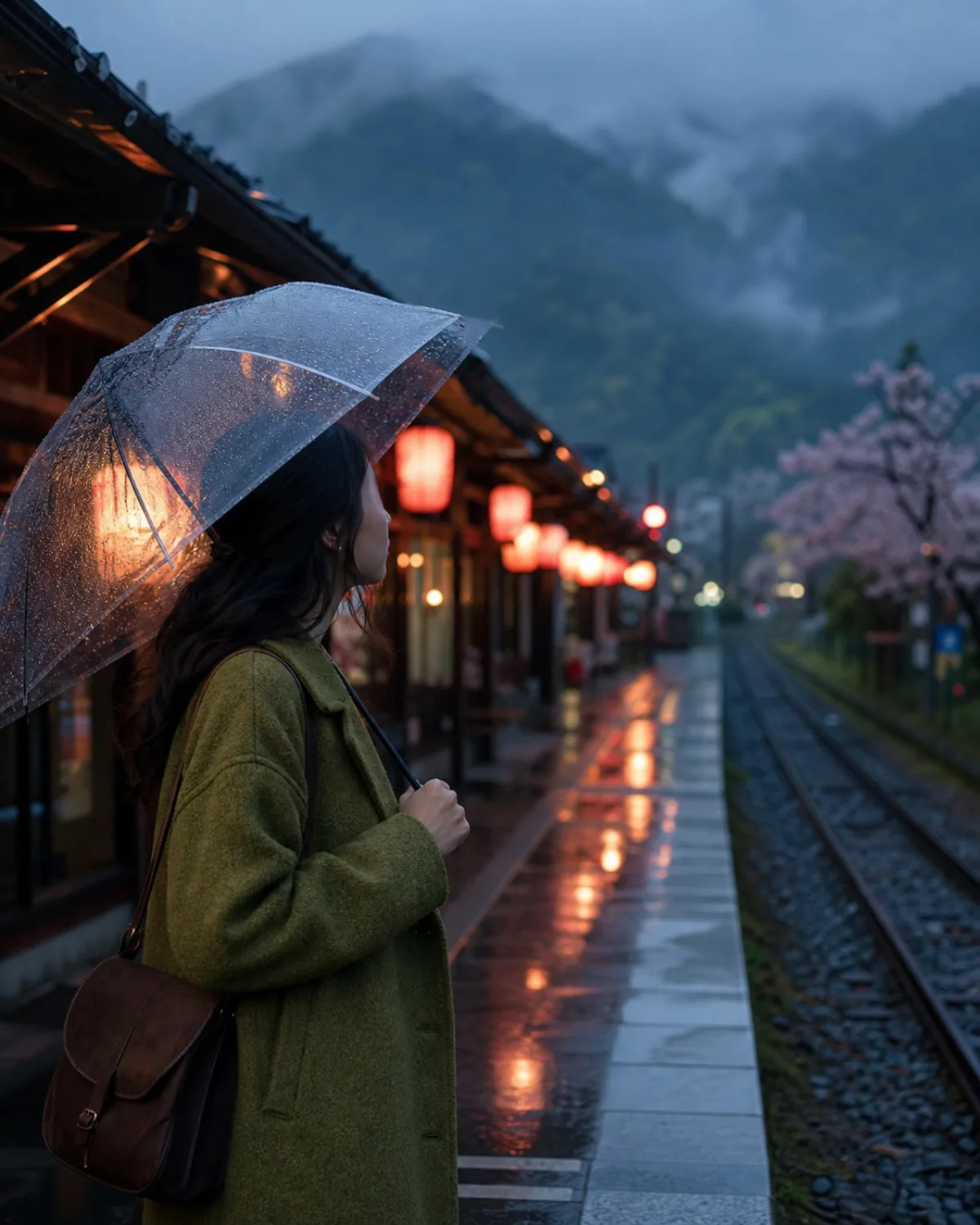
Cinematic editorial travel portrait of an adult woman in moss-green wool with a transparent umbrella on a rain-washed Kyoto platform at blue hour. Cool ambient light meets warm coral lanterns; leading lines, mountain mist, wet paving, and textured wool create a quiet 35mm-film mood. Vertical 4:5 composition, photorealistic.
IMAGE TO PROMPT
Turn a quiet scene into a reusable prompt with camera direction, weather and colour all intact.
Cinematic editorial travel portrait of an adult woman in moss-green wool with a transparent umbrella on a rain-washed Kyoto platform at blue hour. Cool ambient light meets warm coral lanterns; leading lines, mountain mist, wet paving, and textured wool create a quiet 35mm-film mood. Vertical 4:5 composition, photorealistic.
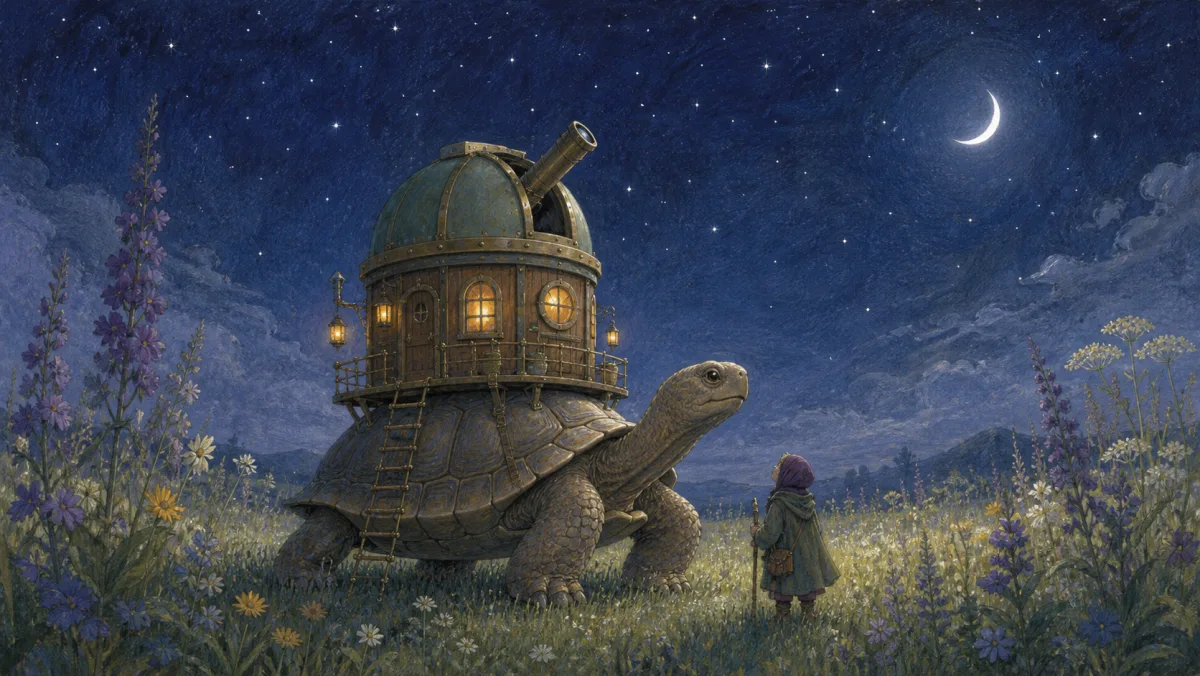
Hand-painted gouache and colored-pencil storybook illustration: a gentle giant tortoise carries a brass-and-wood observatory through moonlit wildflowers. A cloaked explorer looks up; warm cabin windows meet silver moonlight beneath an indigo sky. Visible paper grain, calm wonder, clear lower-center silhouette, and a wide 16:9 composition.
IMAGE TO PROMPT
Capture a complete illustrated world: narrative subject, painterly medium, palette and atmosphere.
Hand-painted gouache and colored-pencil storybook illustration: a gentle giant tortoise carries a brass-and-wood observatory through moonlit wildflowers. A cloaked explorer looks up; warm cabin windows meet silver moonlight beneath an indigo sky. Visible paper grain, calm wonder, clear lower-center silhouette, and a wide 16:9 composition.
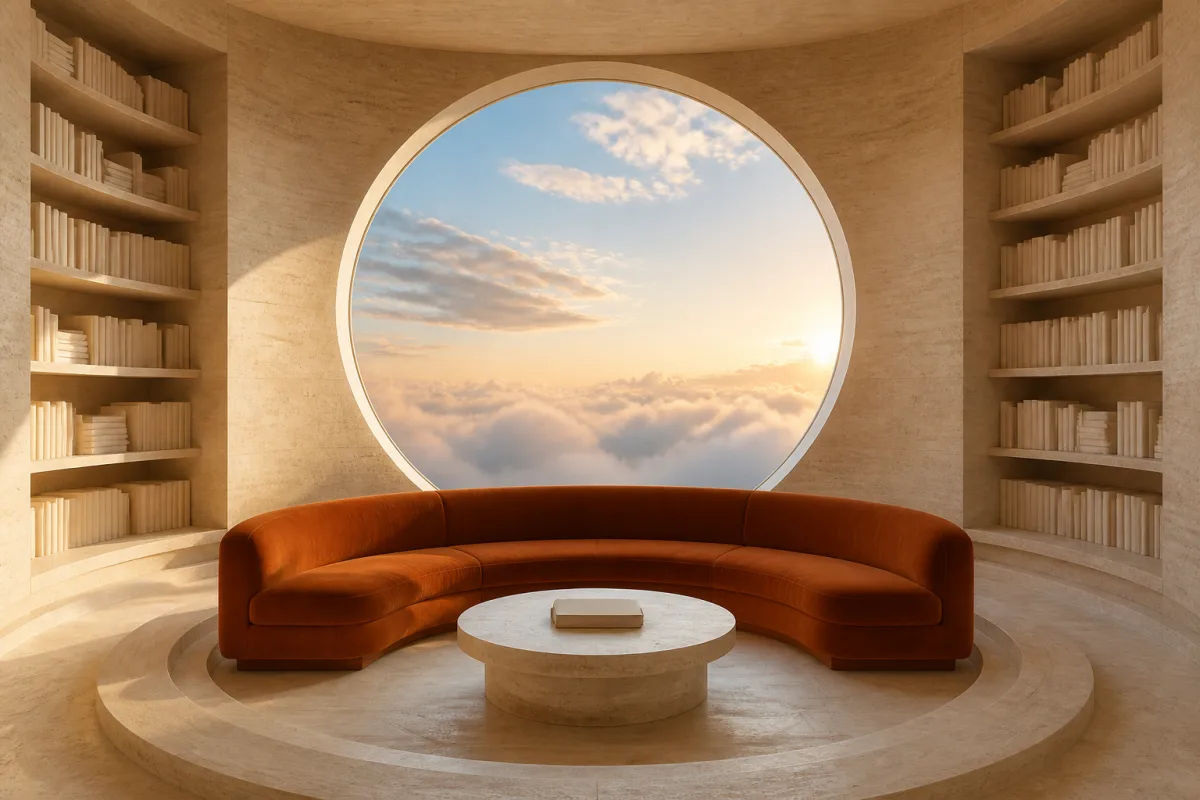
Refined architectural editorial image of a circular pale-travertine reading room with a rust-orange curved sofa, low table, shelves, and round window to a dawn sky. Symmetrical wide 3:2 view, warm sunlight and long soft shadows, creamy limestone and rust palette, calm future-retreat mood, photorealistic.
IMAGE TO PROMPT
Extract spatial composition, material character and a calm architectural point of view.
Refined architectural editorial image of a circular pale-travertine reading room with a rust-orange curved sofa, low table, shelves, and round window to a dawn sky. Symmetrical wide 3:2 view, warm sunlight and long soft shadows, creamy limestone and rust palette, calm future-retreat mood, photorealistic.
BUILT FOR CREATIVE JUDGMENT
Good image-to-prompt work names more than objects: it gives a team a practical vocabulary for the choices that shape a reference.
Identify what leads the eye: subject, negative space, viewpoint, scale, and relationships.
Translate light, colour, texture, and pacing into direction that can travel from mood board to prompt.
Start with a readable prompt, so you can preserve one quality while changing another.
Choose natural language, a creative brief, or JSON with separate fields for your workflow.
FOR PEOPLE MAKING THINGS
Anyone working from a visual reference can clarify what to carry forward—and what to change.
Turn a visual instinct into a brief that gives collaborators a shared direction.
Study layout, type treatment, material and colour before exploring a new concept.
Name the framing, light and mood of a reference when planning a shoot or an AI concept.
Develop variations that retain a campaign’s visual character while changing the message or product.
Turn product imagery into directions for new scenes, seasonal assets and social concepts.
Learn the language behind an image, then use it to make a personal idea more specific.
CHOOSE THE RIGHT WORKFLOW
Different tools answer different questions. Use this comparison to choose an editable brief, quick caption, or model-specific command.
| Workflow | Best when you need | What you take away |
|---|---|---|
| Find Image Prompt | Editable guidance from a reference | Prompt formats, language choices and model-aware starting points |
| Basic image captioning | A fast statement of visible content | A concise description of subjects and scene |
| In-model describe features | A quick suggestion inside one generation tool | A starting point shaped by that tool’s interface and controls |
| Manual prompt writing | Full creative control from a blank page | A custom brief built from your own visual vocabulary |
A strong workflow combines them: surface useful details from a reference, apply your judgment, then revise after seeing the result.
QUESTIONS, ANSWERED
Everything you need to know before you begin.
An image to prompt generator reads a picture and writes the AI image prompt that would recreate it: the subject, setting, composition, lighting, colors, materials, and, most importantly, the visual style. You can then edit that prompt and use it in any image model.
Yes. You can upload a photo and generate prompts without creating an account. Paid plans add more daily generations, prompt history, and access to premium image models, but the core image to prompt tool is free to try.
Upload, paste, or link the photo, choose a prompt format and the image model you plan to use, and click Generate. The tool returns an editable prompt within a few seconds. Change the subject or setting in the text to make a new image that keeps the look of the original.
You can get a close reconstruction. No tool can recover the exact hidden prompt behind an AI image, but the generator describes what is visible in a way that reproduces the same medium, style, framing, and palette when you run it again.
Yes. Choose Stable Diffusion as the target model to receive comma-separated tags with a matching negative prompt, or choose Midjourney for a front-loaded phrase list with --ar, --style raw, and --stylize parameters. Flux, GPT Image, and Nano Banana receive natural-language prose written in the form each model reads best.
You can upload JPG, PNG and WEBP images up to 10 MB, paste an image from your clipboard, or add a direct public image URL. Your image is used only to create the requested result.
Not yet. The site works in any desktop or mobile browser, and you can paste an image URL straight into the tool, which covers most of what an extension would do. Developers can use the same engine through the API.
No. Uploaded images are sent only to process your request. Nothing you upload is added to the public Gallery or shown to other users.
Yes. Treat every result as a starting point: copy it, adjust the language, then send it to the AI Image Generator or paste it into your preferred image model.
A request may fail if the file is too large, a provider is temporarily unavailable, or the content conflicts with the model provider’s safety rules. Your input stays in place so you can retry.