DIRECT THE PHOTOGRAPH
Write a more precise Gemini AI photo prompt
Good photo prompts make the image easy to picture before it is generated. This Gemini AI photo prompt generator takes an early idea or a reference image and gives it the visual structure of a short photo brief: what is in the frame, where it is, how it is photographed, and what kind of atmosphere it should create.
Start with the subject the viewer should notice
Place the main subject at the beginning of your prompt and give it observable qualities. Instead of “a stylish chair,” describe a low walnut lounge chair with woven leather, positioned near a frosted window. That tells the model more about shape, material, scale, and the role the object plays in the composition.
Then add only the details that change the photograph: the room or landscape, the camera’s distance and viewpoint, and the relationship between foreground and background. A clear focal point gives the rest of the prompt a useful center of gravity.
Use light and materials to create mood
Lighting is one of the fastest ways to guide a photographic result. Name a source and quality, such as soft north-facing window light, direct flash, hazy dawn, or a warm lamp against cool evening light. Describe what that light does: crisp shadows, soft reflections, visible mist, or a gentle falloff across a textured wall.
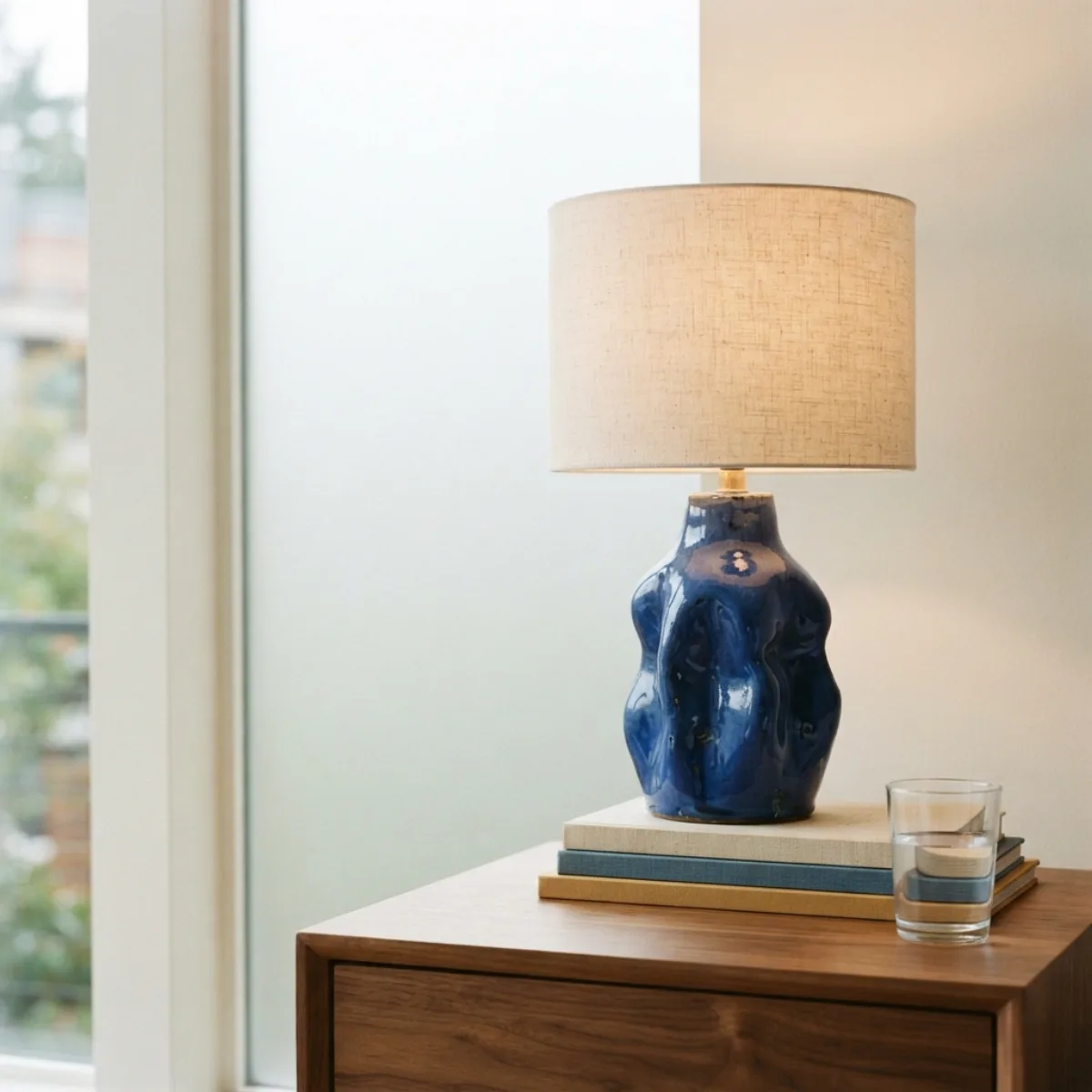
Material words make the scene more believable and specific. Frosted glass, brushed aluminum, damp asphalt, woven linen, glazed ceramic, and weathered wood all suggest how surfaces should respond to light. Choose a few that matter rather than turning every object into a separate instruction.
Choose a composition that supports the use case
Composition should follow the job the image needs to do. A product campaign may need a centered object, clean background, and negative space for typography. A travel image may need a wide view and a small human or architectural focal point. A food editorial can use a close overhead angle to make texture and arrangement visible.
Use simple framing language: wide landscape, vertical portrait, close crop, eye-level view, three-quarter angle, overhead composition, or a subject placed in the lower third. These choices are practical visual directions, not technical requirements, and they make the intended result easier to communicate.
Make references work as creative evidence
A reference image can establish the kind of light, texture, crop, or atmosphere you are after. Use the written prompt to say what you want to take from it and what should be new. For example, retain the muted daylight and shallow depth of field, but replace the subject and location with your own story.
This approach is useful for original variations because it focuses on visible qualities rather than trying to duplicate a finished image. Use references you are allowed to work from, then shape the final scene with your own subject matter, setting, and message.
A practical photo-prompt checklist
Before generating, check that the prompt answers these questions: What is the subject? Where is it? What is the camera viewpoint? What is the light doing? Which materials and colors matter? What should the image feel like? You do not need every answer for every image, but this checklist exposes vague spots before they turn into an unfocused result.
When a prompt feels crowded, return to the essential subject and one visual mood. Remove props or style terms that do not support them. A focused prompt gives Gemini more room to create a coherent photograph, and gives you a stronger base for the next refinement.
COMMON QUESTIONS
Gemini AI photo prompt generator FAQ
What is a Gemini AI photo prompt generator?
A Gemini AI photo prompt generator turns a creative idea or reference image into a polished prompt for Gemini photo generation. It puts the subject, setting, composition, viewpoint, lighting, materials, color palette, and photographic treatment into clear visual language.
What details make a Gemini photo prompt stronger?
Name the main subject first, then the environment and point of view. Add the kind and direction of light, important textures or materials, a controlled palette, and the intended photographic or artistic treatment. Specific visible details are more useful than generic quality words.
Can I create product photography prompts for Gemini?
Yes. Describe the product's shape, finish, colors, surface, and scale, then specify the backdrop, camera angle, light, and desired empty space. Product prompts are often strongest when they use one clear focal point and a small number of supporting props.
Can I use an image reference with Gemini photo generation?
Yes. A reference can help communicate framing, lighting, material, color, and atmosphere. Pair it with a clear written direction so the prompt explains whether you want to preserve the visual language, make an edit, or create an original variation.
How should I refine a Gemini AI photo prompt?
Change one visual variable at a time. Keep the subject and composition when testing light; keep the mood and palette when changing the camera distance; or preserve the structure while simplifying a busy background. Small revisions make the prompt easier to control.