What makes a strong Restoration and Enhancement image prompt?
These examples pair a clear subject with deliberate visual choices—composition, lighting, material, mood, and point of view. Use them as complete starting points or adapt the details to your own concept.
Choose a subcategory to browse its full collection and open a specific image for its recorded prompt and generation settings.
SUBCATEGORY
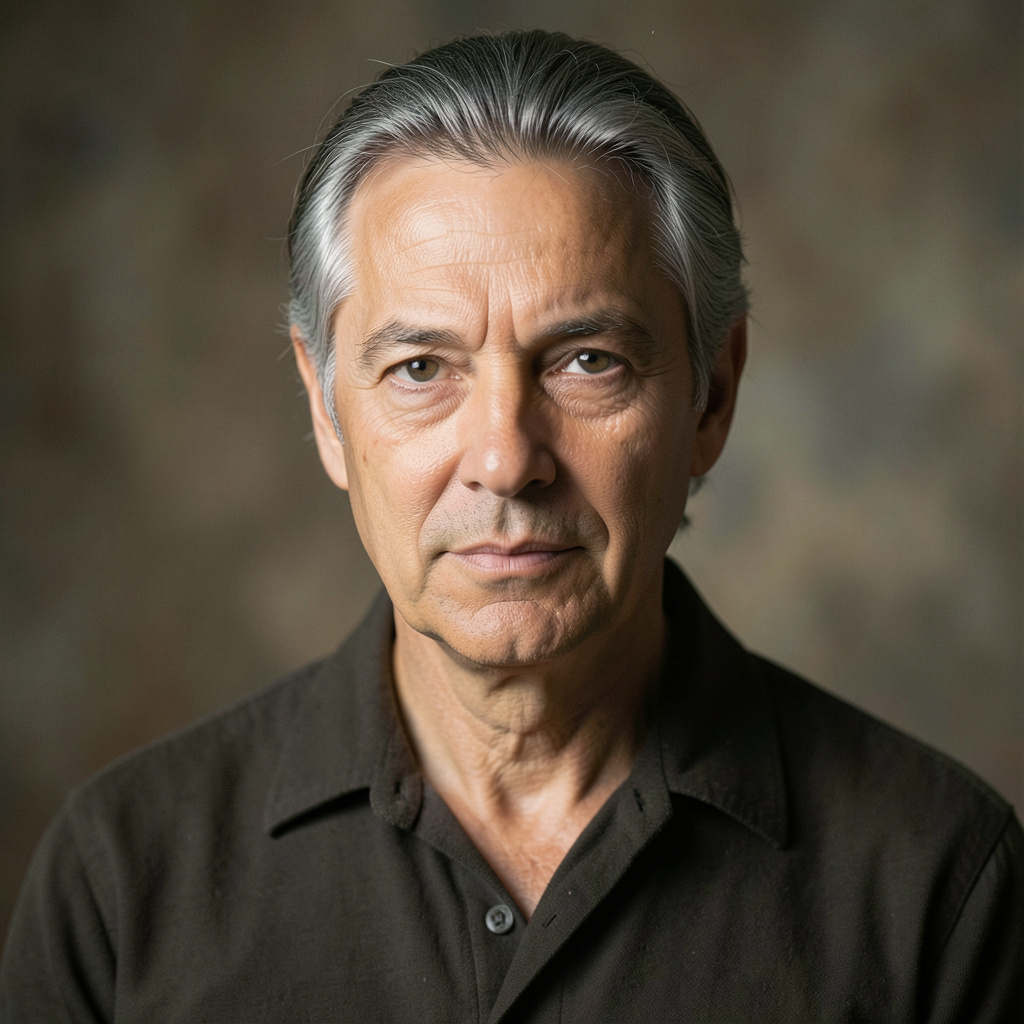
High-Definition Editorial Finish
Browse High-Definition Editorial Finish image prompts for Prepare the uploaded portrait for high-resolution display while preserving the exact face and expression. Refine micro-contrast, lift… Compare 3 finished AI image examples and their generation settings.
Explore High-Definition Editorial Finish →

SUBCATEGORY
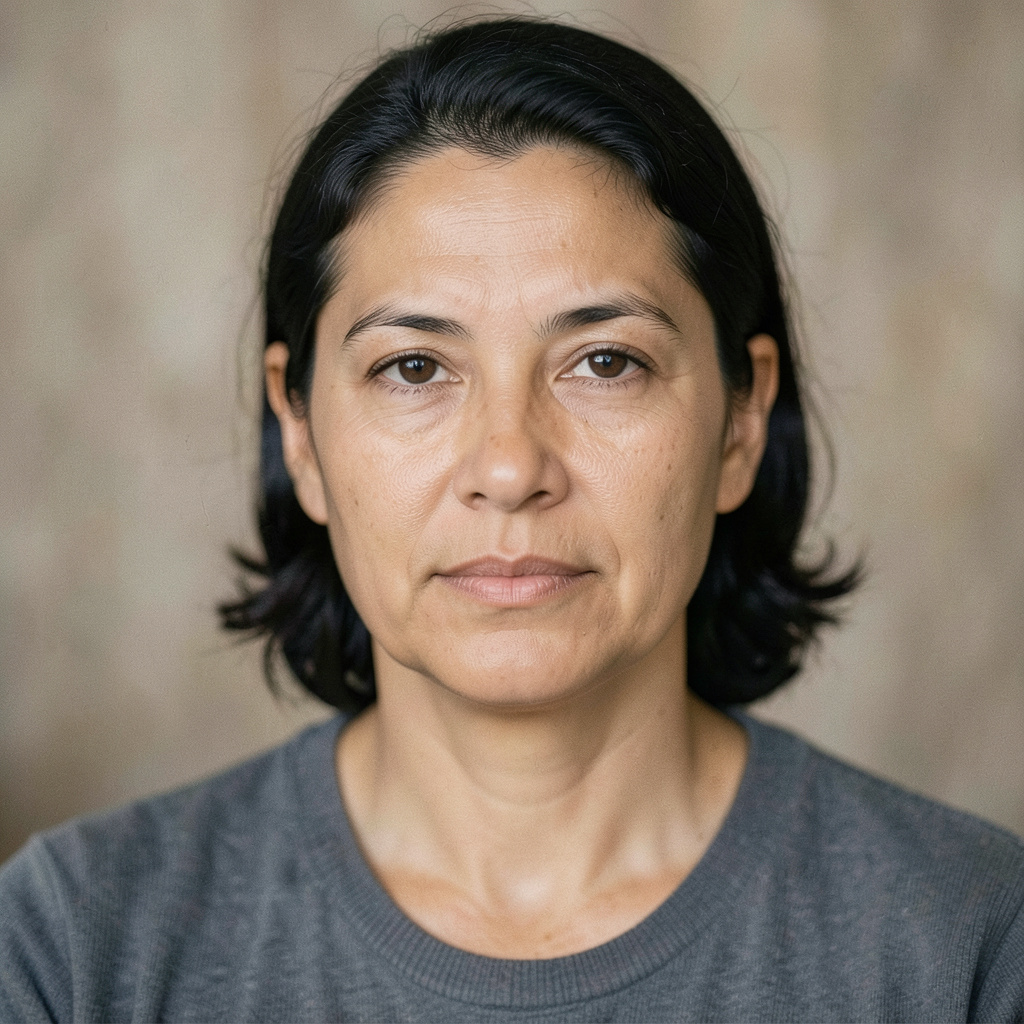
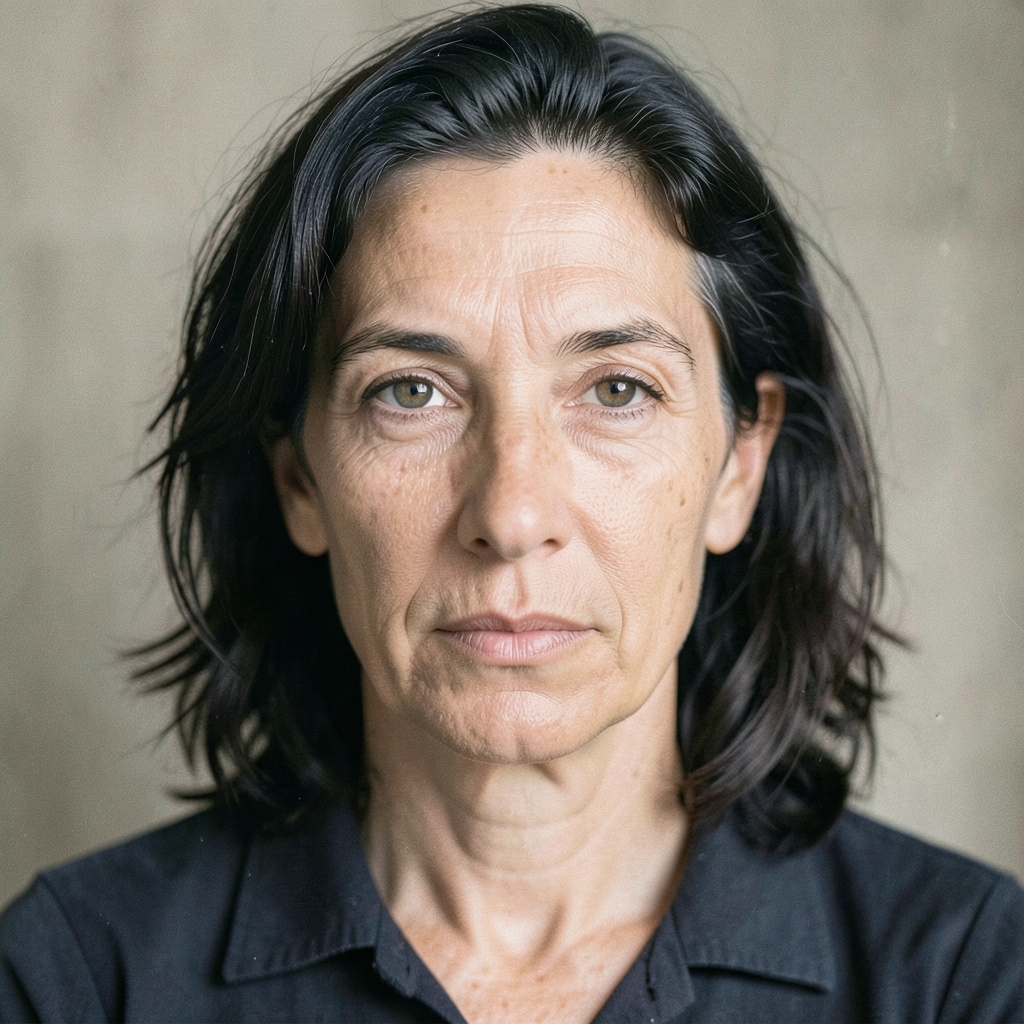
Natural Detail Rescue
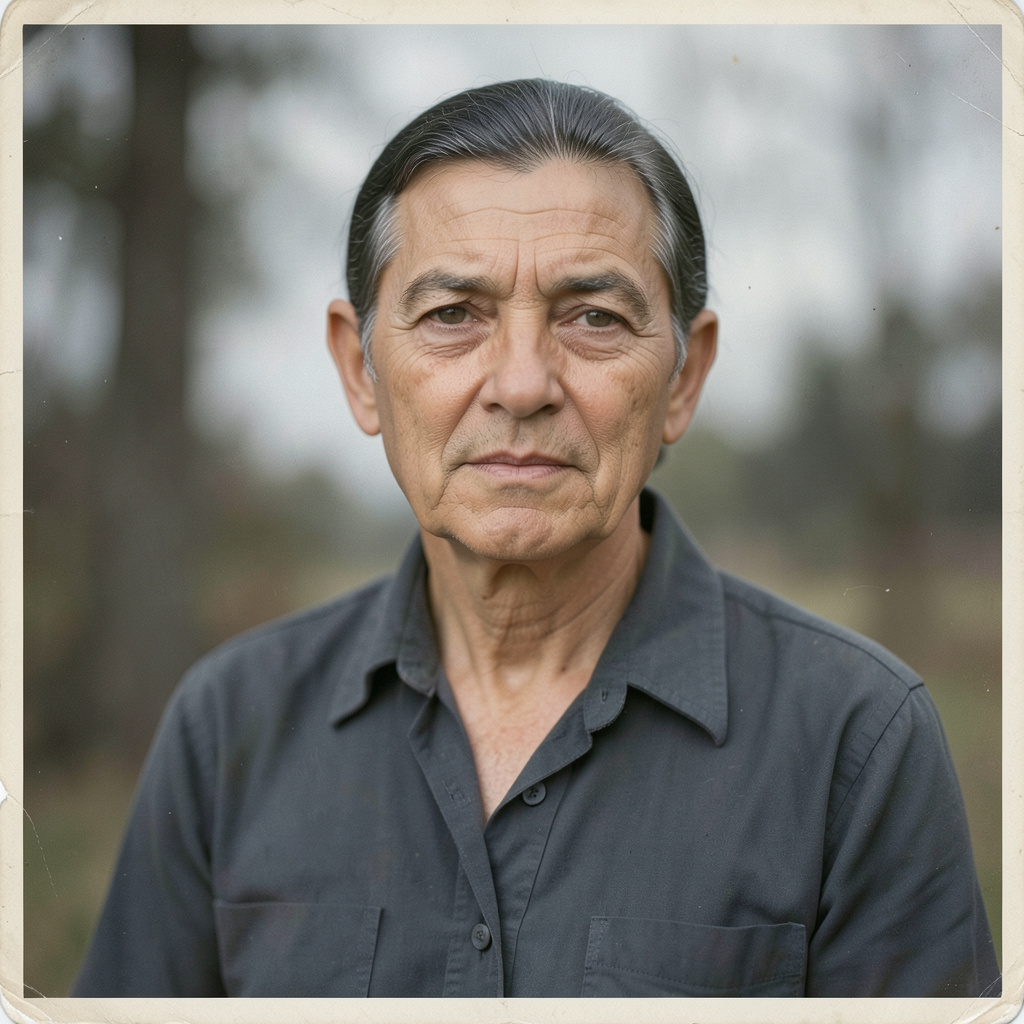
Browse Natural Detail Rescue image prompts for Improve the uploaded soft or noisy photograph without changing the person's identity. Recover believable detail in the eyes, hair,… Compare 3 finished AI image examples and their generation settings.
Explore Natural Detail Rescue →
SUBCATEGORY
Period-True Gentle Colorization
Browse Period-True Gentle Colorization image prompts for Colorize the restored black-and-white upload with quiet historical realism. Keep all faces, clothing shapes, and framing untouched; use… Compare 3 finished AI image examples and their generation settings.
Explore Period-True Gentle Colorization →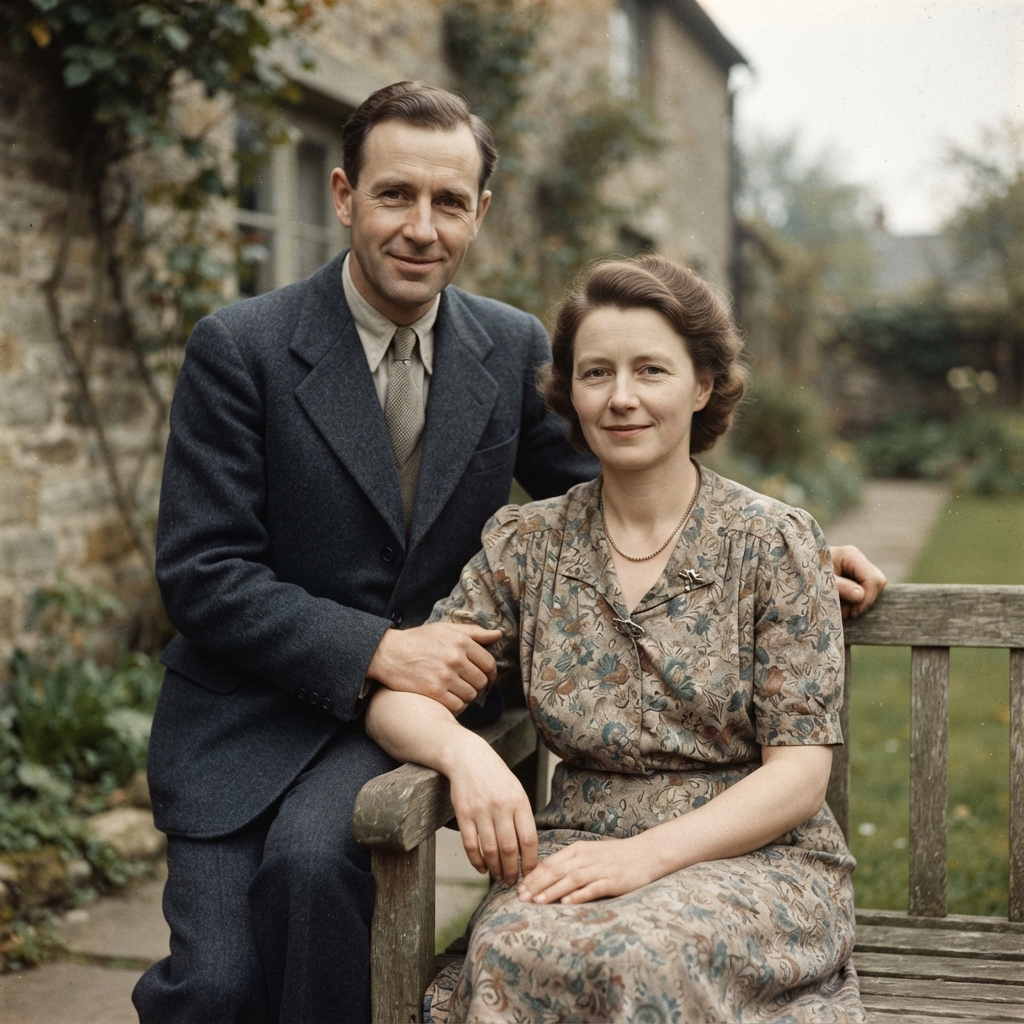

SUBCATEGORY
Archival Photograph Recovery
Browse Archival Photograph Recovery image prompts for Carefully restore the uploaded vintage photograph: remove dust, scratches, crease marks, and fading while retaining the original facial… Compare 3 finished AI image examples and their generation settings.
Explore Archival Photograph Recovery →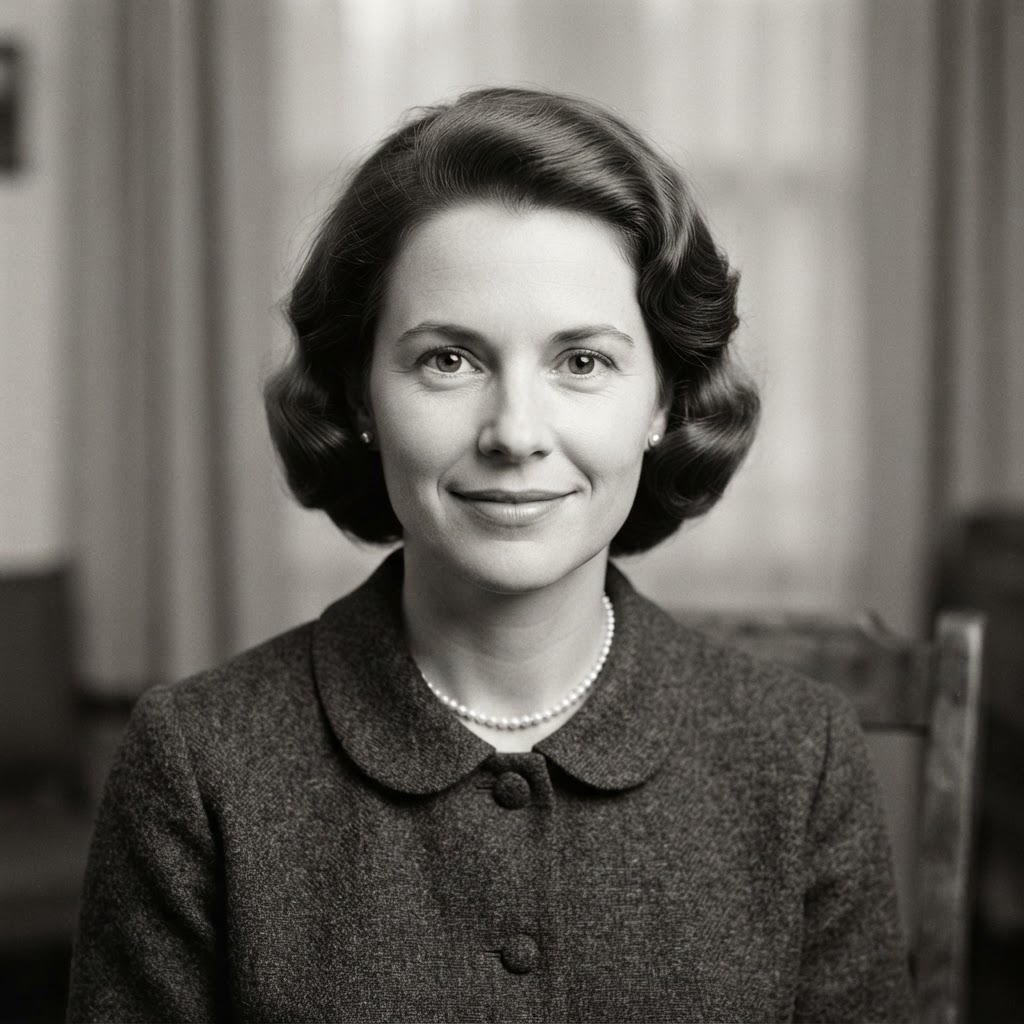


FAQ
Restoration and Enhancement prompt questions
What defines a strong Restoration and Enhancement image prompt?
A strong Restoration and Enhancement prompt names the subject first, then adds the visual choices that carry the direction: composition, lighting, material, palette, atmosphere, and finish.
How should I adapt a Restoration and Enhancement prompt for my own project?
Keep the creative structure that makes Restoration and Enhancement recognizable, then replace the subject, location, palette, or intended use with details from your own brief.
Which generation details should I keep when recreating Restoration and Enhancement?
Start with the displayed aspect ratio and model, because both shape the composition. Change one visual variable at a time if you want to compare results clearly.