What makes a strong Editing and Restyling image prompt?
These examples pair a clear subject with deliberate visual choices—composition, lighting, material, mood, and point of view. Use them as complete starting points or adapt the details to your own concept.
Choose a subcategory to browse its full collection and open a specific image for its recorded prompt and generation settings.
SUBCATEGORY
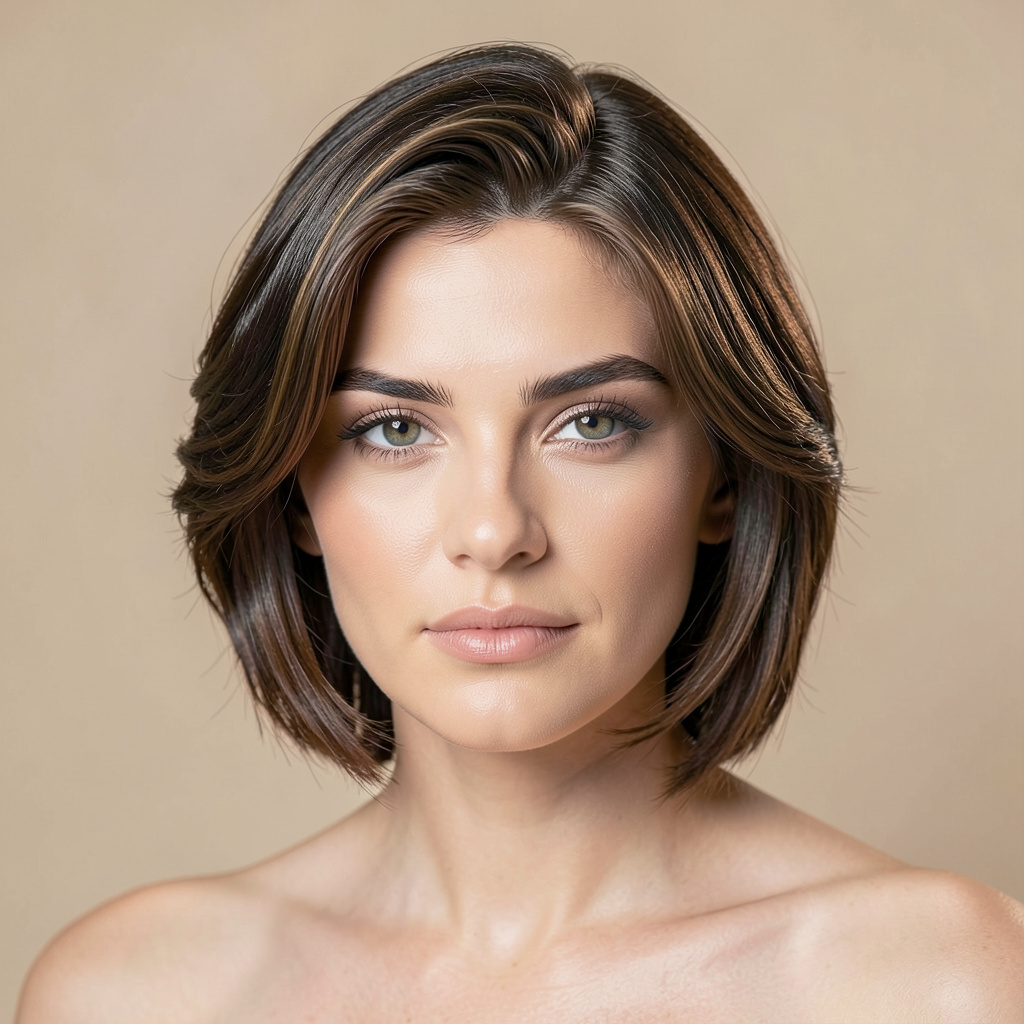
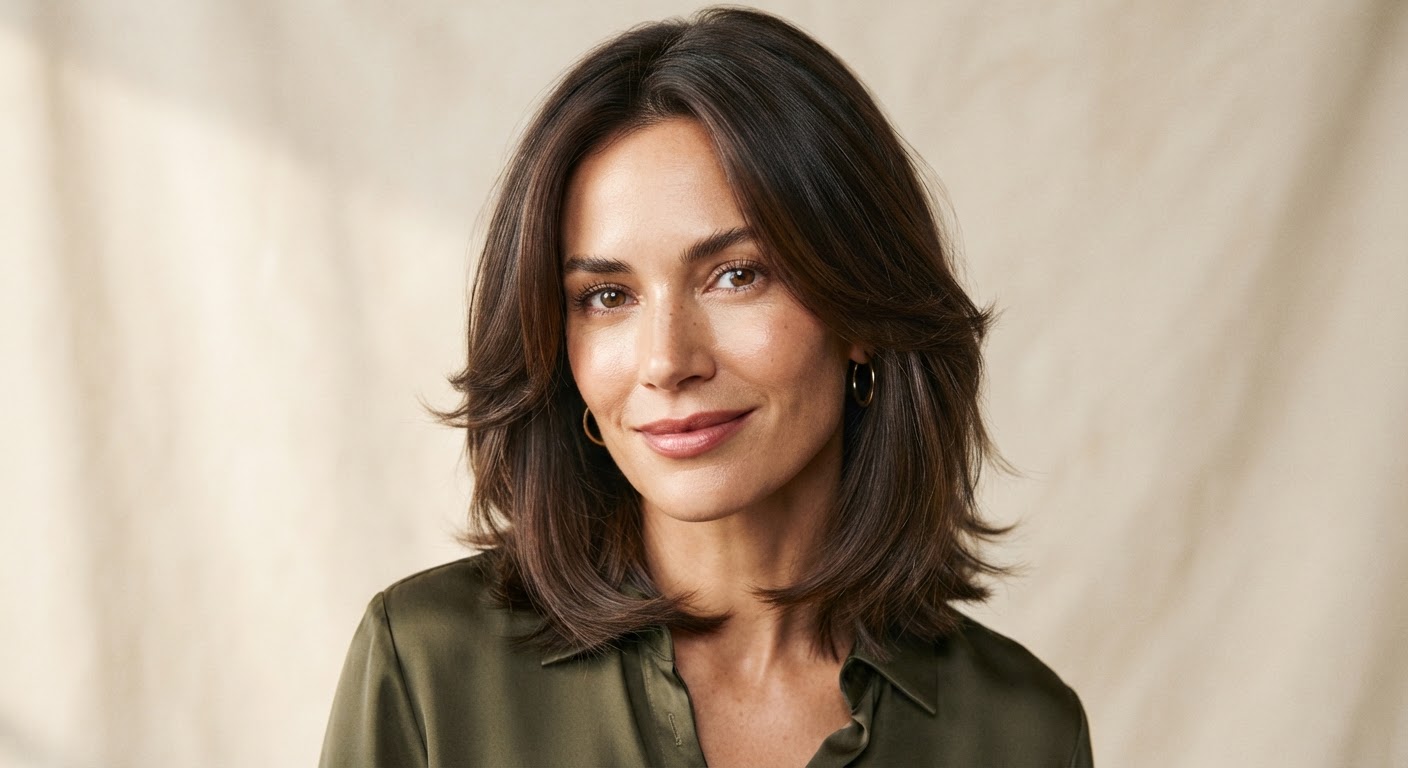
Editorial Hair Transformation
Browse Editorial Hair Transformation image prompts for Preserve the exact facial identity in the uploaded portrait and change only the hair to a glossy, softly layered cut with face-framing… Compare 3 finished AI image examples and their generation settings.
Explore Editorial Hair Transformation →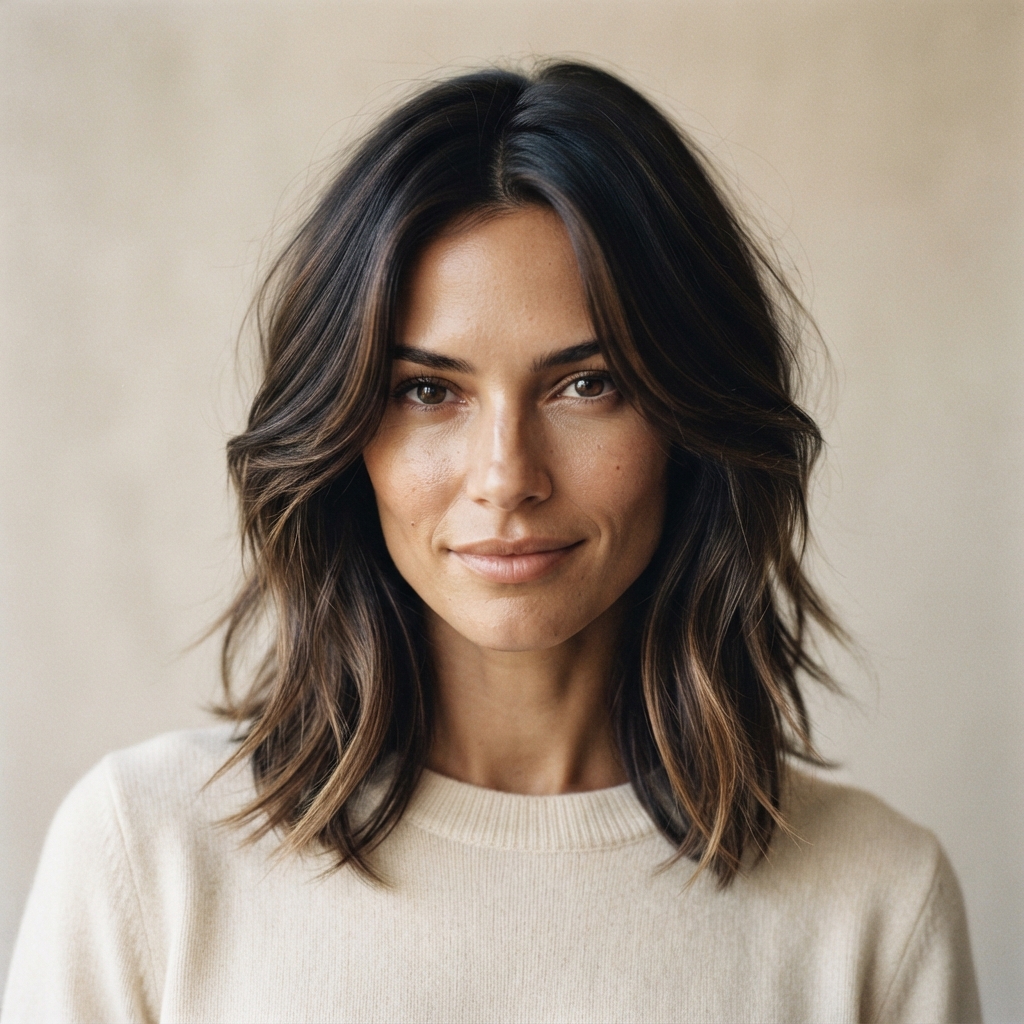
SUBCATEGORY
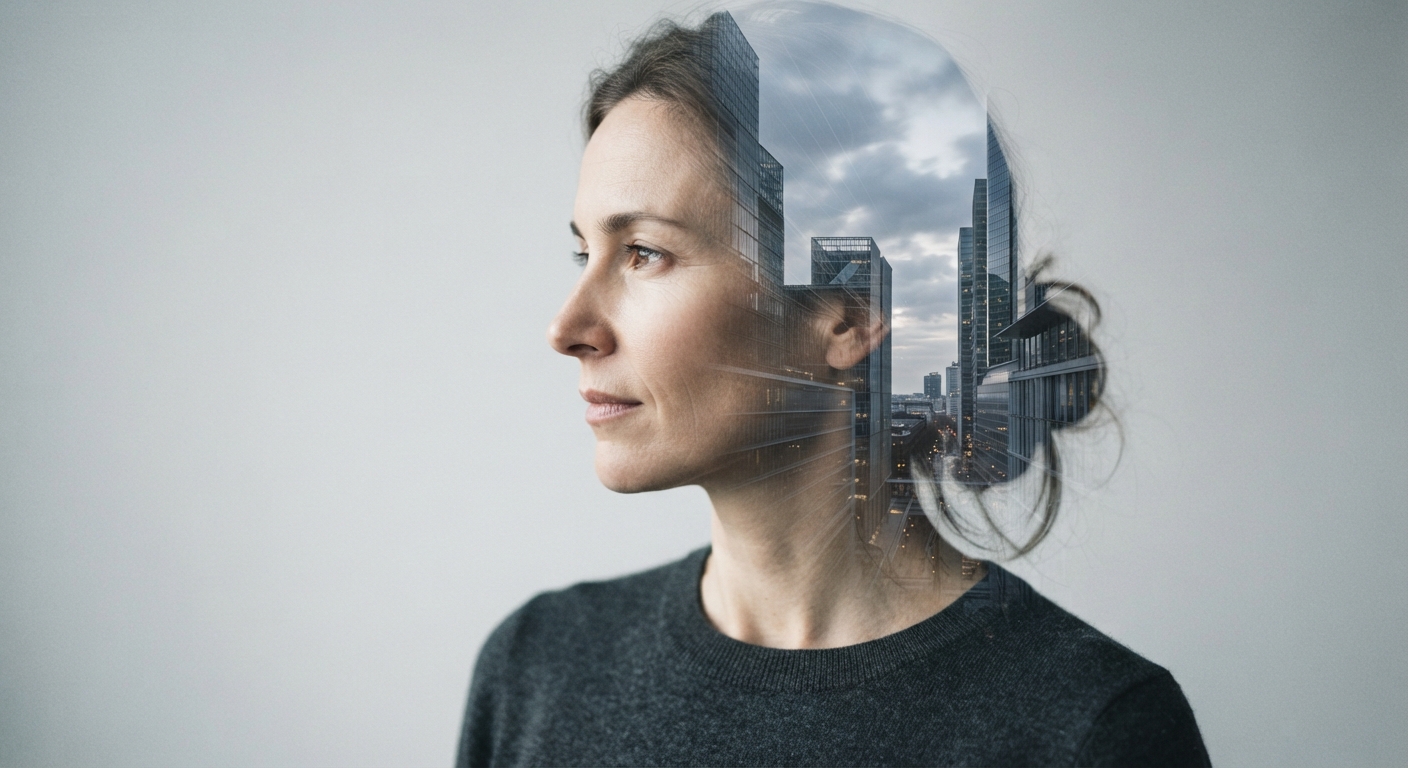
Architectural Double Exposure
Browse Architectural Double Exposure image prompts for Retain the uploaded person's recognizable face and create an elegant double-exposure artwork. Blend a translucent modernist cityscape… Compare 3 finished AI image examples and their generation settings.
Explore Architectural Double Exposure →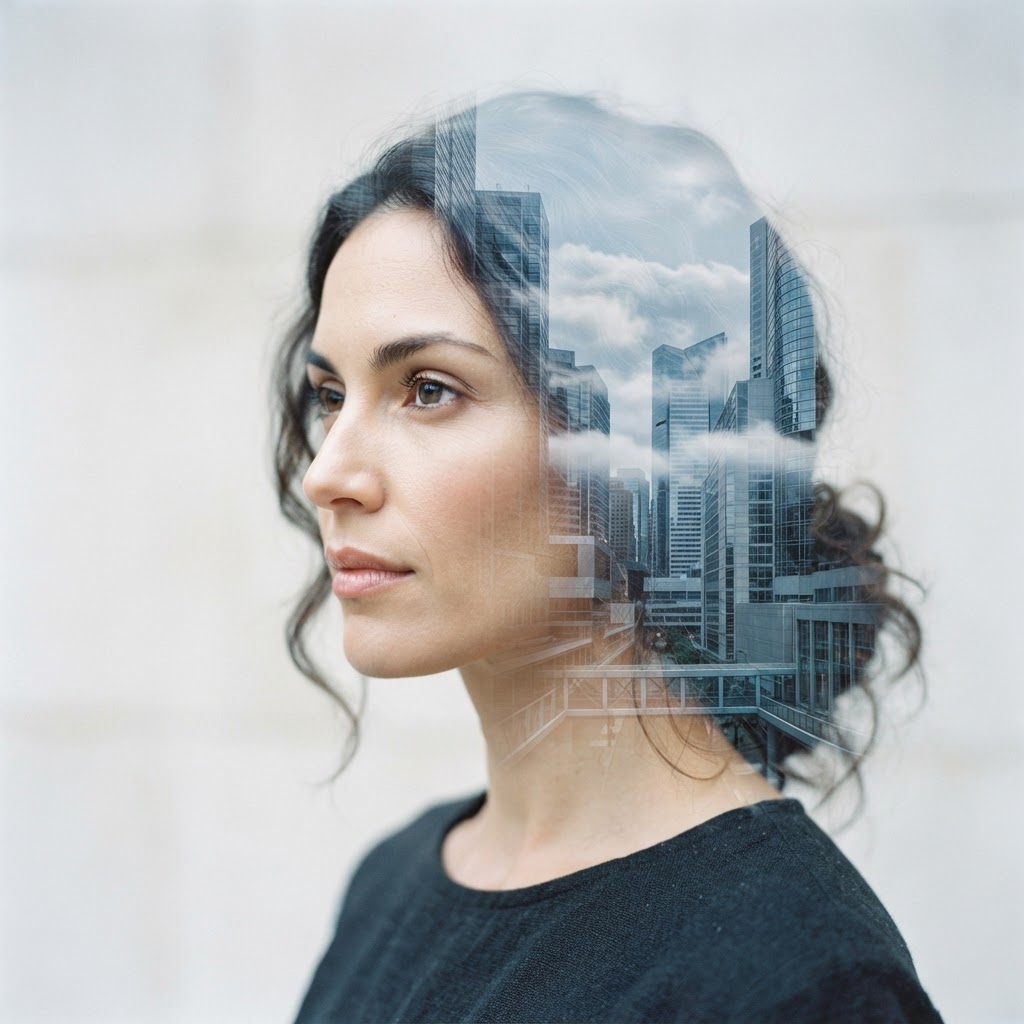

SUBCATEGORY
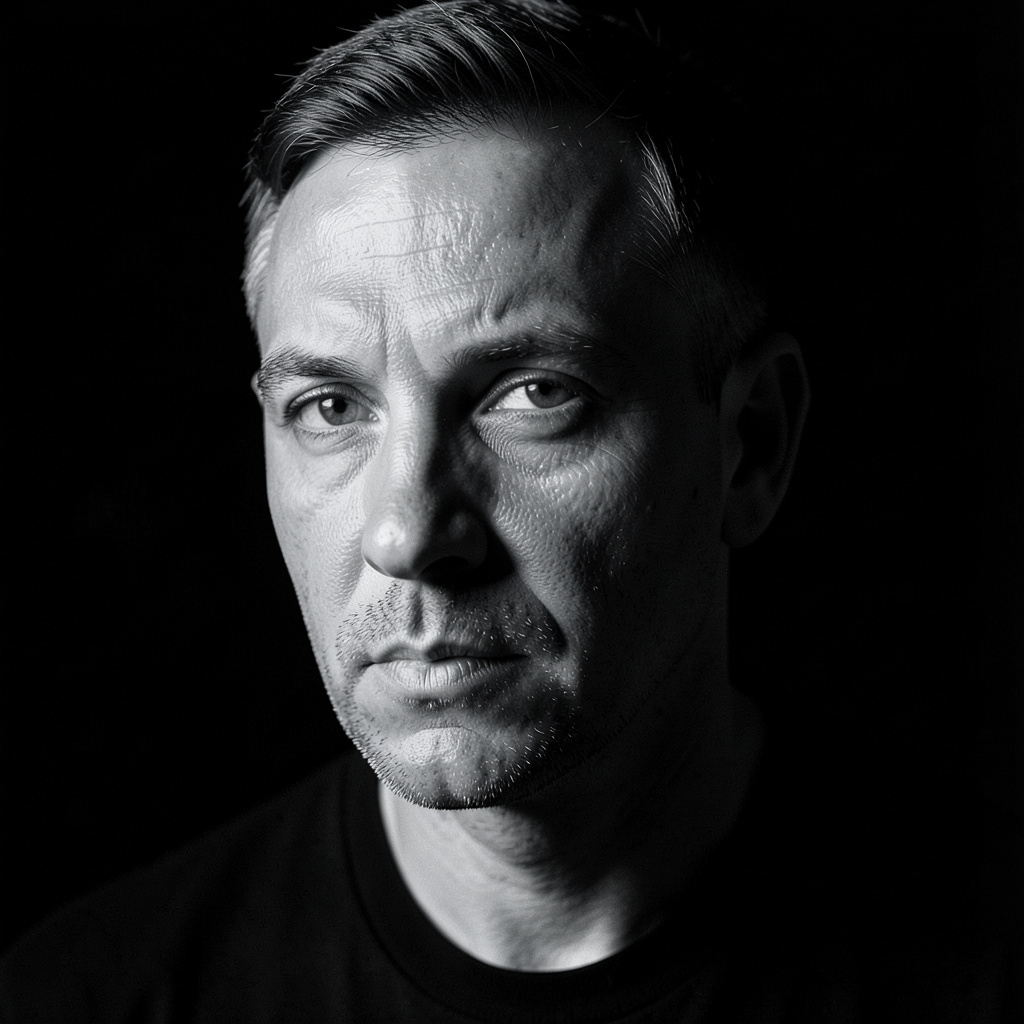
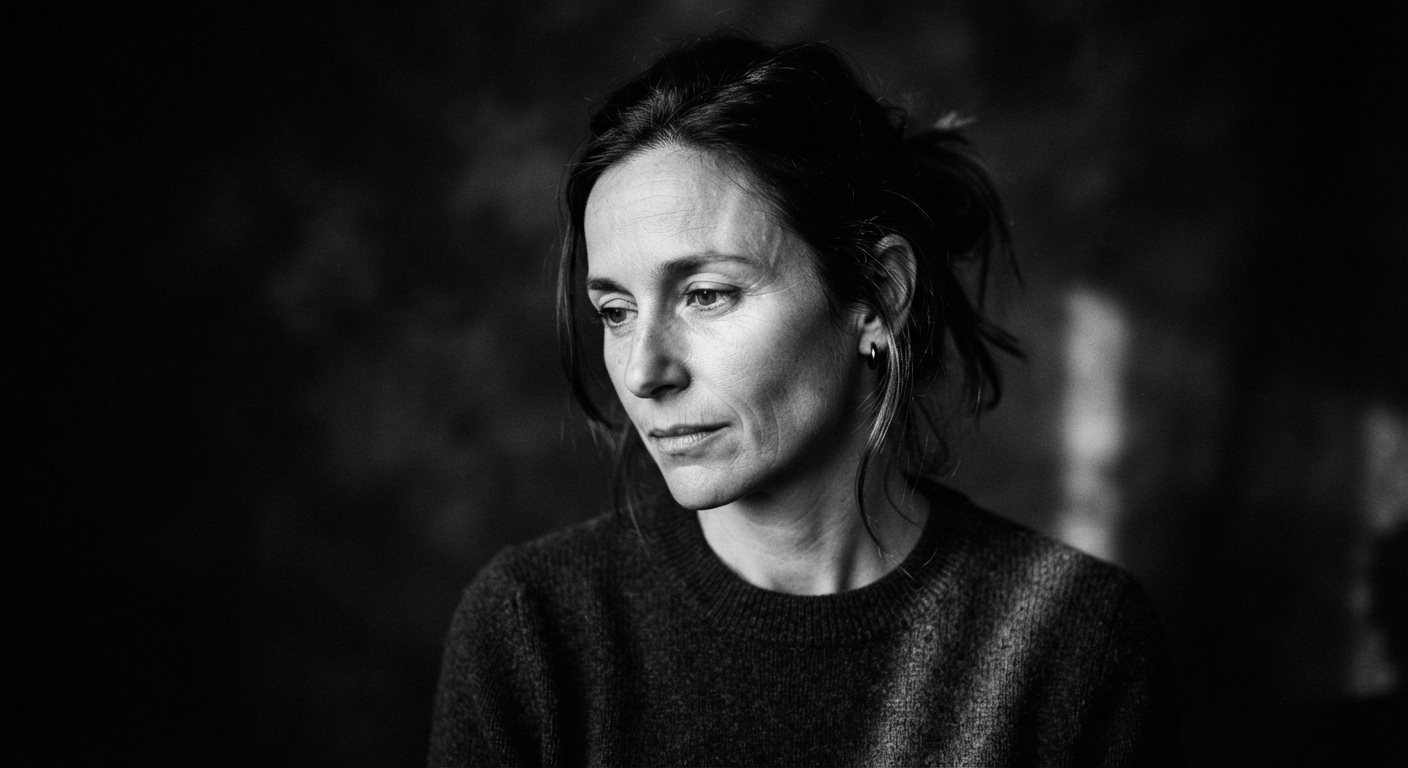
Noir Fine-Art Monochrome
Browse Noir Fine-Art Monochrome image prompts for Convert the uploaded image into a gallery-style black-and-white portrait while retaining the exact face. Use a narrow shaft of side… Compare 3 finished AI image examples and their generation settings.
Explore Noir Fine-Art Monochrome →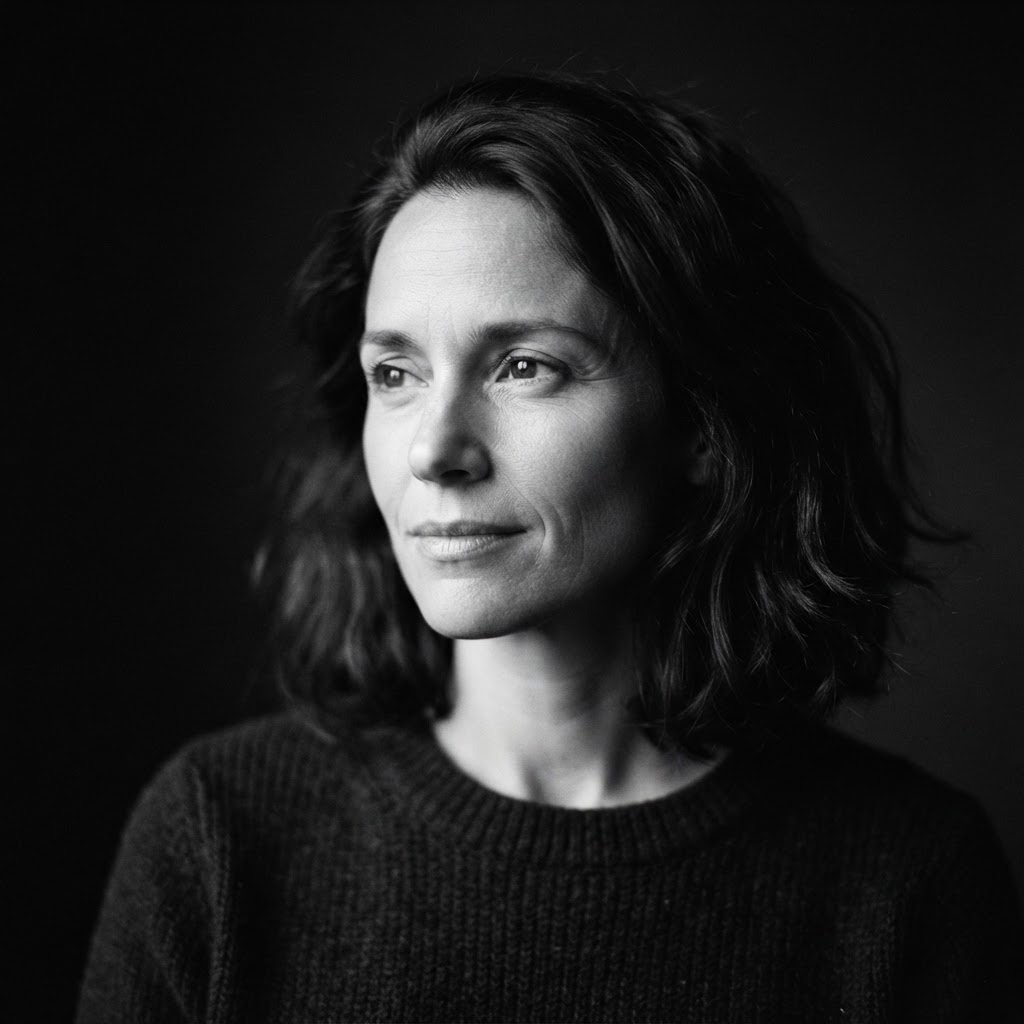
SUBCATEGORY
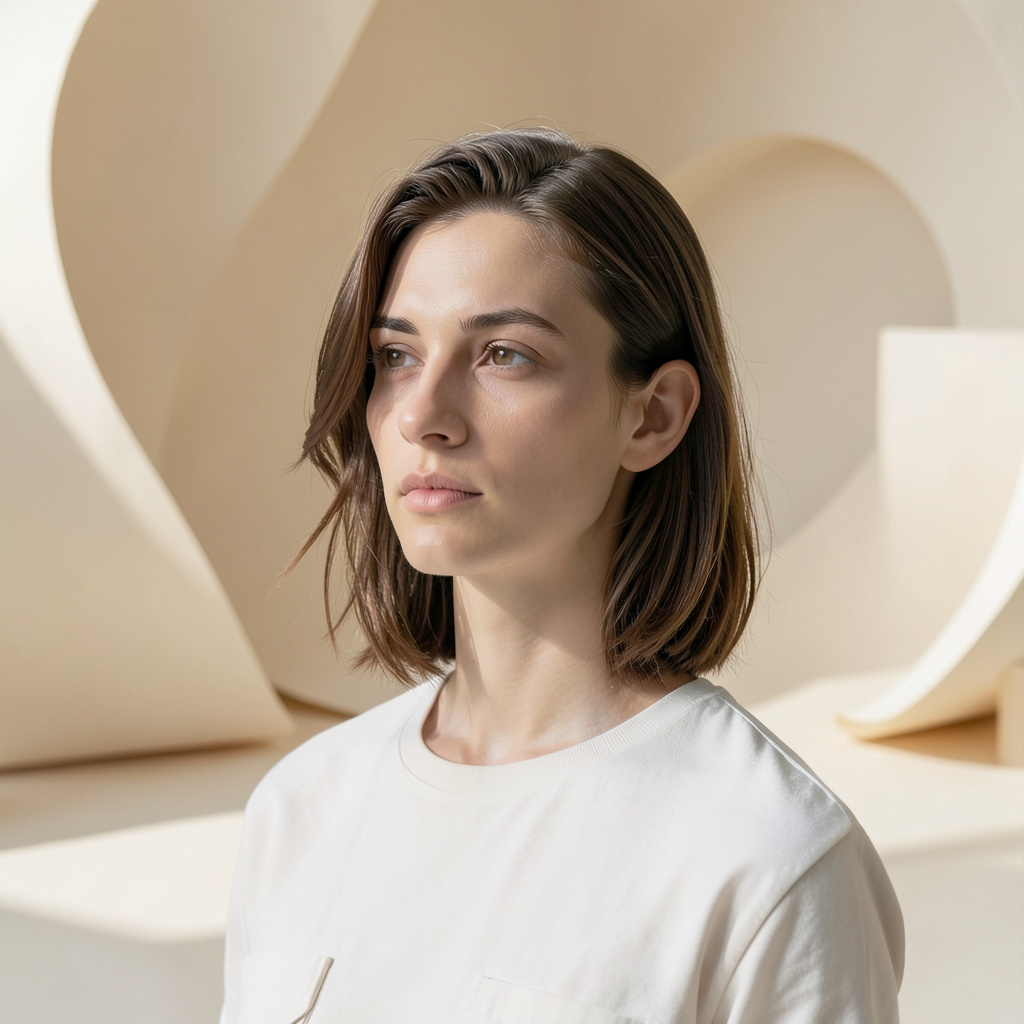
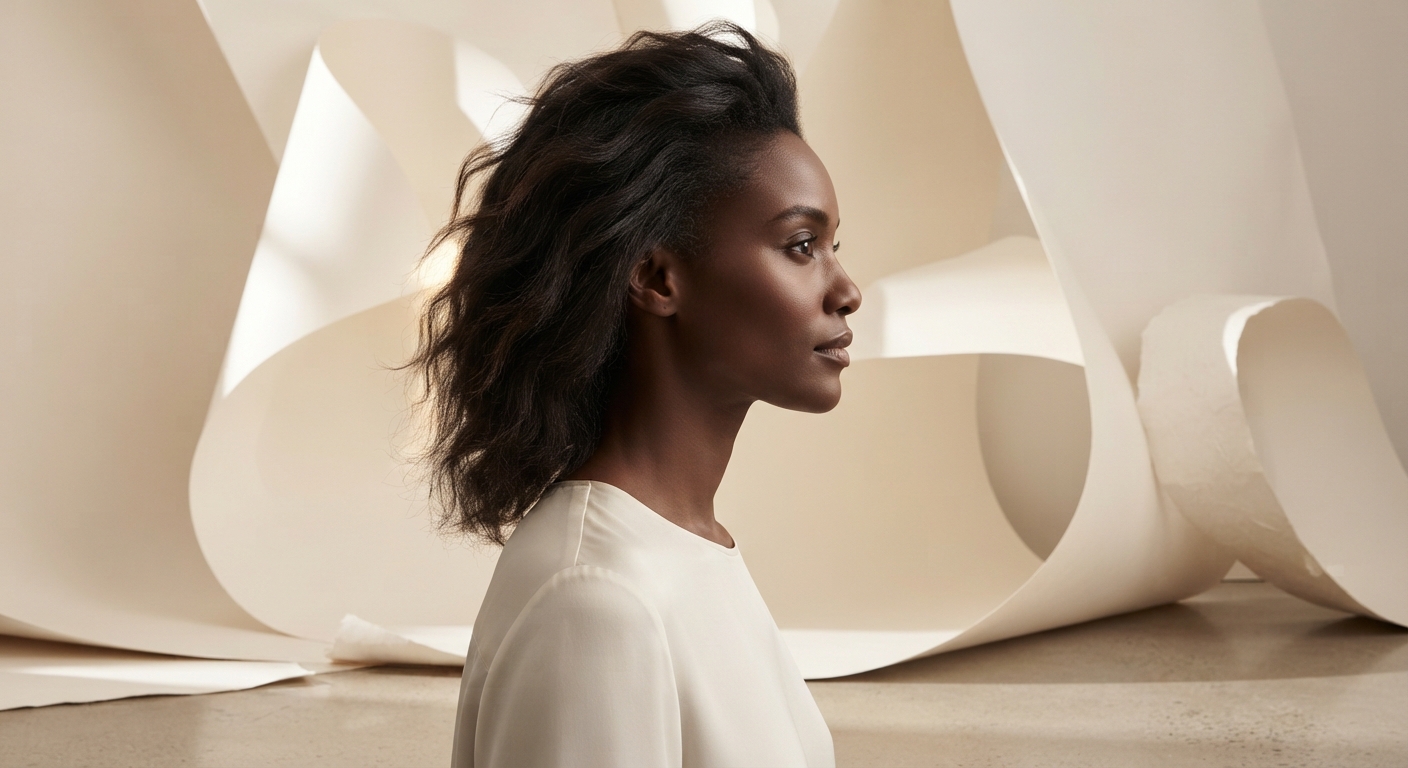
Soft Paper Studio Swap
Browse Soft Paper Studio Swap image prompts for Leave the person in the uploaded image completely unchanged and replace only the setting with a sculptural studio of warm off-white… Compare 3 finished AI image examples and their generation settings.
Explore Soft Paper Studio Swap →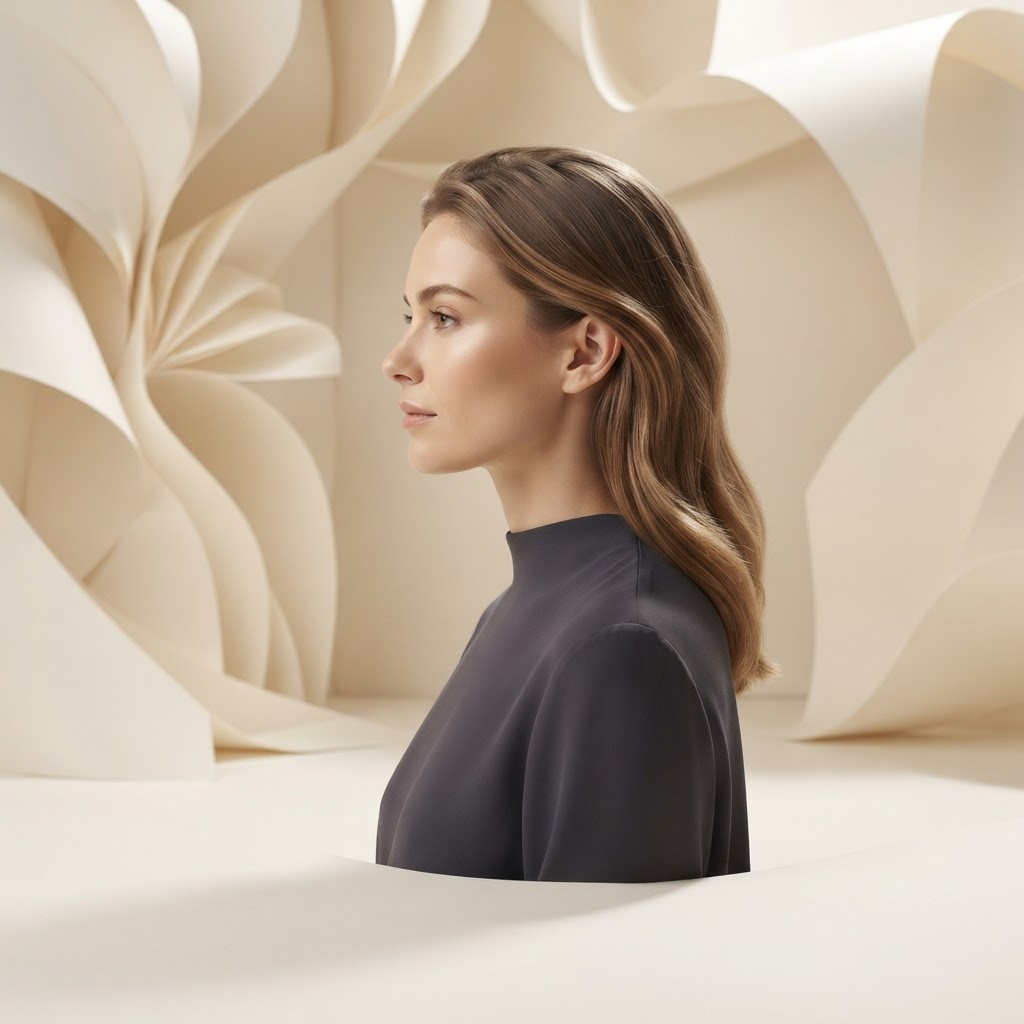
SUBCATEGORY
Contemporary Founder Portrait
Browse Contemporary Founder Portrait image prompts for Keep the uploaded face, expression, and pose unchanged, then elevate the image into a modern founder portrait. Replace the wardrobe… Compare 3 finished AI image examples and their generation settings.
Explore Contemporary Founder Portrait →


FAQ
Editing and Restyling prompt questions
What defines a strong Editing and Restyling image prompt?
A strong Editing and Restyling prompt names the subject first, then adds the visual choices that carry the direction: composition, lighting, material, palette, atmosphere, and finish.
How should I adapt a Editing and Restyling prompt for my own project?
Keep the creative structure that makes Editing and Restyling recognizable, then replace the subject, location, palette, or intended use with details from your own brief.
Which generation details should I keep when recreating Editing and Restyling?
Start with the displayed aspect ratio and model, because both shape the composition. Change one visual variable at a time if you want to compare results clearly.