Find Image Prompt logoFindImagePrompt.com
홈
갤러리튜토리얼개발자피드백
Home/Gallery/Restoration and Enhancement

IMAGE PROMPT COLLECTION

Restoration and Enhancement Image Prompts

Explore Restoration and Enhancement image prompts across High-Definition Editorial Finish, Natural Detail Rescue, Period-True Gentle Colorization. Every example pairs a finished AI image with reusable visual direction and recorded generation settings.

What makes a strong Restoration and Enhancement image prompt?

These examples pair a clear subject with deliberate visual choices—composition, lighting, material, mood, and point of view. Use them as complete starting points or adapt the details to your own concept.

Choose a subcategory to browse its full collection and open a specific image for its recorded prompt and generation settings.

SUBCATEGORY

High-Definition Editorial Finish

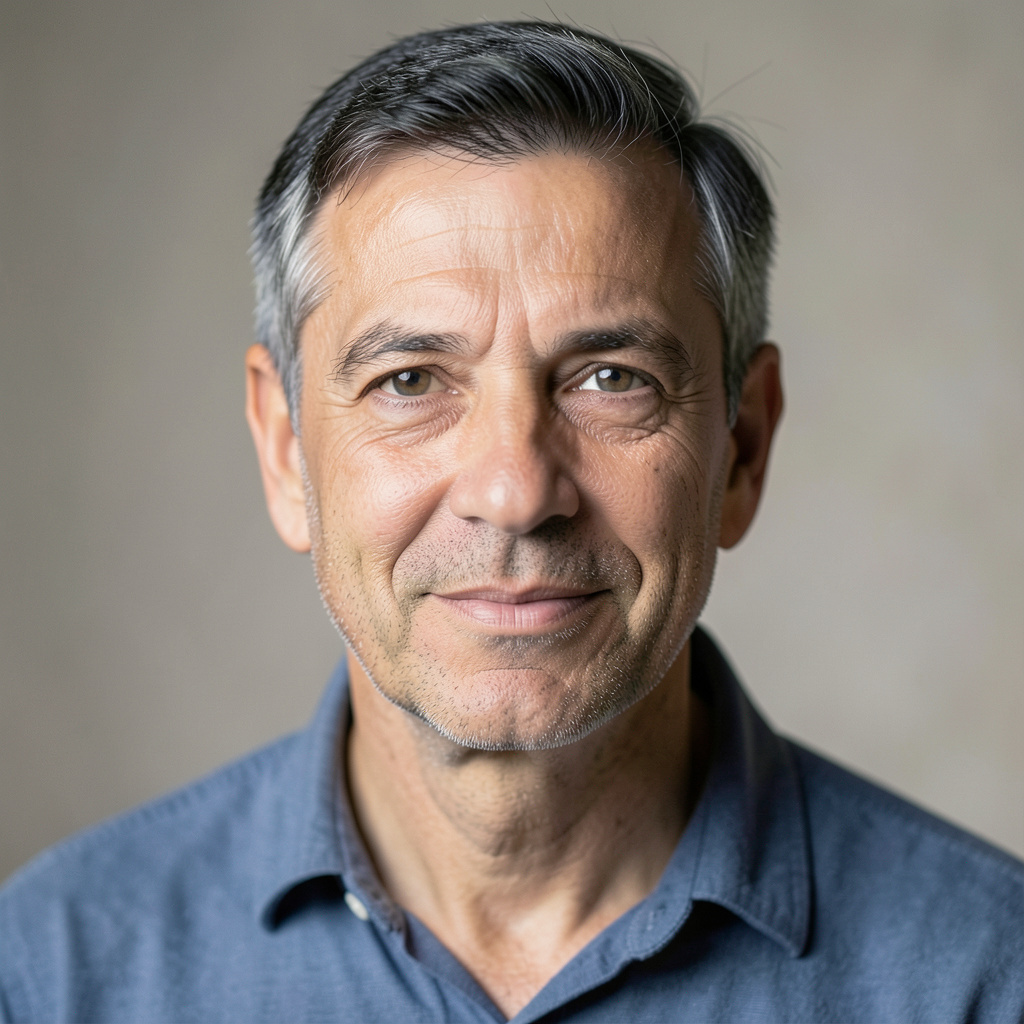
Browse High-Definition Editorial Finish image prompts for Prepare the uploaded portrait for high-resolution display while preserving the exact face and expression. Refine micro-contrast, lift… Compare 3 finished AI image examples and their generation settings.

Explore High-Definition Editorial Finish →
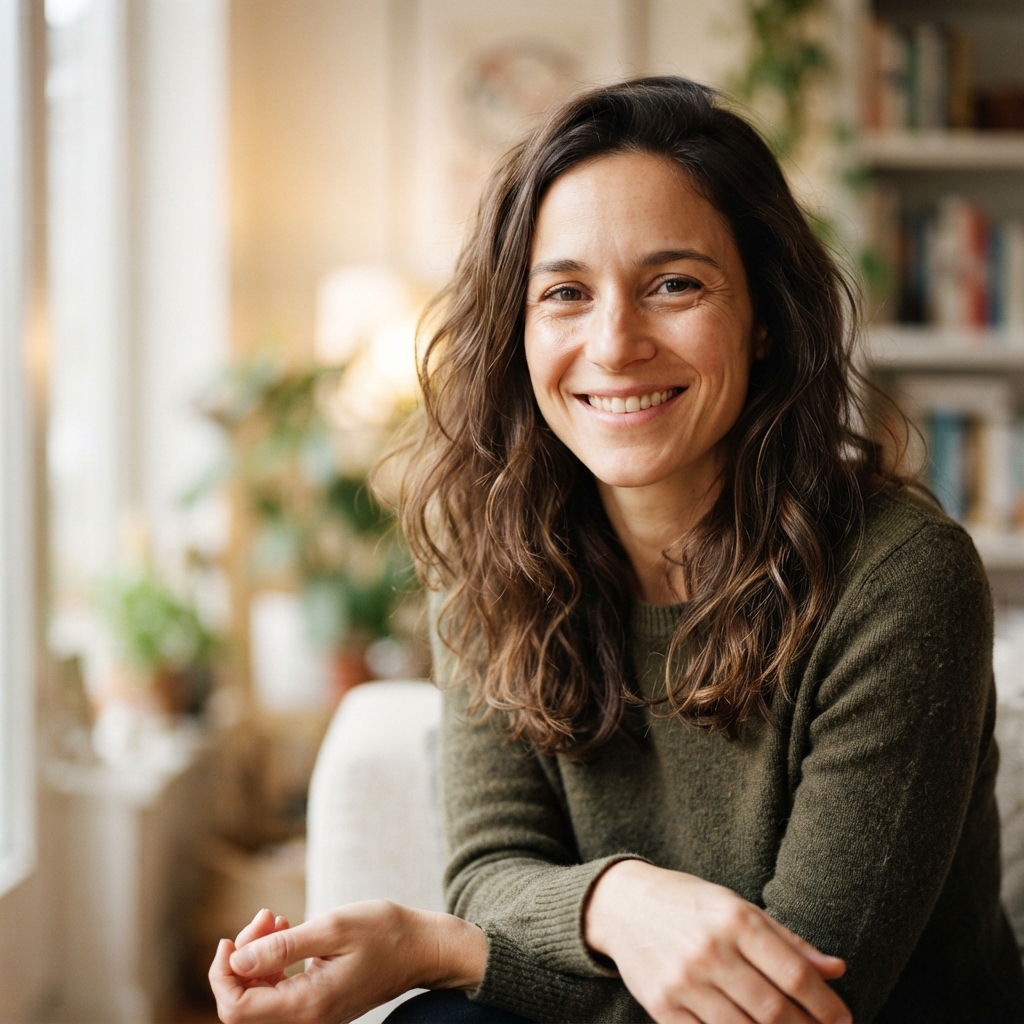
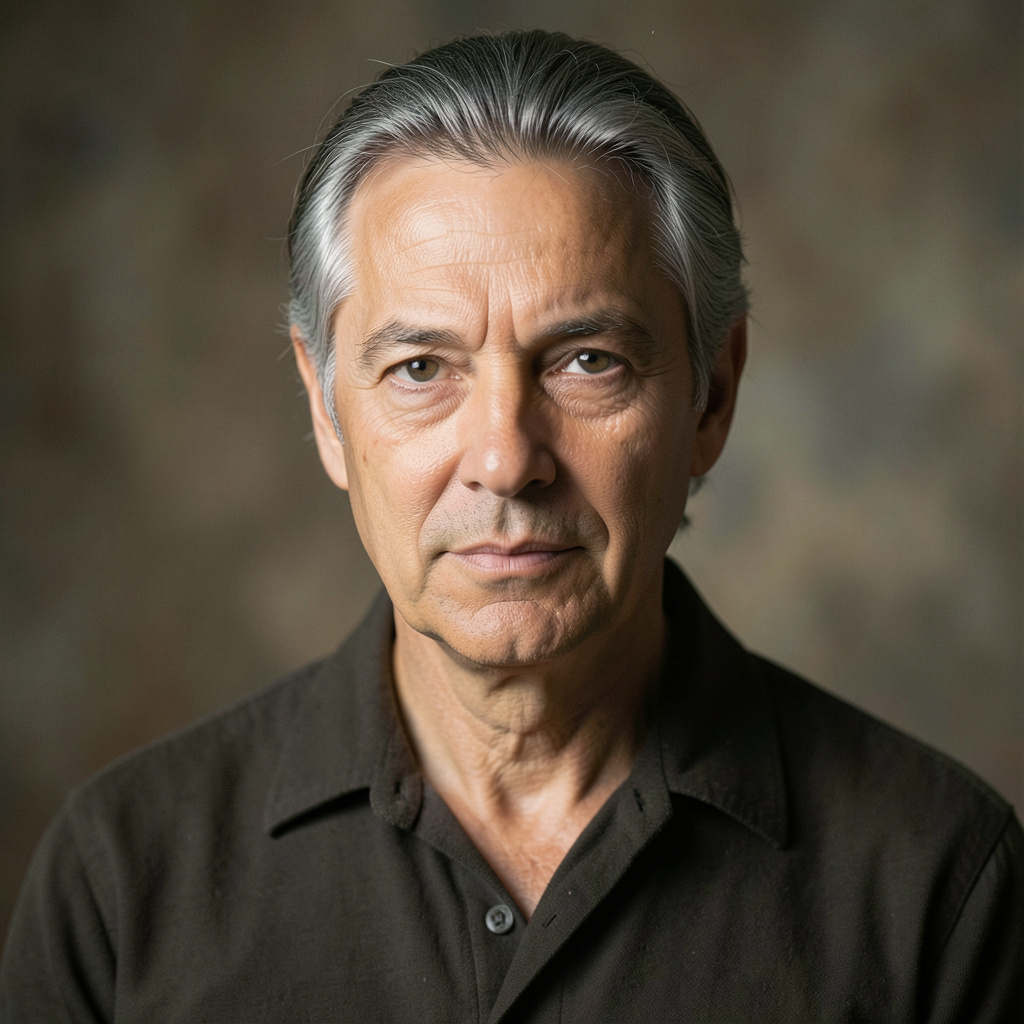
Prepare the uploaded portrait for high-resolution display while preserving the exact face and expression. Refine micro-contrast, lift accurate color, clarify hair and textile texture, and gently deepen dimensional light. Keep the finish…High-Definition Editorial Finish — Prompt 1 →Prepare the uploaded portrait for high-resolution display while preserving the exact face and expression. Refine micro-contrast, lift accurate color, clarify hair and textile texture, and gently deepen dimensional light. Keep the finish…High-Definition Editorial Finish — Prompt 2 →Prepare the uploaded portrait for high-resolution display while preserving the exact face and expression. Refine micro-contrast, lift accurate color, clarify hair and textile texture, and gently deepen dimensional light. Keep the finish…High-Definition Editorial Finish — Prompt 3 →

SUBCATEGORY

Natural Detail Rescue

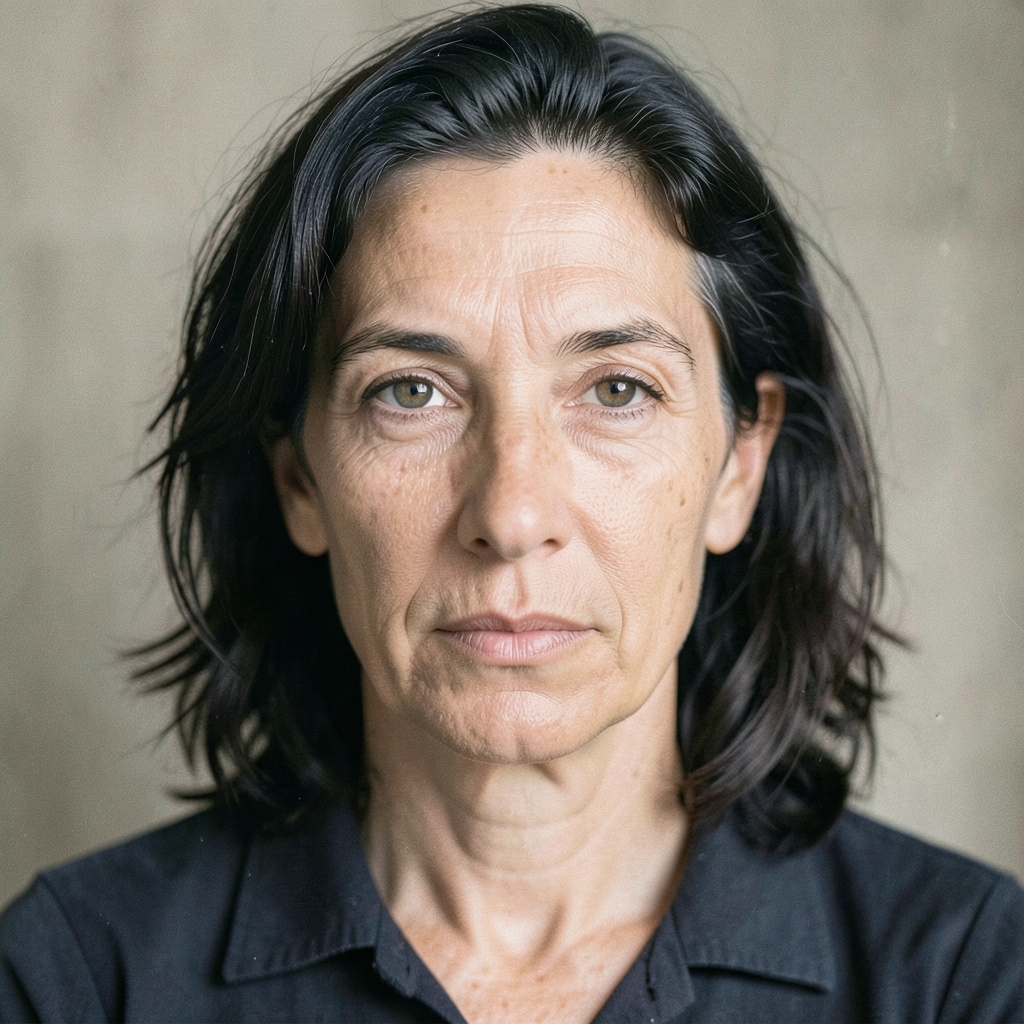
Browse Natural Detail Rescue image prompts for Improve the uploaded soft or noisy photograph without changing the person's identity. Recover believable detail in the eyes, hair,… Compare 3 finished AI image examples and their generation settings.

Explore Natural Detail Rescue →
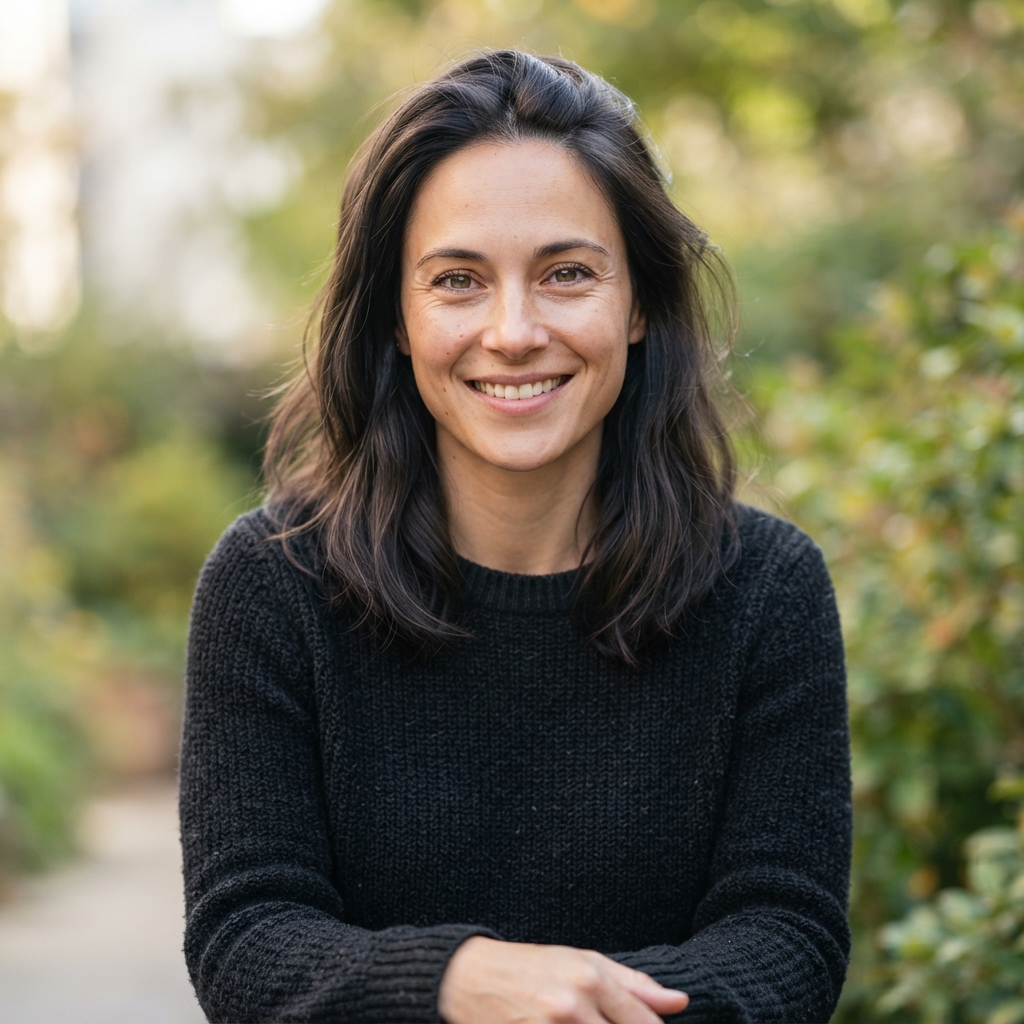
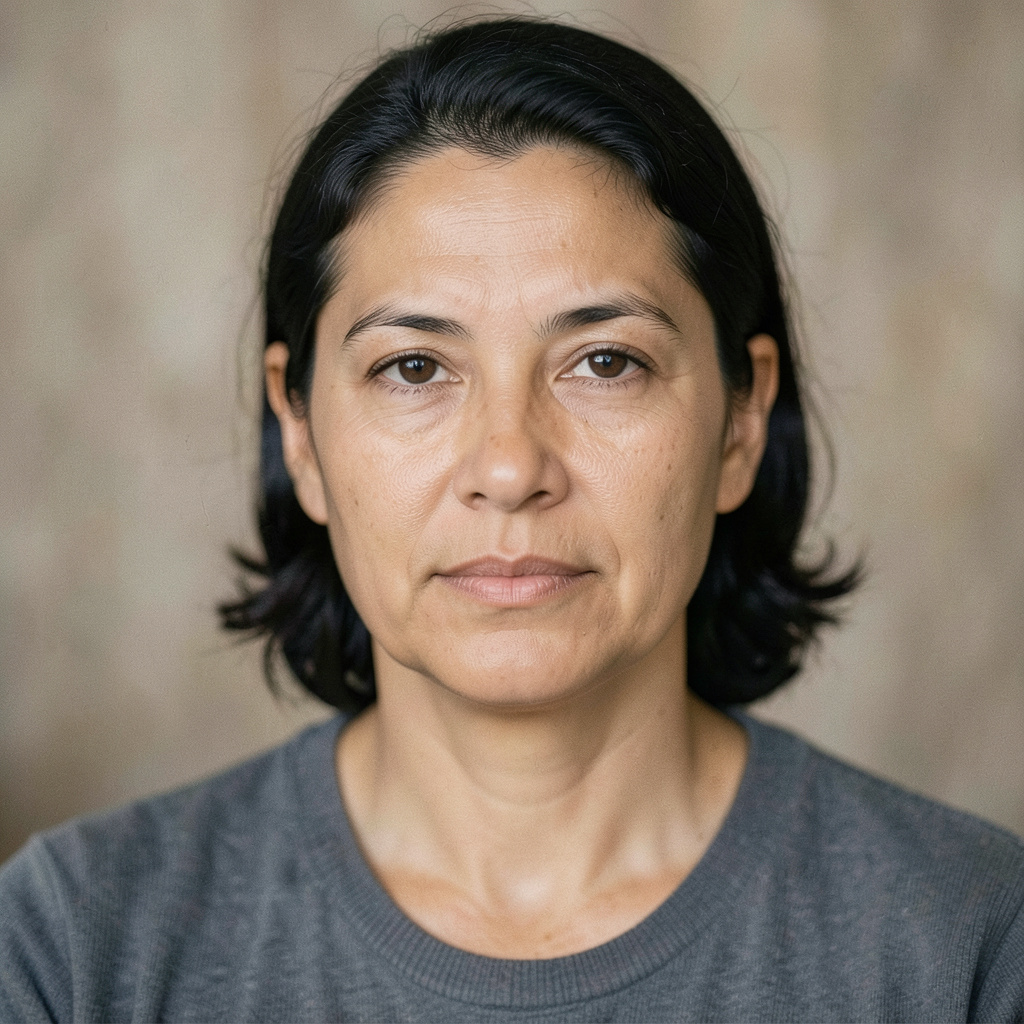
Improve the uploaded soft or noisy photograph without changing the person's identity. Recover believable detail in the eyes, hair, fabric, and background edges; reduce digital noise gently; retain pores and fine texture; and avoid false…Natural Detail Rescue — Prompt 1 →Improve the uploaded soft or noisy photograph without changing the person's identity. Recover believable detail in the eyes, hair, fabric, and background edges; reduce digital noise gently; retain pores and fine texture; and avoid false…Natural Detail Rescue — Prompt 2 →Improve the uploaded soft or noisy photograph without changing the person's identity. Recover believable detail in the eyes, hair, fabric, and background edges; reduce digital noise gently; retain pores and fine texture; and avoid false…Natural Detail Rescue — Prompt 3 →

SUBCATEGORY

Period-True Gentle Colorization

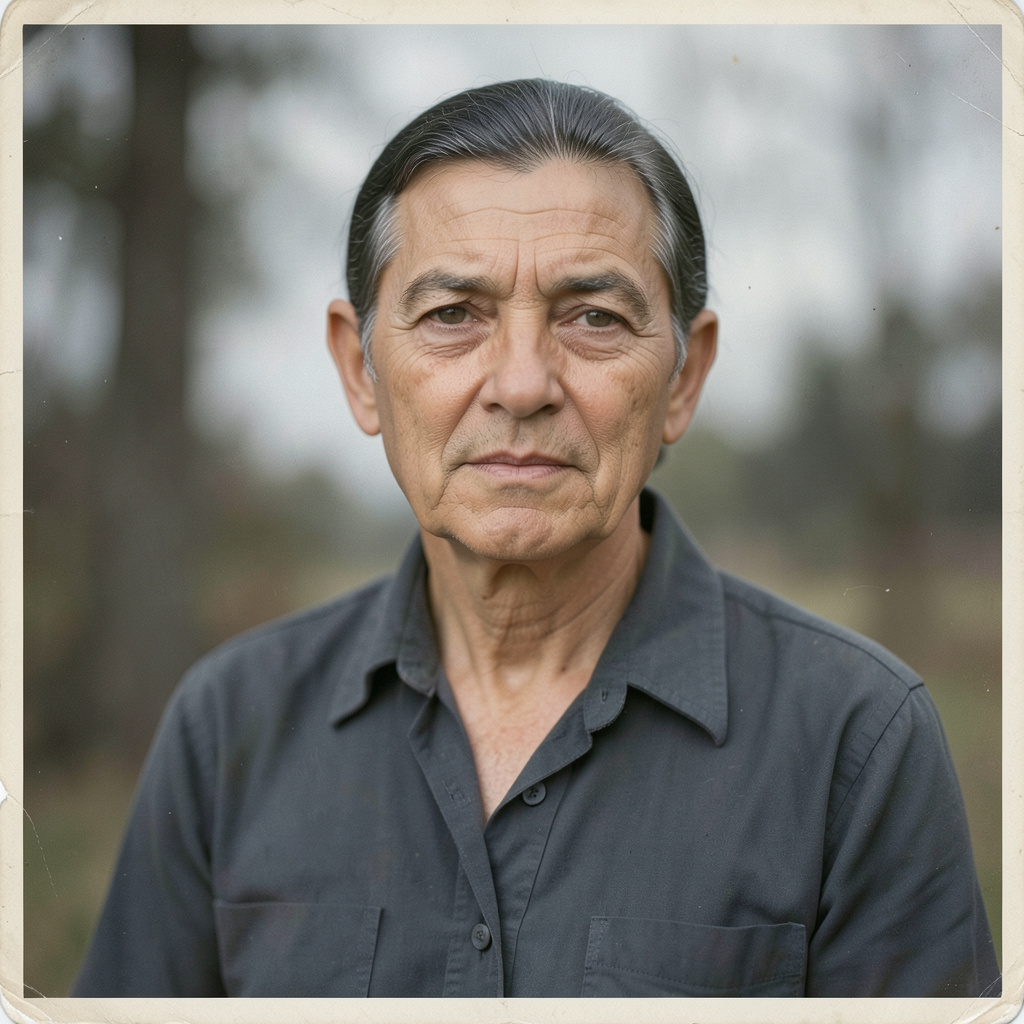
Browse Period-True Gentle Colorization image prompts for Colorize the restored black-and-white upload with quiet historical realism. Keep all faces, clothing shapes, and framing untouched; use… Compare 3 finished AI image examples and their generation settings.

Explore Period-True Gentle Colorization →
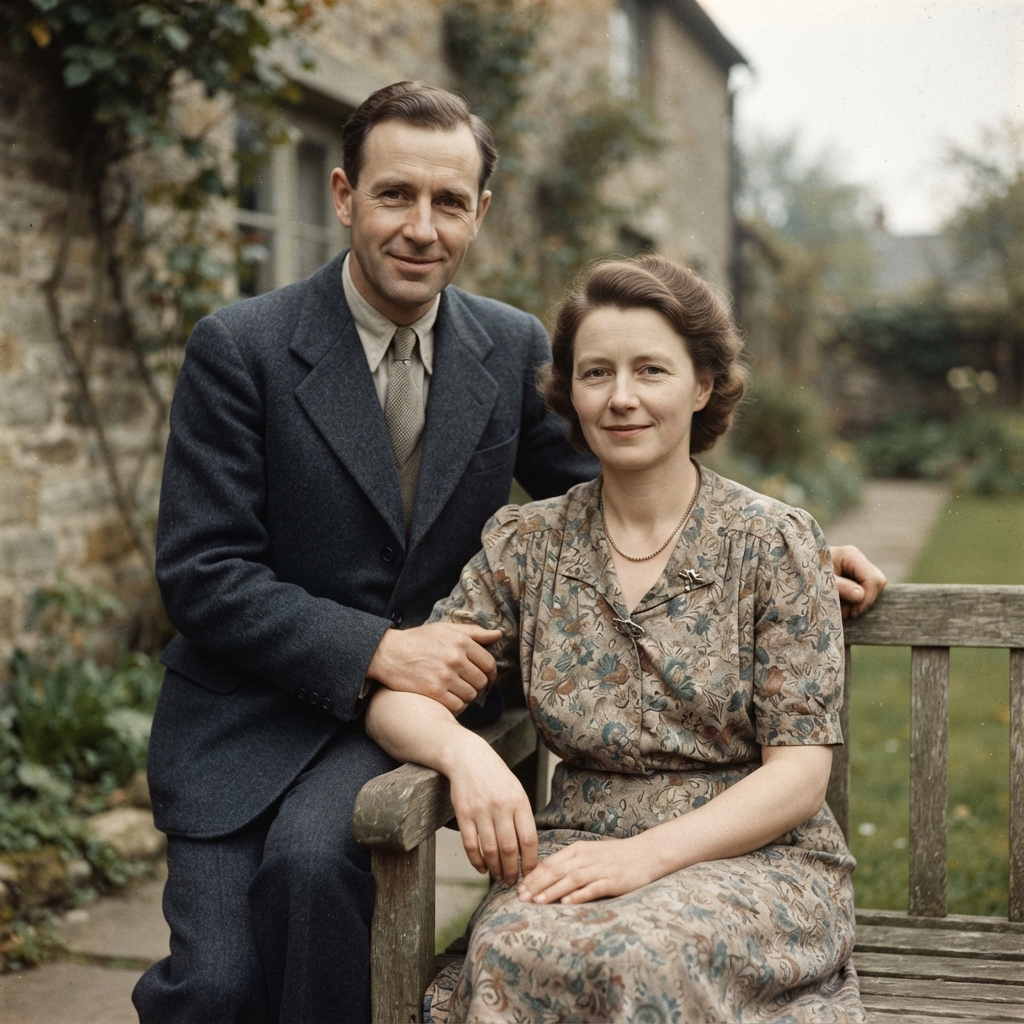
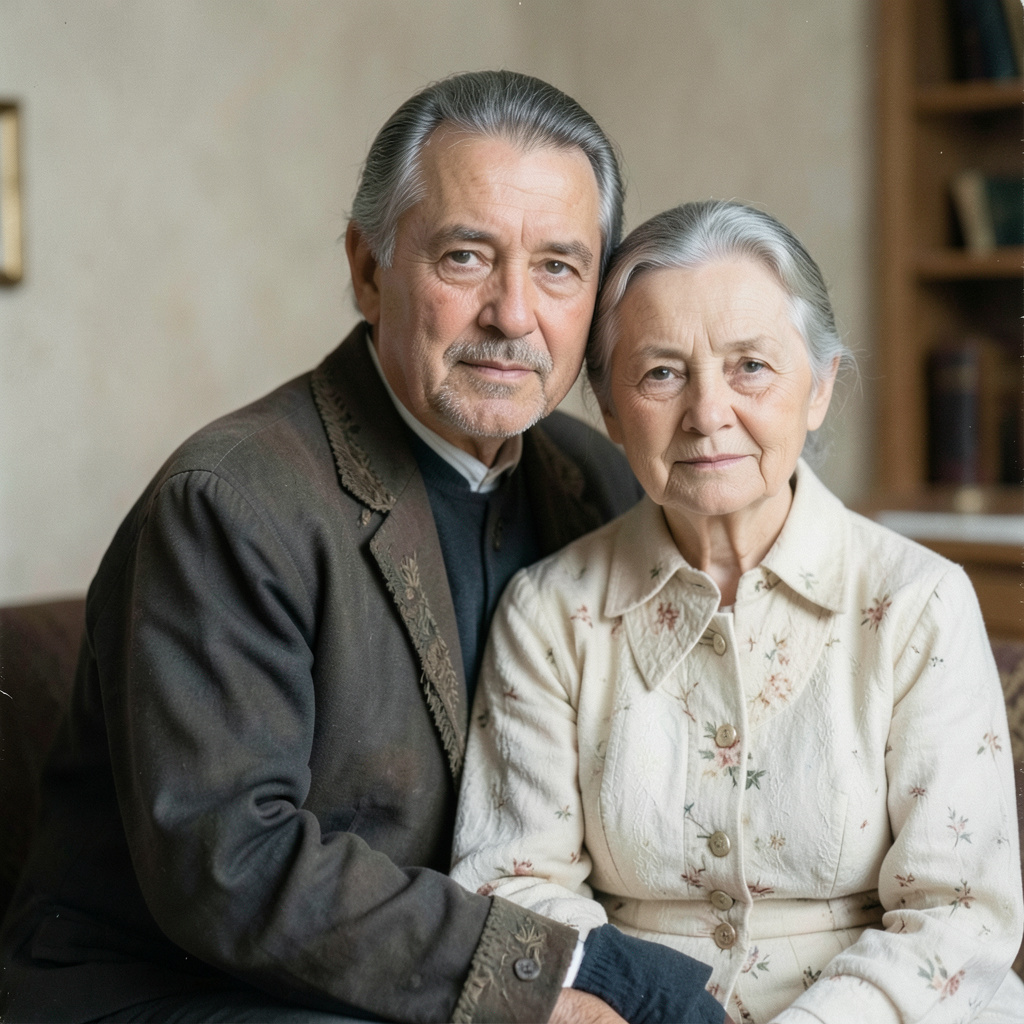
Colorize the restored black-and-white upload with quiet historical realism. Keep all faces, clothing shapes, and framing untouched; use understated skin tones, believable fabric dyes, softly overcast daylight, and restrained saturation. The…Period-True Gentle Colorization — Prompt 1 →Colorize the restored black-and-white upload with quiet historical realism. Keep all faces, clothing shapes, and framing untouched; use understated skin tones, believable fabric dyes, softly overcast daylight, and restrained saturation. The…Period-True Gentle Colorization — Prompt 2 →Colorize the restored black-and-white upload with quiet historical realism. Keep all faces, clothing shapes, and framing untouched; use understated skin tones, believable fabric dyes, softly overcast daylight, and restrained saturation. The…Period-True Gentle Colorization — Prompt 3 →

SUBCATEGORY

Archival Photograph Recovery

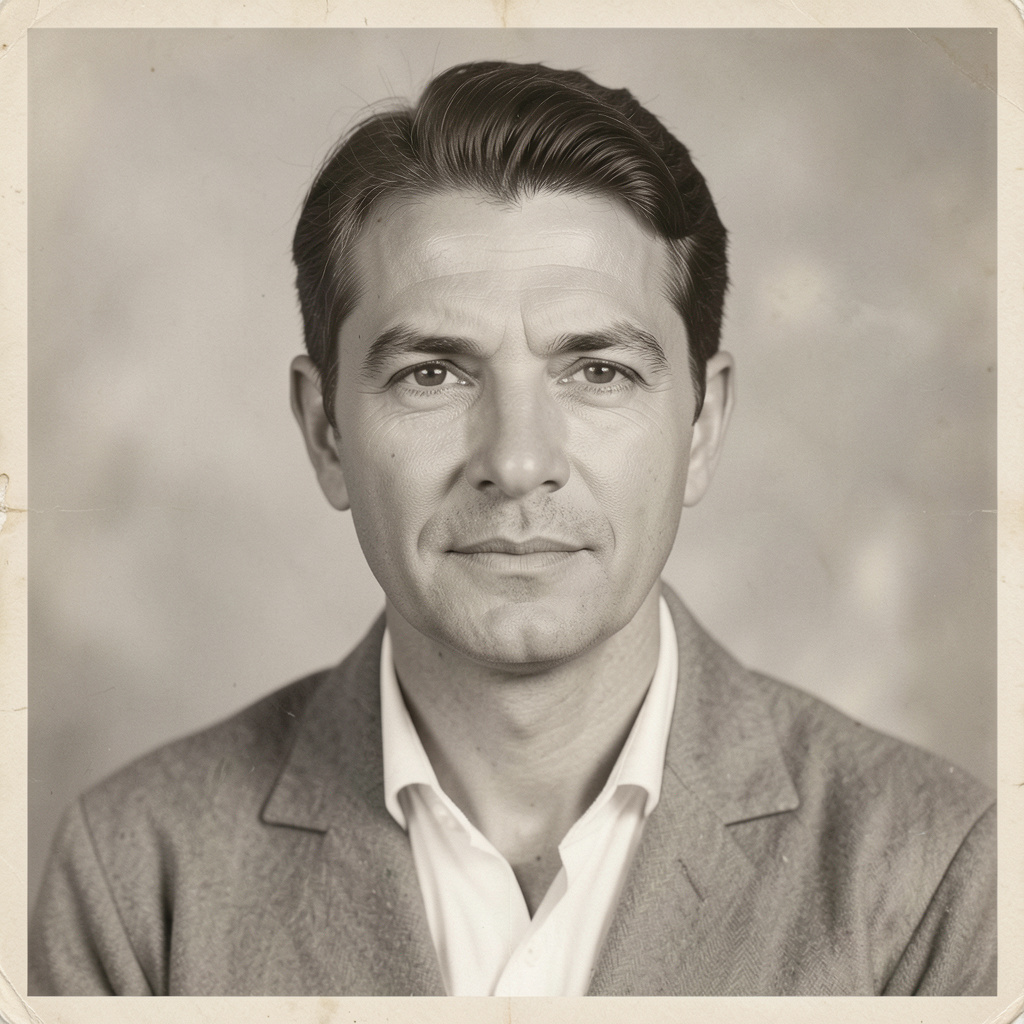
Browse Archival Photograph Recovery image prompts for Carefully restore the uploaded vintage photograph: remove dust, scratches, crease marks, and fading while retaining the original facial… Compare 3 finished AI image examples and their generation settings.

Explore Archival Photograph Recovery →
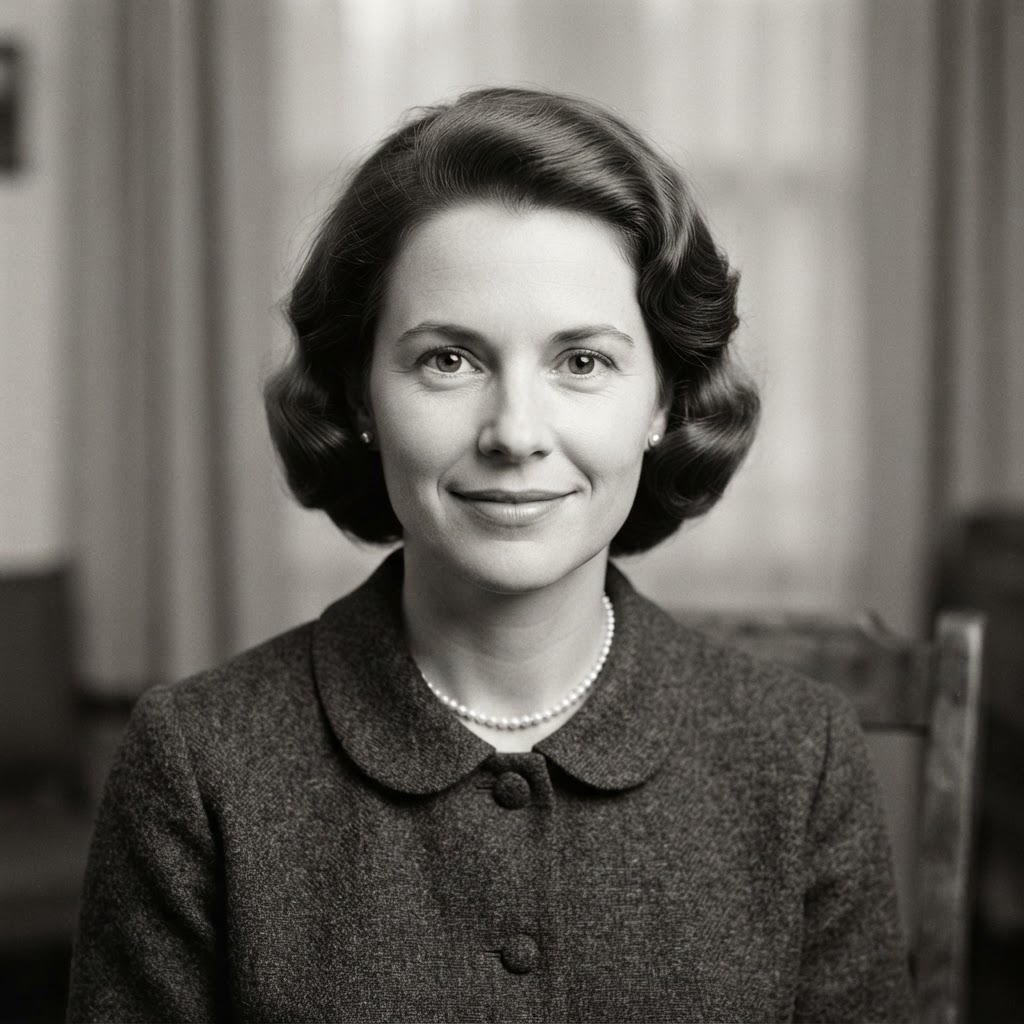

Carefully restore the uploaded vintage photograph: remove dust, scratches, crease marks, and fading while retaining the original facial structure, clothing, composition, and photographic era. Recover only plausible detail, preserve the…Archival Photograph Recovery — Prompt 1 →Carefully restore the uploaded vintage photograph: remove dust, scratches, crease marks, and fading while retaining the original facial structure, clothing, composition, and photographic era. Recover only plausible detail, preserve the…Archival Photograph Recovery — Prompt 2 →Carefully restore the uploaded vintage photograph: remove dust, scratches, crease marks, and fading while retaining the original facial structure, clothing, composition, and photographic era. Recover only plausible detail, preserve the…Archival Photograph Recovery — Prompt 3 →

FAQ

Restoration and Enhancement prompt questions

What defines a strong Restoration and Enhancement image prompt?

A strong Restoration and Enhancement prompt names the subject first, then adds the visual choices that carry the direction: composition, lighting, material, palette, atmosphere, and finish.

How should I adapt a Restoration and Enhancement prompt for my own project?

Keep the creative structure that makes Restoration and Enhancement recognizable, then replace the subject, location, palette, or intended use with details from your own brief.

Which generation details should I keep when recreating Restoration and Enhancement?

Start with the displayed aspect ratio and model, because both shape the composition. Change one visual variable at a time if you want to compare results clearly.

EXPLORE MORE

Other collections

Traditional & Cultural →Perspective →Historical & Art Movement →Animation & Illustration →Modern & Abstract →
Find Image Prompt logoFindImagePrompt.com

더 나은 프롬프트로 더 빛나는 아이디어를. 참고 이미지나 막연한 생각을 바로 활용할 수 있는 크리에이티브 디렉션으로 바꿔보세요.

고객 지원support@findimageprompt.com

FindImagePrompt - Featured on Startup FameFindImagePrompt on Nick LaunchesFindImagePrompt on ToolPilot.aiFind Image Prompt — Featured on Smol LaunchAI Directories BadgeVerified on DANG!Acid ToolsFeatured on Twelve ToolsLLM RelevanceFeatured on Findly.tools
Featured onBowora
Submit AI ToolsListed on Turbo0Featured on Wired BusinessFind Image Prompt on StartupTrustedGood AI ToolsFeatured on neeed.directoryFeatured on saasfame.comFeatured on DeepLaunch.ioFeatured on NewTool.siteFeatured on SimilarLabsFeatured on Starter Best
FindImagePrompt - Featured on Startup FameFindImagePrompt on Nick LaunchesFindImagePrompt on ToolPilot.aiFind Image Prompt — Featured on Smol LaunchAI Directories BadgeVerified on DANG!Acid ToolsFeatured on Twelve ToolsLLM RelevanceFeatured on Findly.tools
Featured onBowora
Submit AI ToolsListed on Turbo0Featured on Wired BusinessFind Image Prompt on StartupTrustedGood AI ToolsFeatured on neeed.directoryFeatured on saasfame.comFeatured on DeepLaunch.ioFeatured on NewTool.siteFeatured on SimilarLabsFeatured on Starter Best

도구

이미지를 프롬프트로텍스트를 프롬프트로AI 이미지 설명기ChatGPT 이미지 프롬프트 생성기Gemini AI 사진 프롬프트 생성기AI 이미지 생성기AI 사진 프롬프트비디오를 프롬프트로AI 이미지 프롬프트 생성기

소개 및 법적 고지

FindImagePrompt 소개프롬프트 갤러리블로그문의하기요금제개인정보 처리방침이용약관⚡ AI Tool ScoopAI Toolz Dir

© 2026 findimageprompt.com. 모든 권리 보유.