Find Image Prompt logoFindImagePrompt.com
홈
갤러리튜토리얼개발자피드백
Home/Gallery/Editing and Restyling

IMAGE PROMPT COLLECTION

Editing and Restyling Image Prompts

Explore Editing and Restyling image prompts across Editorial Hair Transformation, Architectural Double Exposure, Noir Fine-Art Monochrome. Every example pairs a finished AI image with reusable visual direction and recorded generation settings.

What makes a strong Editing and Restyling image prompt?

These examples pair a clear subject with deliberate visual choices—composition, lighting, material, mood, and point of view. Use them as complete starting points or adapt the details to your own concept.

Choose a subcategory to browse its full collection and open a specific image for its recorded prompt and generation settings.

SUBCATEGORY

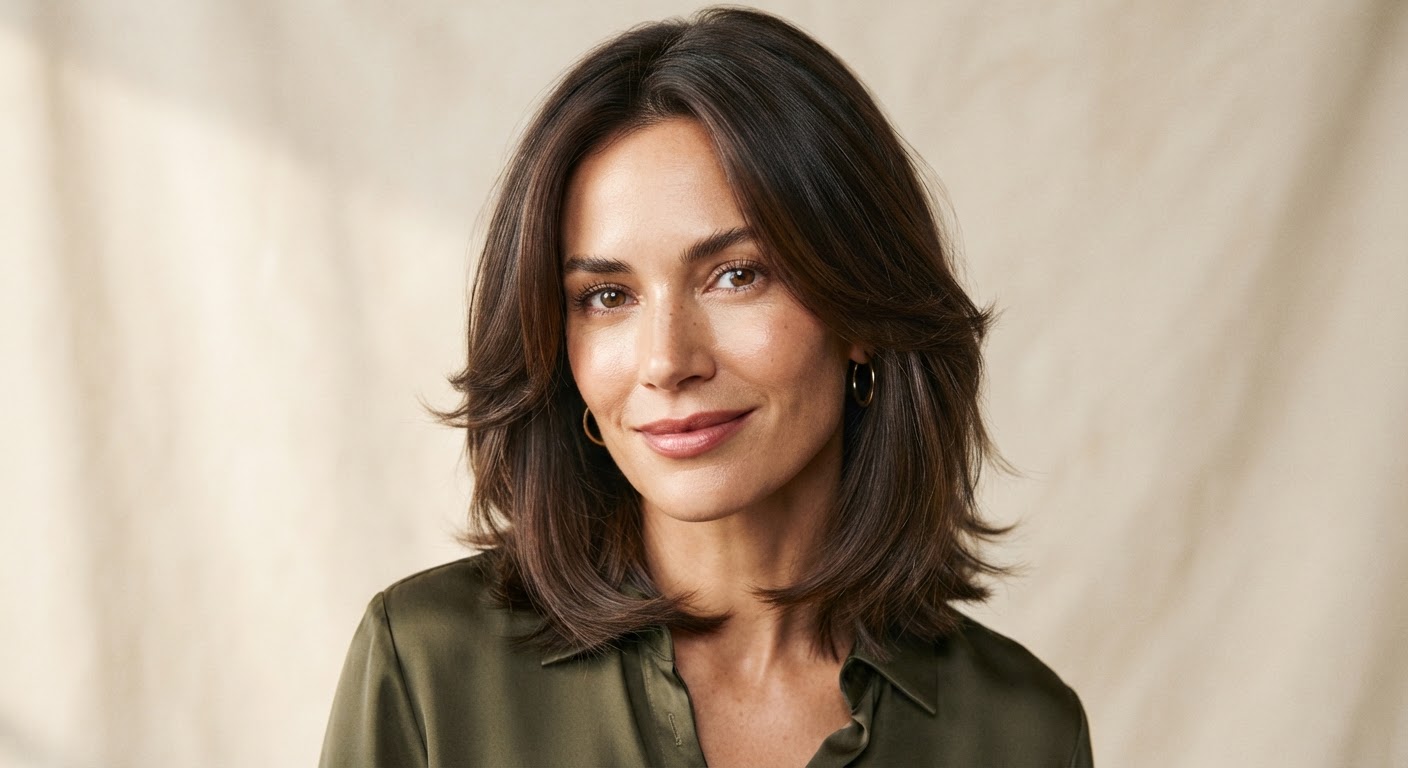
Editorial Hair Transformation

Browse Editorial Hair Transformation image prompts for Preserve the exact facial identity in the uploaded portrait and change only the hair to a glossy, softly layered cut with face-framing… Compare 3 finished AI image examples and their generation settings.

Explore Editorial Hair Transformation →
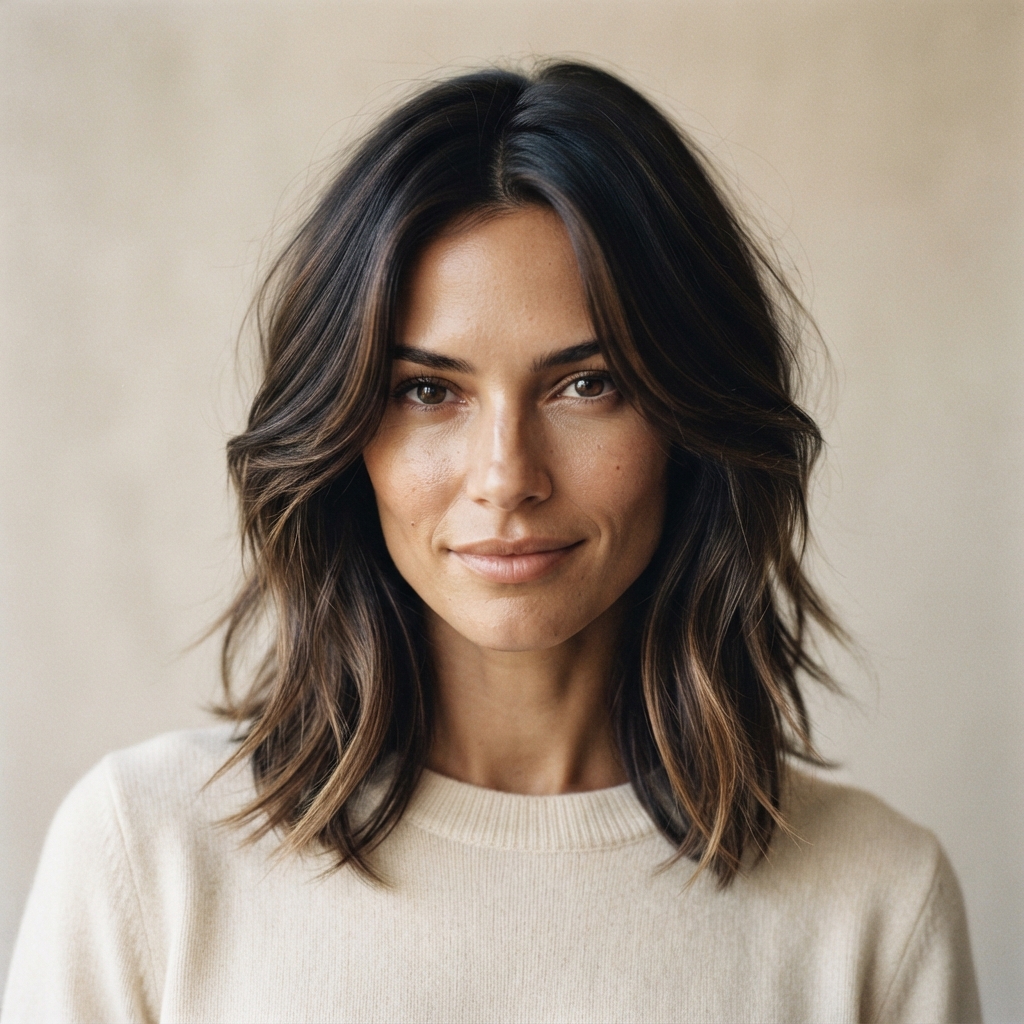
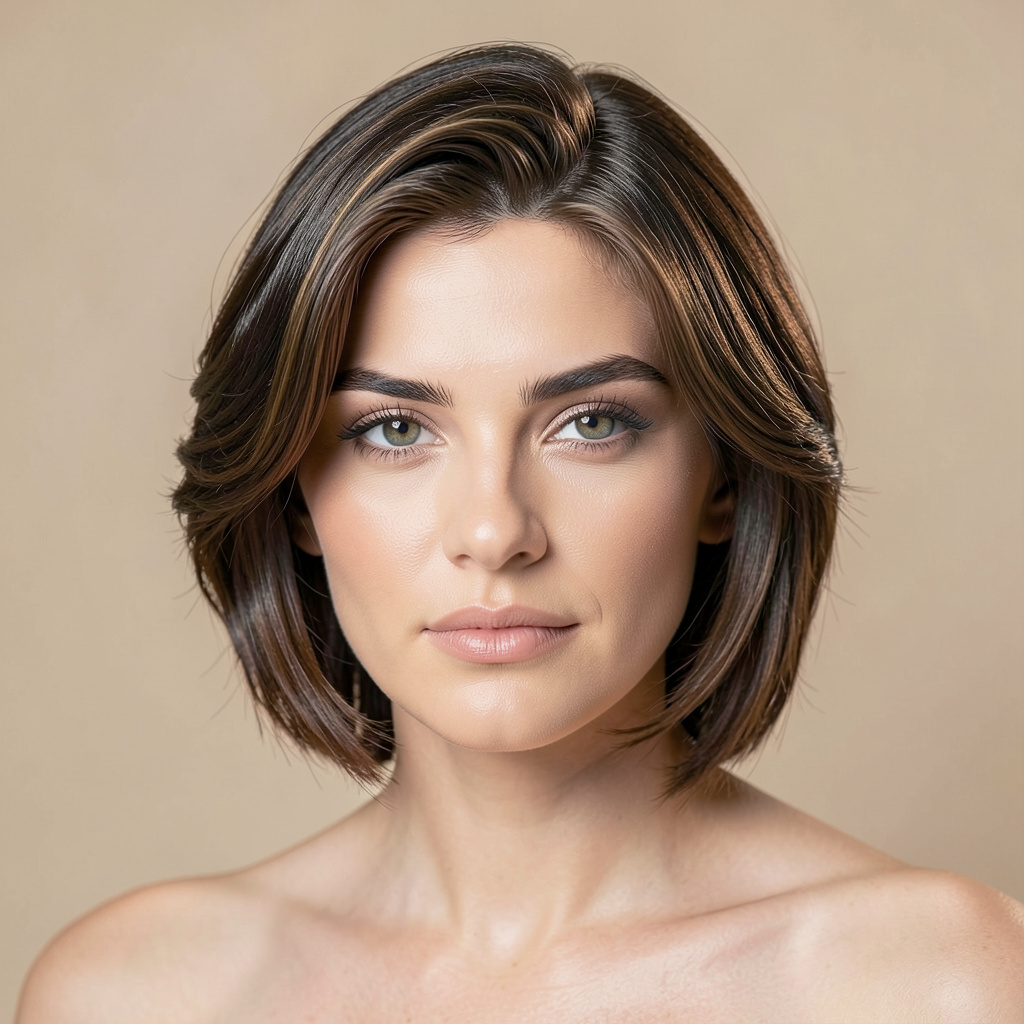
Preserve the exact facial identity in the uploaded portrait and change only the hair to a glossy, softly layered cut with face-framing movement. Render individual strands, natural root variation, and believable hairline detail. Add…Editorial Hair Transformation — Prompt 1 →Preserve the exact facial identity in the uploaded portrait and change only the hair to a glossy, softly layered cut with face-framing movement. Render individual strands, natural root variation, and believable hairline detail. Add…Editorial Hair Transformation — Prompt 2 →Preserve the exact facial identity in the uploaded portrait and change only the hair to a glossy, softly layered cut with face-framing movement. Render individual strands, natural root variation, and believable hairline detail. Add…Editorial Hair Transformation — Prompt 3 →

SUBCATEGORY

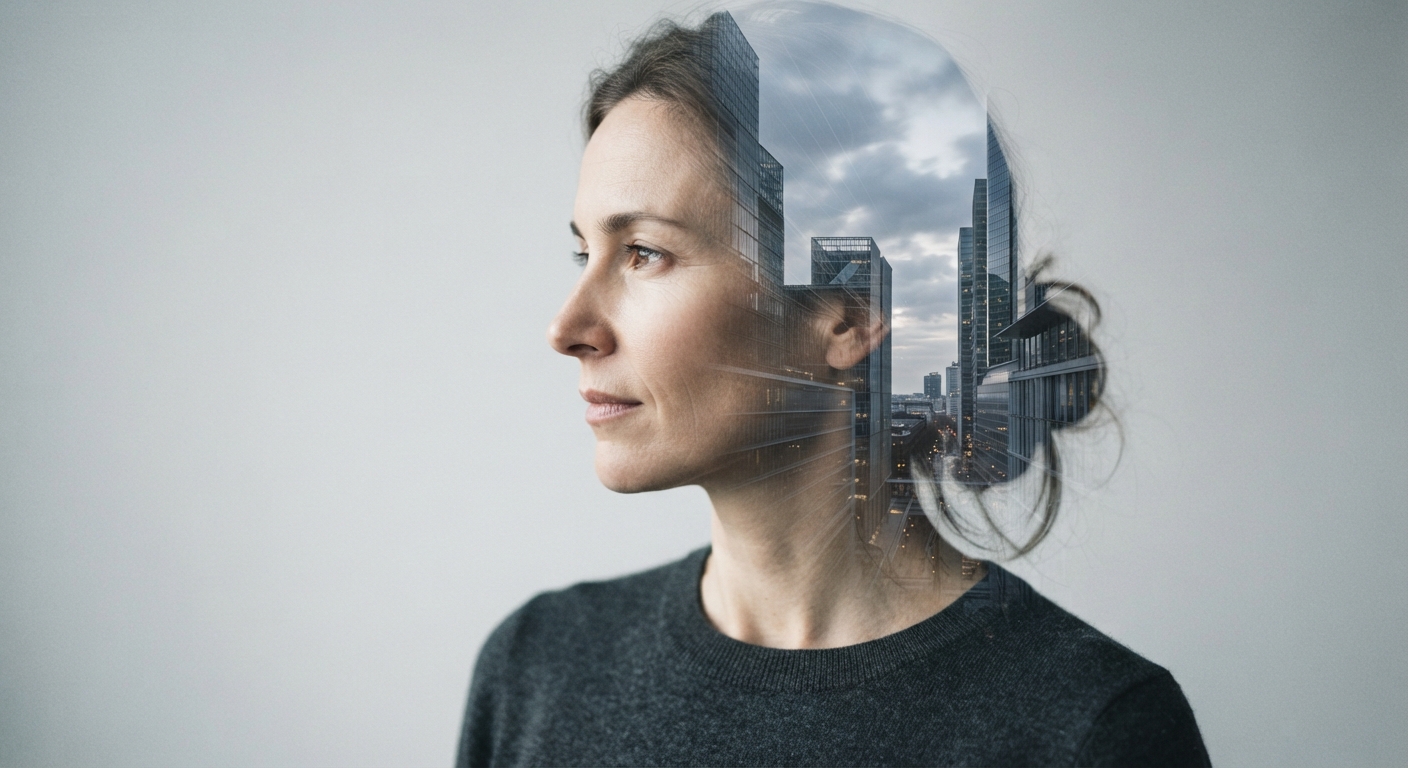
Architectural Double Exposure

Browse Architectural Double Exposure image prompts for Retain the uploaded person's recognizable face and create an elegant double-exposure artwork. Blend a translucent modernist cityscape… Compare 3 finished AI image examples and their generation settings.

Explore Architectural Double Exposure →
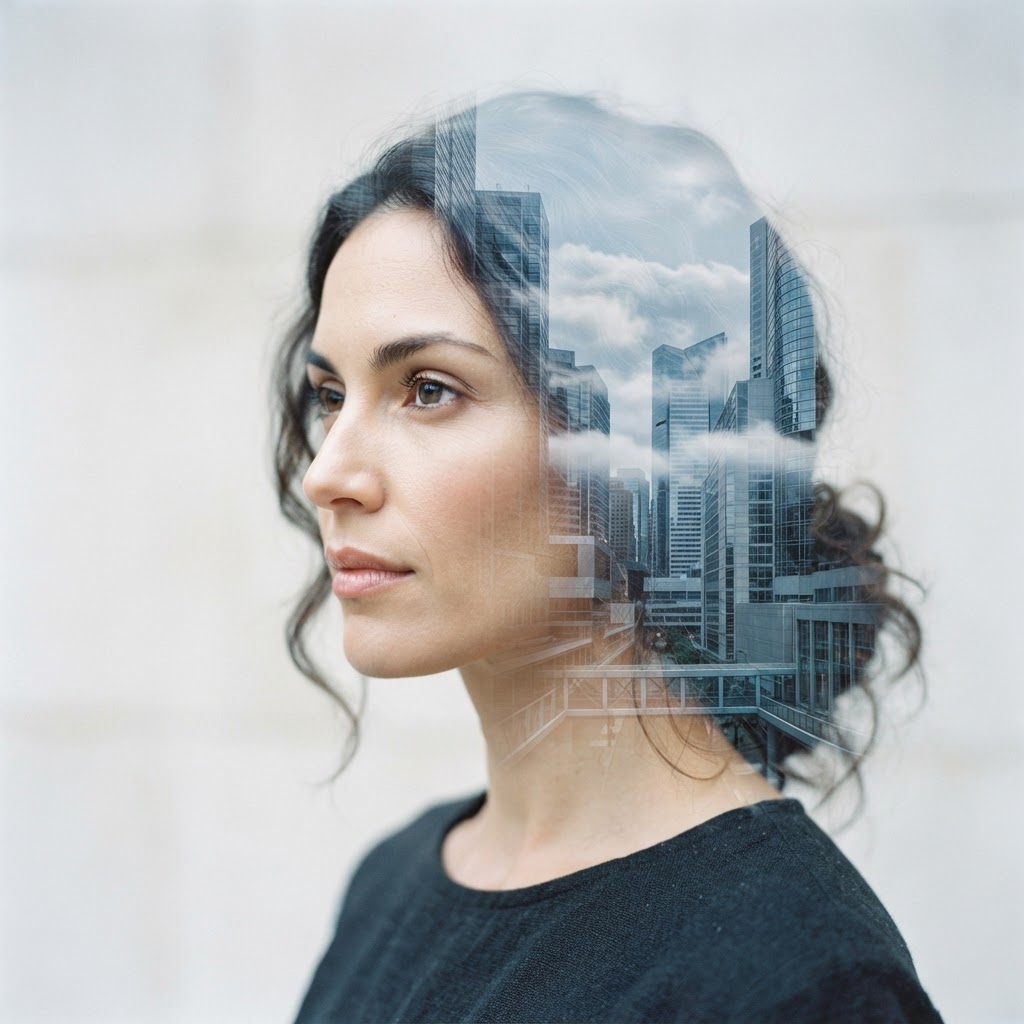
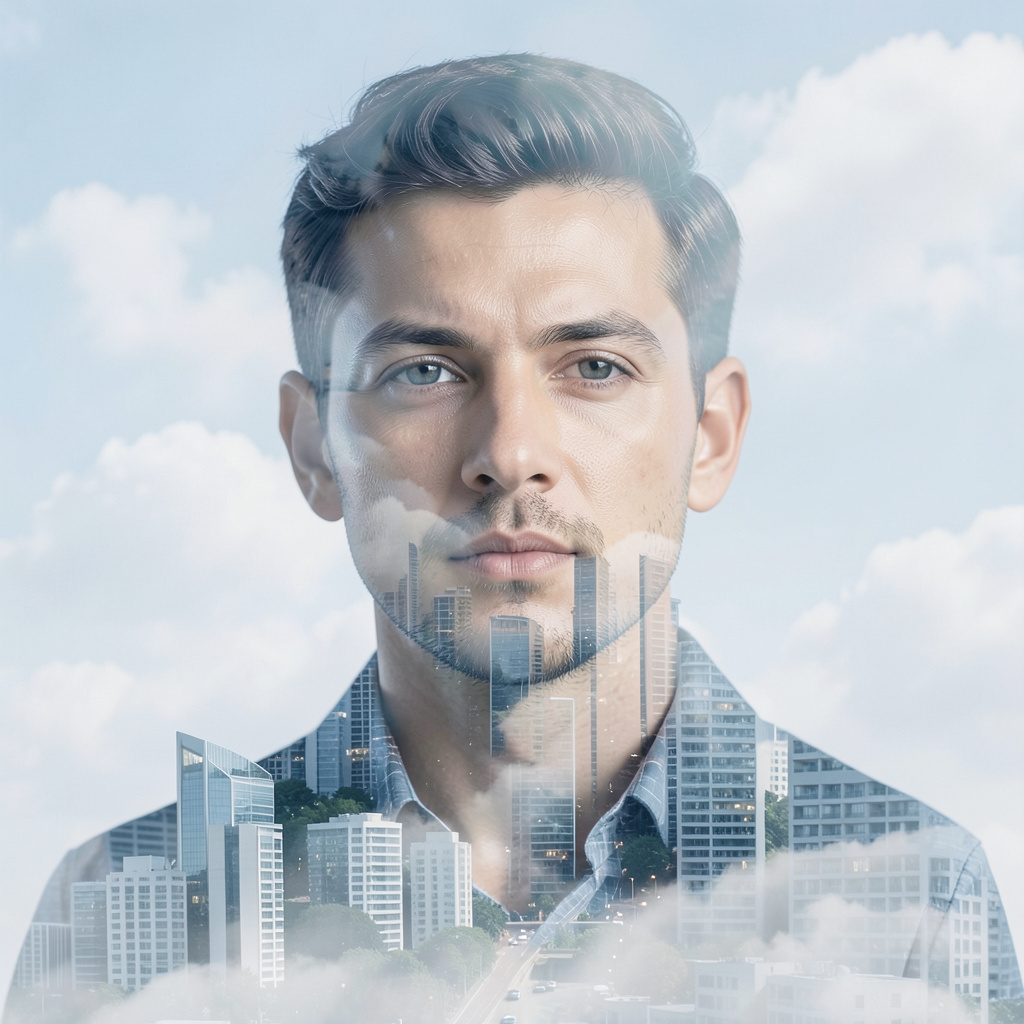
Retain the uploaded person's recognizable face and create an elegant double-exposure artwork. Blend a translucent modernist cityscape and slow-moving clouds through the outer silhouette, while keeping the eyes and facial contours clear in…Architectural Double Exposure — Prompt 1 →Retain the uploaded person's recognizable face and create an elegant double-exposure artwork. Blend a translucent modernist cityscape and slow-moving clouds through the outer silhouette, while keeping the eyes and facial contours clear in…Architectural Double Exposure — Prompt 2 →Retain the uploaded person's recognizable face and create an elegant double-exposure artwork. Blend a translucent modernist cityscape and slow-moving clouds through the outer silhouette, while keeping the eyes and facial contours clear in…Architectural Double Exposure — Prompt 3 →

SUBCATEGORY

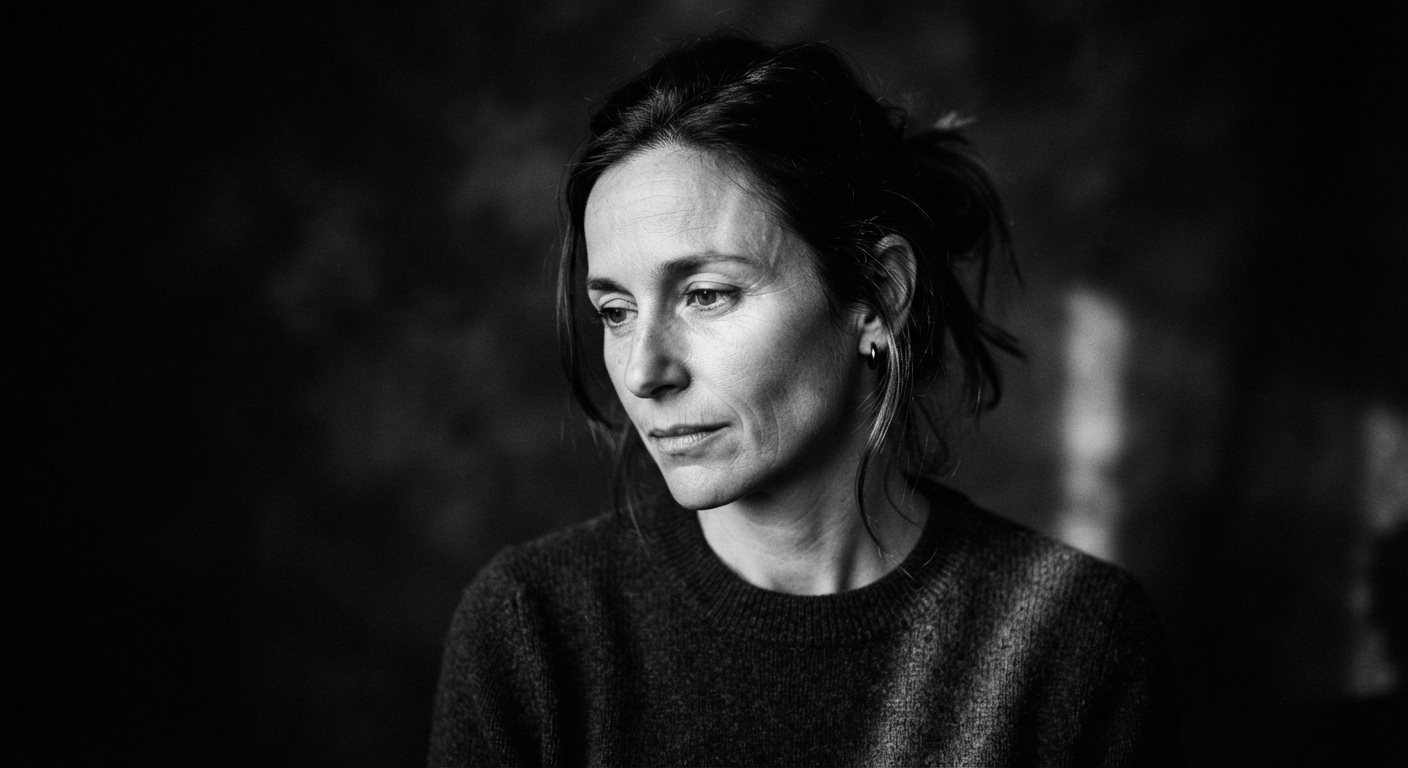
Noir Fine-Art Monochrome

Browse Noir Fine-Art Monochrome image prompts for Convert the uploaded image into a gallery-style black-and-white portrait while retaining the exact face. Use a narrow shaft of side… Compare 3 finished AI image examples and their generation settings.

Explore Noir Fine-Art Monochrome →
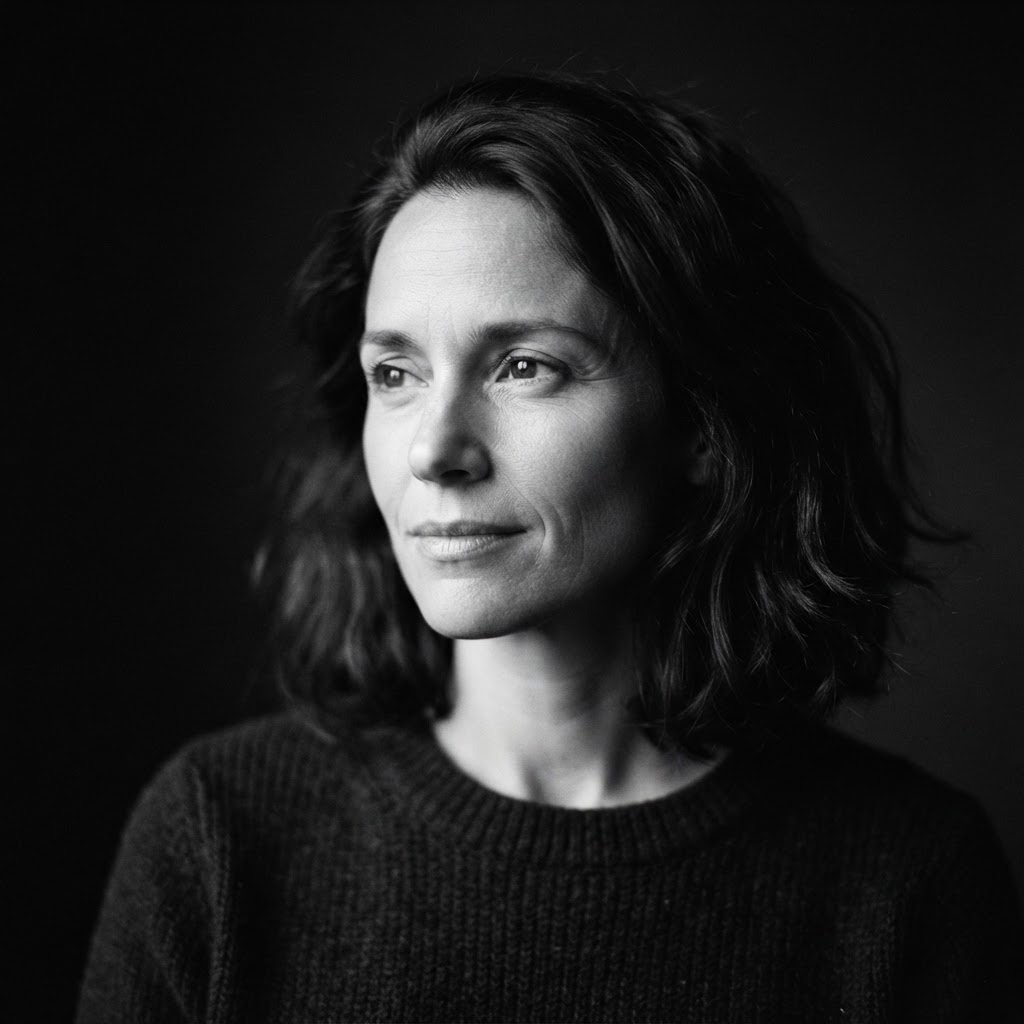
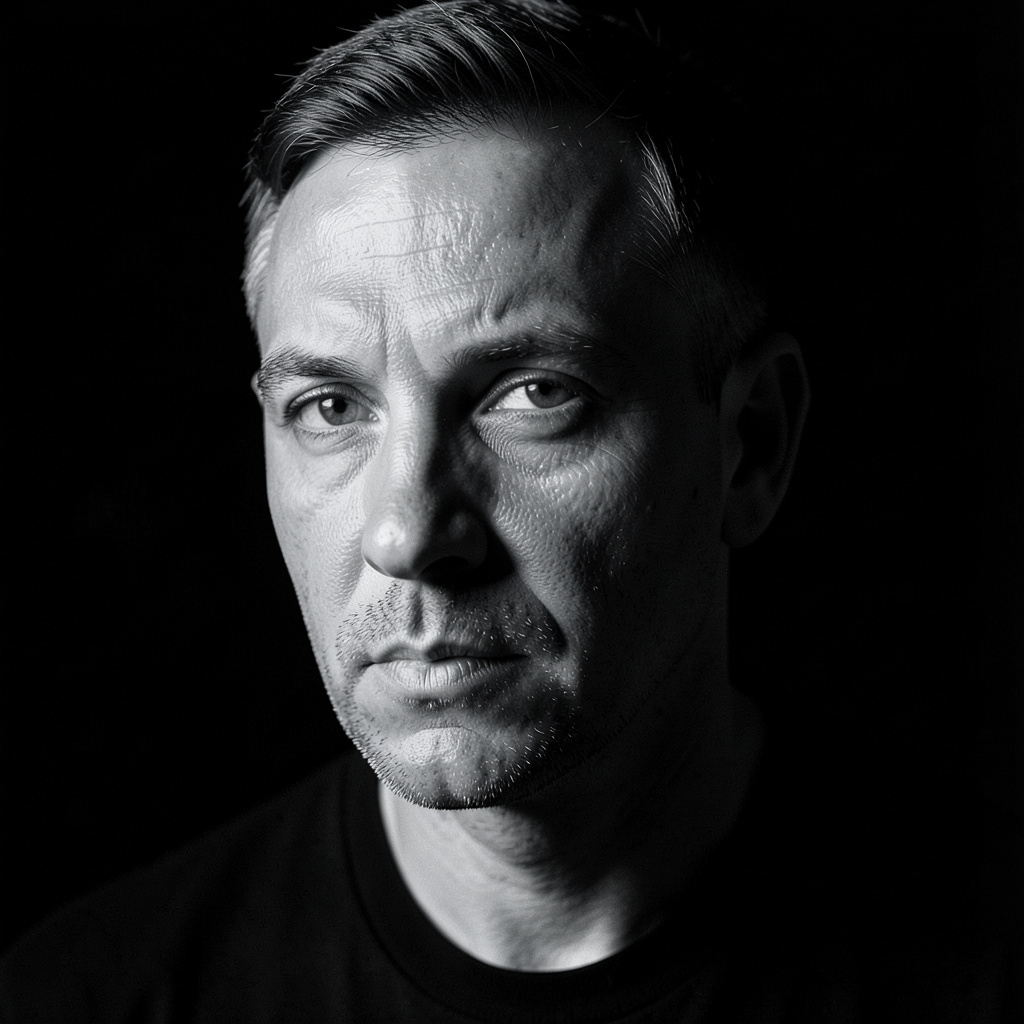
Convert the uploaded image into a gallery-style black-and-white portrait while retaining the exact face. Use a narrow shaft of side light, velvety blacks, luminous midtones, visible fine grain, and a near-black background. Keep the pose…Noir Fine-Art Monochrome — Prompt 1 →Convert the uploaded image into a gallery-style black-and-white portrait while retaining the exact face. Use a narrow shaft of side light, velvety blacks, luminous midtones, visible fine grain, and a near-black background. Keep the pose…Noir Fine-Art Monochrome — Prompt 2 →Convert the uploaded image into a gallery-style black-and-white portrait while retaining the exact face. Use a narrow shaft of side light, velvety blacks, luminous midtones, visible fine grain, and a near-black background. Keep the pose…Noir Fine-Art Monochrome — Prompt 3 →

SUBCATEGORY

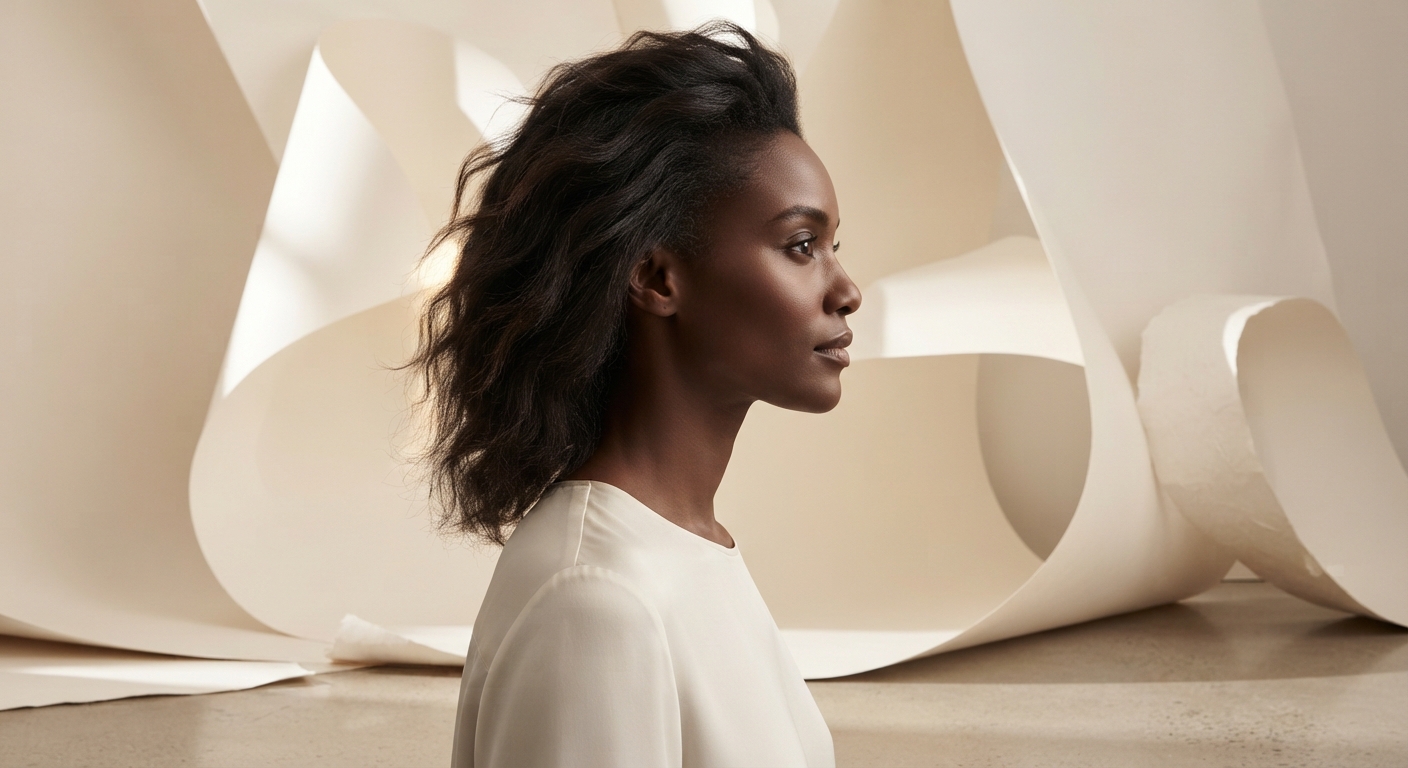
Soft Paper Studio Swap

Browse Soft Paper Studio Swap image prompts for Leave the person in the uploaded image completely unchanged and replace only the setting with a sculptural studio of warm off-white… Compare 3 finished AI image examples and their generation settings.

Explore Soft Paper Studio Swap →
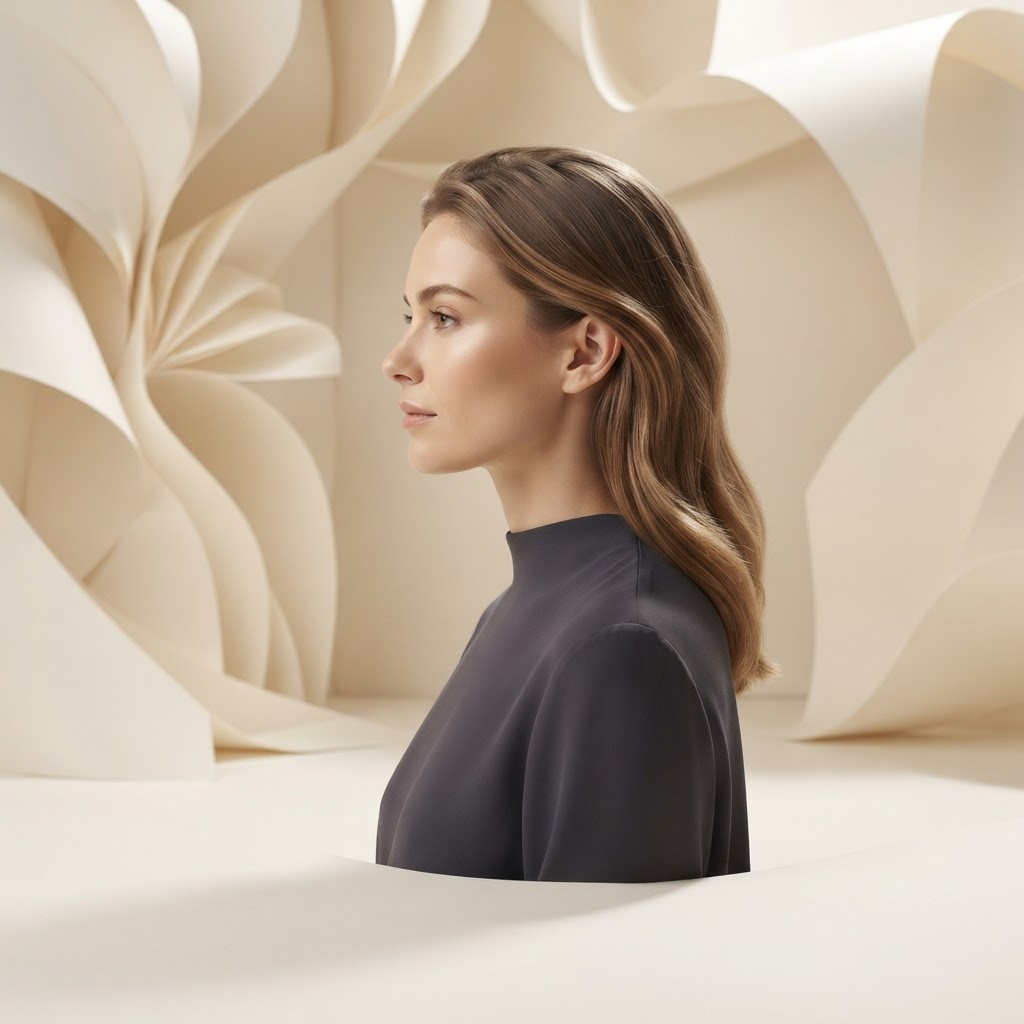
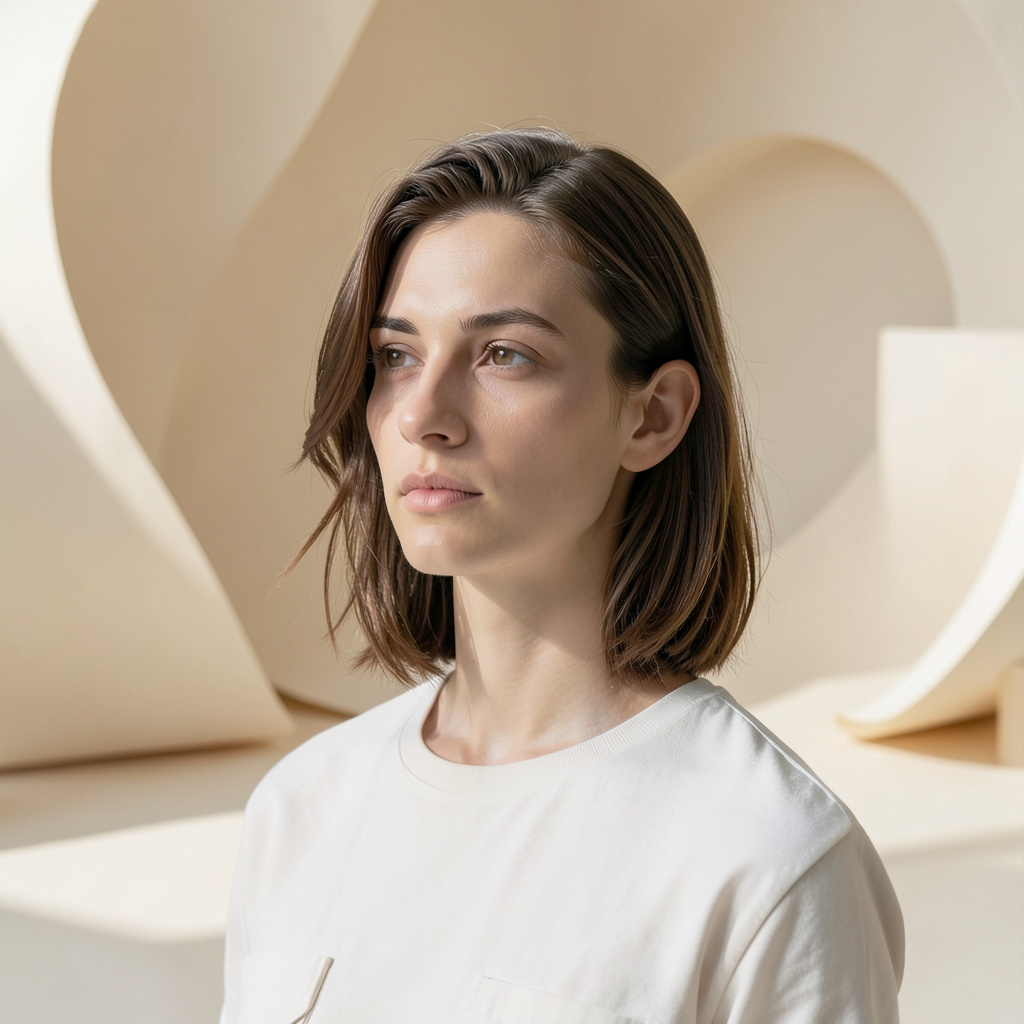
Leave the person in the uploaded image completely unchanged and replace only the setting with a sculptural studio of warm off-white paper curves. Match the original light direction, add gentle floor shadows and clean separation around the…Soft Paper Studio Swap — Prompt 1 →Leave the person in the uploaded image completely unchanged and replace only the setting with a sculptural studio of warm off-white paper curves. Match the original light direction, add gentle floor shadows and clean separation around the…Soft Paper Studio Swap — Prompt 2 →Leave the person in the uploaded image completely unchanged and replace only the setting with a sculptural studio of warm off-white paper curves. Match the original light direction, add gentle floor shadows and clean separation around the…Soft Paper Studio Swap — Prompt 3 →

SUBCATEGORY

Contemporary Founder Portrait

Browse Contemporary Founder Portrait image prompts for Keep the uploaded face, expression, and pose unchanged, then elevate the image into a modern founder portrait. Replace the wardrobe… Compare 3 finished AI image examples and their generation settings.

Explore Contemporary Founder Portrait →

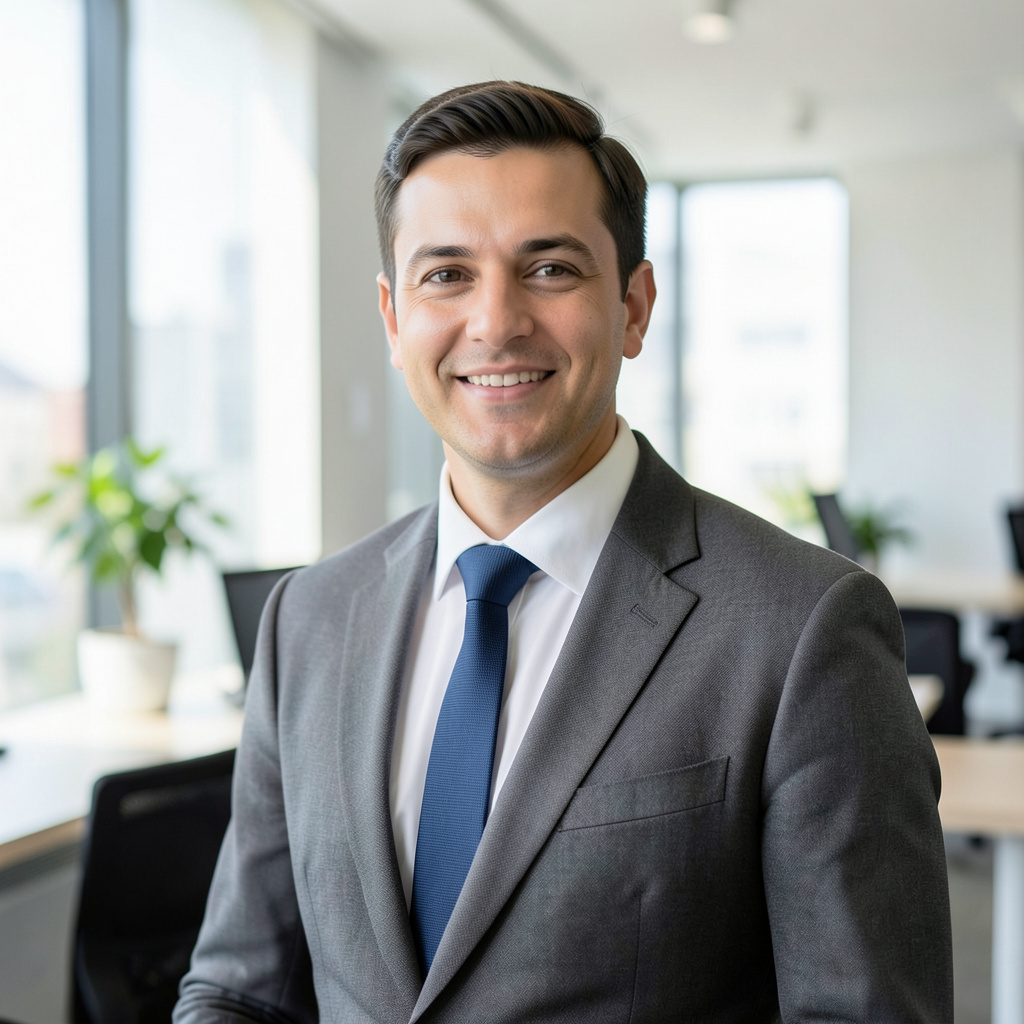
Keep the uploaded face, expression, and pose unchanged, then elevate the image into a modern founder portrait. Replace the wardrobe with a relaxed tailored suit in warm gray, set it in a bright architectural workspace, and use soft daylight…Contemporary Founder Portrait — Prompt 1 →Keep the uploaded face, expression, and pose unchanged, then elevate the image into a modern founder portrait. Replace the wardrobe with a relaxed tailored suit in warm gray, set it in a bright architectural workspace, and use soft daylight…Contemporary Founder Portrait — Prompt 2 →Keep the uploaded face, expression, and pose unchanged, then elevate the image into a modern founder portrait. Replace the wardrobe with a relaxed tailored suit in warm gray, set it in a bright architectural workspace, and use soft daylight…Contemporary Founder Portrait — Prompt 3 →

FAQ

Editing and Restyling prompt questions

What defines a strong Editing and Restyling image prompt?

A strong Editing and Restyling prompt names the subject first, then adds the visual choices that carry the direction: composition, lighting, material, palette, atmosphere, and finish.

How should I adapt a Editing and Restyling prompt for my own project?

Keep the creative structure that makes Editing and Restyling recognizable, then replace the subject, location, palette, or intended use with details from your own brief.

Which generation details should I keep when recreating Editing and Restyling?

Start with the displayed aspect ratio and model, because both shape the composition. Change one visual variable at a time if you want to compare results clearly.

EXPLORE MORE

Other collections

Traditional & Cultural →Perspective →Historical & Art Movement →Animation & Illustration →Modern & Abstract →
Find Image Prompt logoFindImagePrompt.com

더 나은 프롬프트로 더 빛나는 아이디어를. 참고 이미지나 막연한 생각을 바로 활용할 수 있는 크리에이티브 디렉션으로 바꿔보세요.

고객 지원support@findimageprompt.com

FindImagePrompt - Featured on Startup FameFindImagePrompt on Nick LaunchesFindImagePrompt on ToolPilot.aiFind Image Prompt — Featured on Smol LaunchAI Directories BadgeVerified on DANG!Acid ToolsFeatured on Twelve ToolsLLM RelevanceFeatured on Findly.tools
Featured onBowora
Submit AI ToolsListed on Turbo0Featured on Wired BusinessFind Image Prompt on StartupTrustedGood AI ToolsFeatured on neeed.directoryFeatured on saasfame.comFeatured on DeepLaunch.ioFeatured on NewTool.siteFeatured on SimilarLabsFeatured on Starter Best
FindImagePrompt - Featured on Startup FameFindImagePrompt on Nick LaunchesFindImagePrompt on ToolPilot.aiFind Image Prompt — Featured on Smol LaunchAI Directories BadgeVerified on DANG!Acid ToolsFeatured on Twelve ToolsLLM RelevanceFeatured on Findly.tools
Featured onBowora
Submit AI ToolsListed on Turbo0Featured on Wired BusinessFind Image Prompt on StartupTrustedGood AI ToolsFeatured on neeed.directoryFeatured on saasfame.comFeatured on DeepLaunch.ioFeatured on NewTool.siteFeatured on SimilarLabsFeatured on Starter Best

도구

이미지를 프롬프트로텍스트를 프롬프트로AI 이미지 설명기ChatGPT 이미지 프롬프트 생성기Gemini AI 사진 프롬프트 생성기AI 이미지 생성기AI 사진 프롬프트비디오를 프롬프트로AI 이미지 프롬프트 생성기

소개 및 법적 고지

FindImagePrompt 소개프롬프트 갤러리블로그문의하기요금제개인정보 처리방침이용약관⚡ AI Tool ScoopAI Toolz Dir

© 2026 findimageprompt.com. 모든 권리 보유.